| Item | Details |
|---|---|
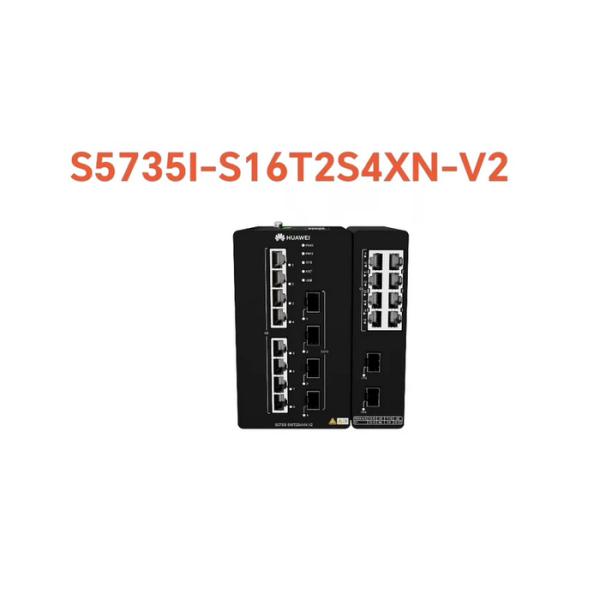
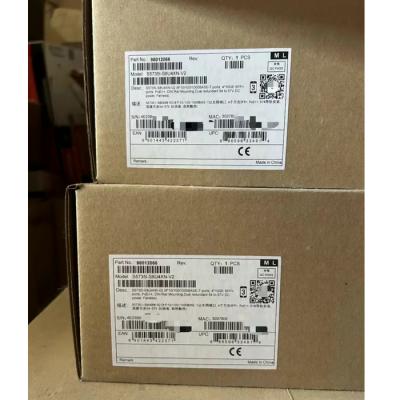
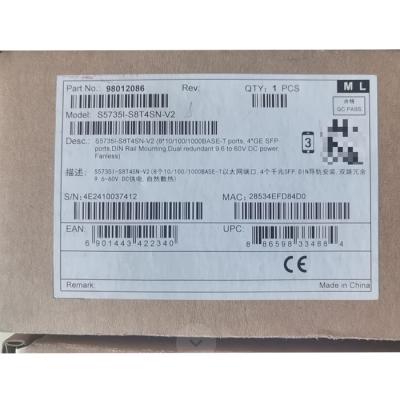
| Description | S5735I-S16T2S4XN-V2 (16*10/100/1000BASE-T ports,2*GE SFP ports,4*10GE SFP+ ports, DIN Rail Mounting, Dual redundant 9.6 to 60V DC power, Fanless) |
| Part Number | 98012427 |
| Model | S5735I-S16T2S4XN-V2 |
| First supported version | V600R024C00 |
|
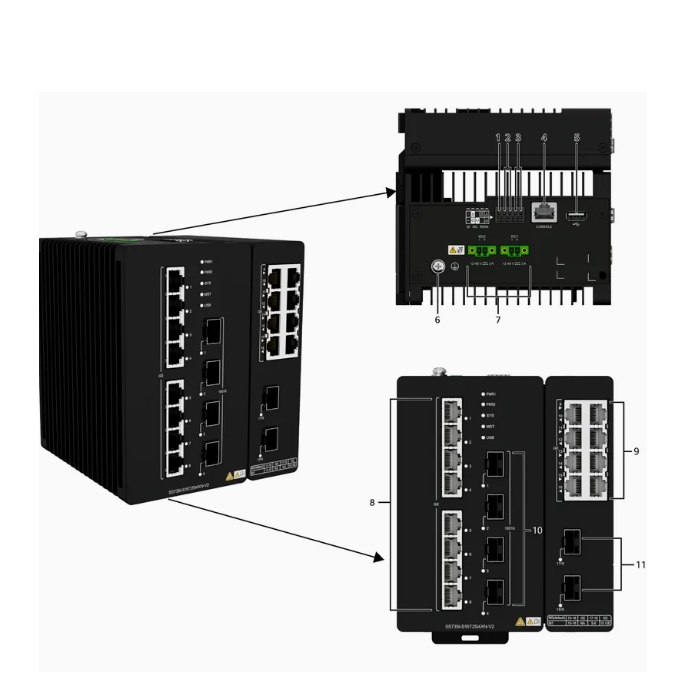
1 |
DI port |
2 |
DO port |
|
3 |
RS485 port |
4 |
One console port |
|
5 |
One USB port |
6 |
Ground screw NOTE:
It is used with a ground cable. |
|
7 |
Two DC power input ports NOTE:
The following external power module can be configured: PAC60S12-AN |
8 |
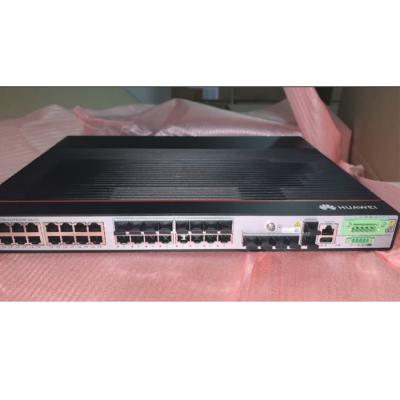
Eight 10/100/1000BASE-T ports |
|
9 |
Eight 10/100/1000BASE-T ports NOTE:
You can run the port combination-mode command to configure the working mode of GE electrical ports, GE optical ports, and 10GE SFP+ Ethernet optical ports. By default, the M0 mode (8 x GE electrical ports and 2 x GE/FE optical ports) is used. You can also change this mode to M1 mode (4 x GE electrical ports + 2 x GE/10GE optical ports).
|
10 |
Four 10GE SFP+ ports |
|
11 |
Two 1000BASE-X ports or two 10GE SFP+ ports NOTE:
You can run the port combination-mode command to configure the working mode of GE electrical ports, GE optical ports, and 10GE SFP+ Ethernet optical ports. By default, the M0 mode (8 x GE electrical ports and 2 x GE/FE optical ports) is used. You can also change this mode to M1 mode (4 x GE electrical ports + 2 x GE/10GE optical ports).
|
12 |
- |
Table 4-1386 Ports on the S5735I-S16T2S4XN-V2
| Port | Connector Type | Description | Available Components |
|---|---|---|---|
| 10/100/1000BASE-T port | RJ45 | A 10/100/1000BASE-T Ethernet electrical port sends and receives service data at 10/100/1000 Mbit/s. |
Ethernet cable |
| 10GE SFP+ optical port | SFP+ | A 10GE SFP+ Ethernet optical port supports auto-sensing to 1000 Mbit/s. It sends and receives service data at 1000 Mbit/s or 10 Gbit/s. |
|
| 100/1000BASE-X port | SFP |
A 100/1000BASE-X port can send and receive data at 100 Mbit/s or 1000 Mbit/s. By default, the port works as a 100/1000BASE-X port. You can run the port combination-mode command to switch the working mode to 10GE SFP+. After the switching, GE electrical ports 13 to 16 are unavailable. |
|
| Console port | RJ45 | The console port is connected to a console for on-site configuration. |
Console cable |
| USB port | USB 2.0 Type A |
The USB port can have a USB flash drive connected to upgrade the switch, or transfer configuration files or other files. The USB port can only connect to a USB flash drive that complies with USB 2.0. USB flash drives from different vendors differ in model compatibility and drivers. If a USB flash drive cannot be used, try to replace it with another one from a mainstream vendor. |
USB flash drive |
| RS-485 port | 2x5-Pin Phoenix Connector |
The RS-485 port is used for data collection.
The default configurations of the RS-485 port are as follows:
|
2x5-Pin Phoenix Connector |
| DI port | 2x5-Pin Phoenix Connector |
The DI port is used to check remote communication input and level signals. Signal type: Passive DI signals, Boolean value (short circuit and open circuit) |
2x5-Pin Phoenix Connector |
| DO port | 2x5-Pin Phoenix Connector |
The DO port outputs signals so that the connected device can take corresponding actions. Signal type: Passive DO signals, Boolean value (short circuit and open circuit) External power supply: voltage less than 60 V DC and circuit current less than 0.5 A |
2x5-Pin Phoenix Connector |