Specifications
Brand Name :
Huawei
Model Number :
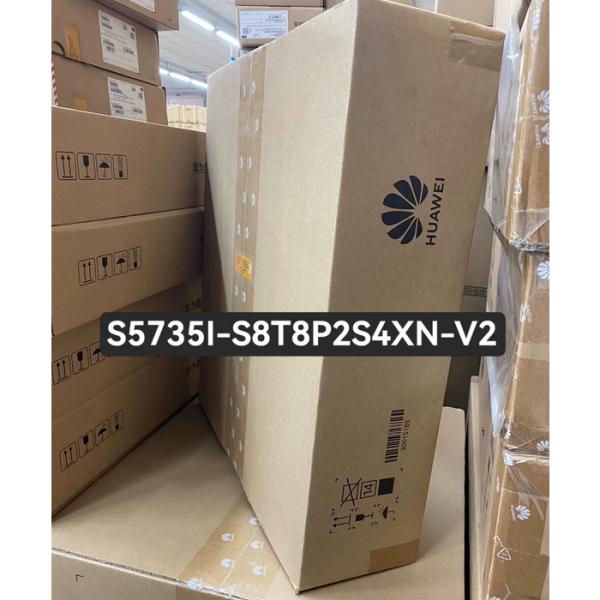
S5735I-S8T8P2S4XN-V2
Certification :
CE
Place of Origin :
China
MOQ :
1pc
Price :
$799
Payment Terms :
T/T,Western Union
Supply Ability :
1000pcs
Delivery Time :
3 days
Packaging Details :
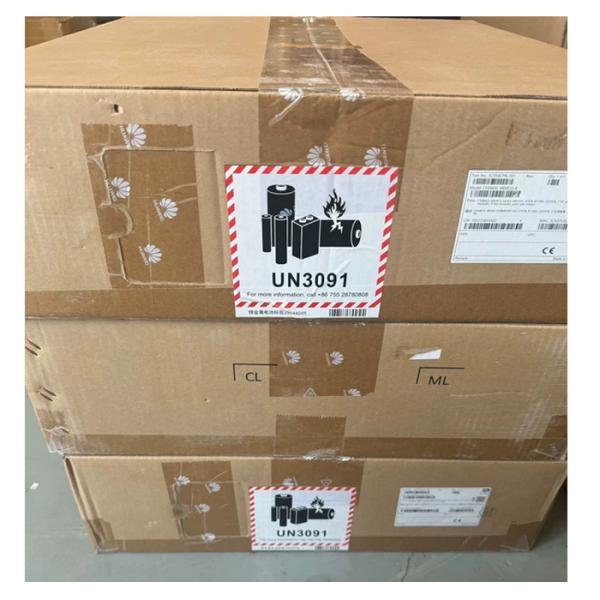
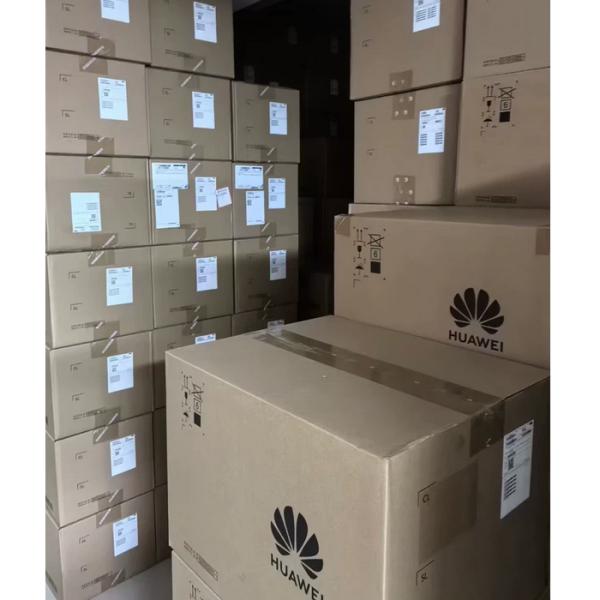
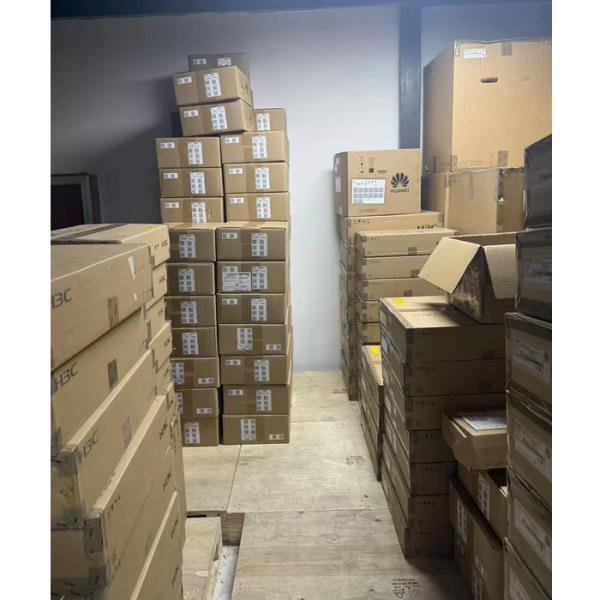
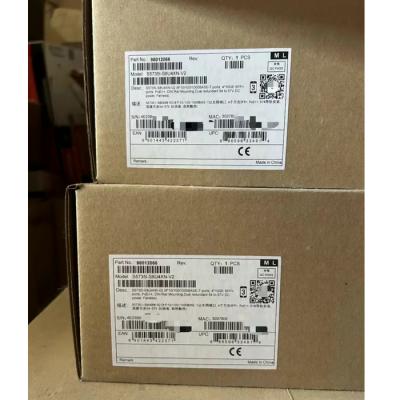
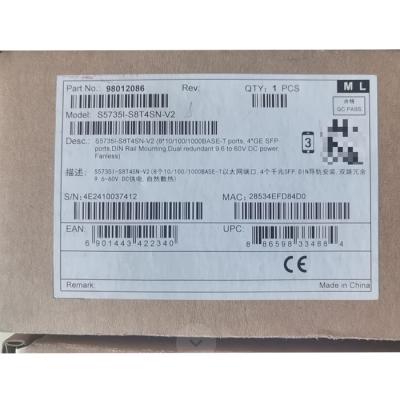
Huawei Original Box
Description :
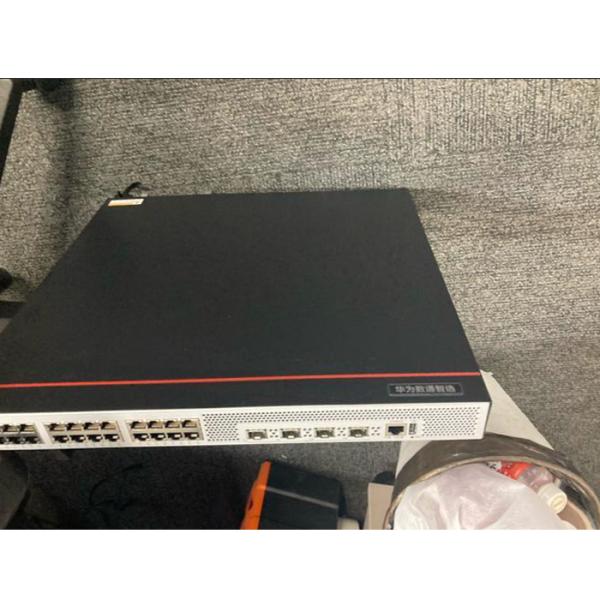
16*10/100/1000BASE-T ports,8*POE+,2*GE SFP ports, 4*10GE SFP+ ports, DIN Rail Mounting, Dual redundant 54 to 57V DC power, Fanless
Condition :
Original New Huawei
Description

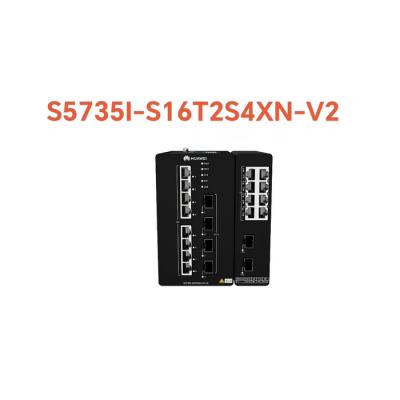
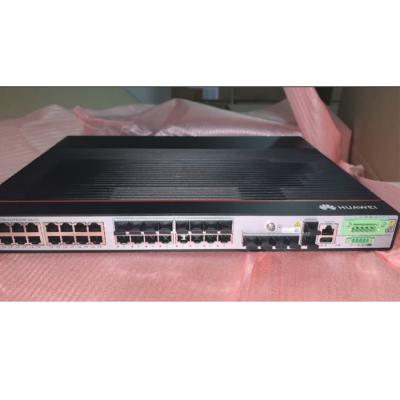
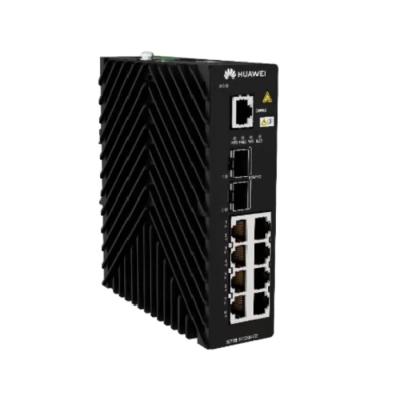
S5735I-S8T8P2S4XN-V2 (98012426) Huawei Industrial Switch 16 ports with 8*POE+ 2*GE SFP ports 4*10GE SFP+ ports


Overview

Table 4-1349 Basic information about the S5735I-S8T8P2S4XN-V2
Item Details
Description S5735I-S8T8P2S4XN-V2 (16*10/100/1000BASE-T ports,8*POE+,2*GE SFP ports, 4*10GE SFP+ ports, DIN Rail Mounting, Dual redundant 54 to 57V DC power, Fanless)
Part Number 98012426
Model S5735I-S8T8P2S4XN-V2
First supported version V600R024C00

Components

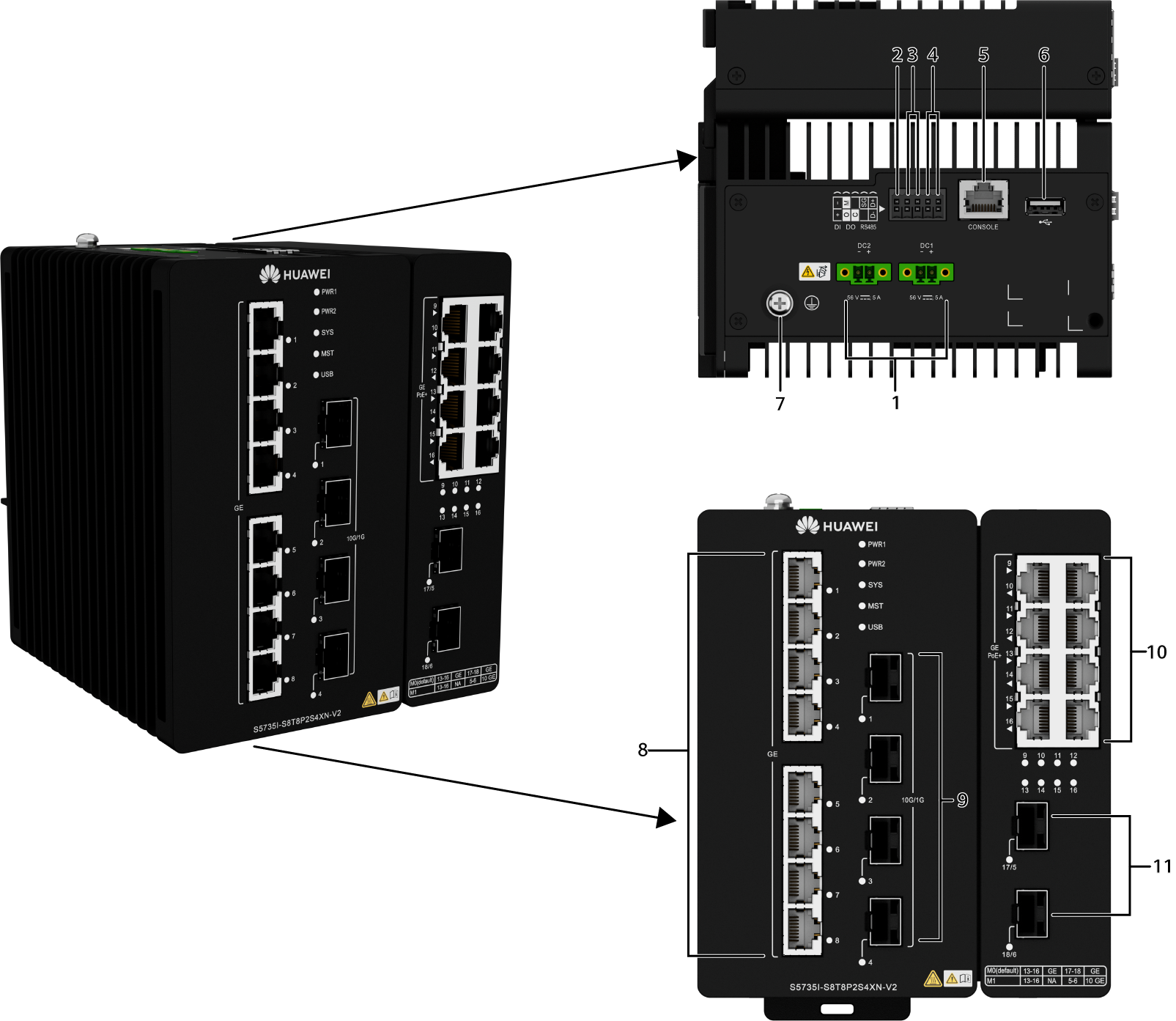
Figure 4-429 S5735I-S8T8P2S4XN-V2 appearance

S5735I-S8T8P2S4XN-V2 Huawei Industrial Switch 16 ports with 8*POE+  2*GE SFP ports  4*10GE SFP+ ports

1

Two DC power input ports

NOTE:

The following external power module can be configured:

PAC240S56-CN (240 W PoE AC&HVDC Power)

2

DI port

3

DO port

4

RS485 port

5

One console port

6

One USB port

7

Ground screw

NOTE:

It is used with a ground cable.

8

Eight 10/100/1000BASE-T ports

9

Four 10GE SFP+ ports

10

Eight 10/100/1000BASE-T PoE+ ports

NOTE:

You can run the port combination-mode command to configure the working mode of GE electrical ports, GE optical ports, and 10GE SFP+ Ethernet optical ports. By default, the M0 mode (8 x GE electrical ports and 2 x GE/FE optical ports) is used. You can also change this mode to M1 mode (4 x GE electrical ports + 2 x GE/10GE optical ports).

  • M0 mode (default): 8 x GE electrical ports + 2 x GE/FE optical ports. 10GE SFP+ Ethernet optical modules cannot be installed in optical ports 5 and 6.
  • M1 mode: 4 x GE electrical ports + 2 x GE/10GE optical ports. The GE electrical ports 13 to 16 are unavailable.

11

Two 1000BASE-X ports or two 10GE SFP+ ports

NOTE:

You can run the port combination-mode command to configure the working mode of GE electrical ports, GE optical ports, and 10GE SFP+ Ethernet optical ports. By default, the M0 mode (8 x GE electrical ports and 2 x GE/FE optical ports) is used. You can also change this mode to M1 mode (4 x GE electrical ports + 2 x GE/10GE optical ports).

  • M0 mode (default): 8 x GE electrical ports + 2 x GE/FE optical ports. 10GE SFP+ Ethernet optical modules cannot be installed in optical ports 5 and 6.
  • M1 mode: 4 x GE electrical ports + 2 x GE/10GE optical ports. The GE electrical ports 13 to 16 are unavailable.

12

-

Table 4-1350 Ports on the S5735I-S8T8P2S4XN-V2
Port Connector Type Description Available Components
10/100/1000BASE-T port RJ45 A 10/100/1000BASE-T Ethernet electrical port sends and receives service data at 10/100/1000 Mbit/s.

Ethernet cable

10GE SFP+ optical port SFP+ A 10GE SFP+ Ethernet optical port supports auto-sensing to 1000 Mbit/s. It sends and receives service data at 1000 Mbit/s or 10 Gbit/s.
  • Industrial optical modules (only optical modules with 10 Gbit/s transmission speed and transmission distances less than or equal to 10 km are supported)
  • 3 m SFP+ high-speed copper cables
  • 0.5 m and 1.5 m SFP+ dedicated stack cables
  • GE SFP copper module
  • PEN remote optical modules (V600R024C10 and later versions)
100/1000BASE-X port SFP

A 100/1000BASE-X port can send and receive data at 100 Mbit/s or 1000 Mbit/s.

By default, the port works as a 100/1000BASE-X port. You can run the port combination-mode command to switch the working mode to 10GE SFP+. After the switching, GE electrical ports 13 to 16 are unavailable.

  • Industrial optical modules
  • 3 m SFP+ high-speed copper cables
  • 0.5 m and 1.5 m SFP+ dedicated stack cables
  • GE SFP copper module
Console port RJ45 The console port is connected to a console for on-site configuration.

Console cable

USB port USB 2.0 Type A

The USB port can have a USB flash drive connected to upgrade the switch, or transfer configuration files or other files. The USB port can only connect to a USB flash drive that complies with USB 2.0.

USB flash drives from different vendors differ in model compatibility and drivers. If a USB flash drive cannot be used, try to replace it with another one from a mainstream vendor.

USB flash drive

RS-485 port 2x5-Pin Phoenix Connector

The RS-485 port is used for data collection.

  • Standards compliance: RS-485
  • Working mode: Half-duplex
  • Supported rates: 1200 bit/s, 2400 bit/s, 4800 bit/s, 9600 bit/s, 19200 bit/s, 38400 bit/s, 57600 bit/s, and 115200 bit/s
  • Maximum number of nodes that can be mounted: 64
  • Maximum communication distance: 1 km @ 9600 bit/s

The default configurations of the RS-485 port are as follows:

  • Baud rate: 9600 bit/s
  • Flow control: None
  • Parity check: None
  • Stop bits: 1
  • Data bits: 8

2x5-Pin Phoenix Connector

DI port 2x5-Pin Phoenix Connector

The DI port is used to check remote communication input and level signals.

Signal type: Passive DI signals, Boolean value (short circuit and open circuit)

2x5-Pin Phoenix Connector

DO port 2x5-Pin Phoenix Connector

The DO port outputs signals so that the connected device can take corresponding actions.

Signal type: Passive DO signals, Boolean value (short circuit and open circuit)

External power supply: voltage less than 60 V DC and circuit current less than 0.5 A

2x5-Pin Phoenix Connector

Indicators and Buttons

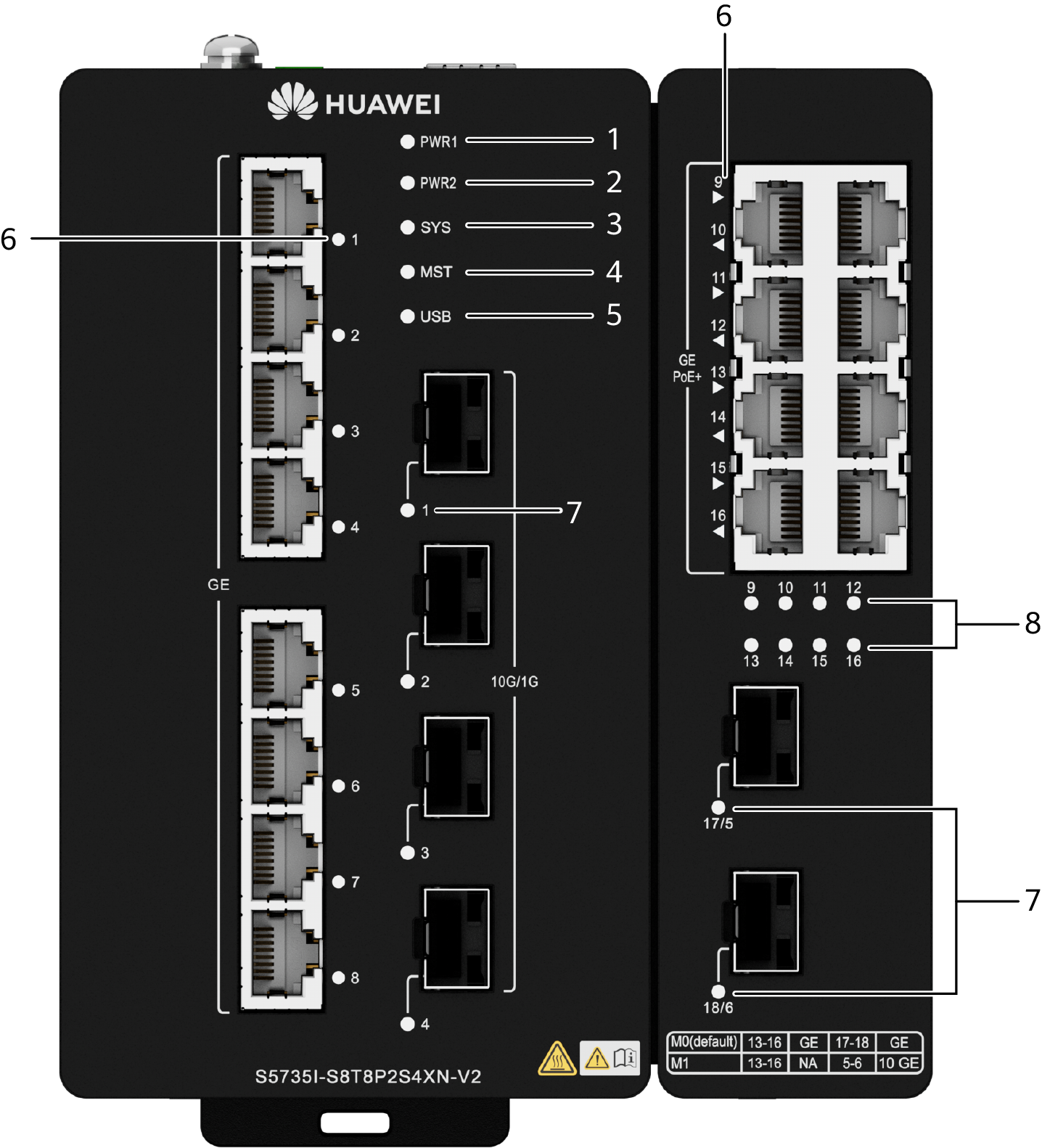
Figure 4-432 Indicators on the device
S5735I-S8T8P2S4XN-V2 Huawei Industrial Switch 16 ports with 8*POE+  2*GE SFP ports  4*10GE SFP+ ports


Table 4-1351 Description of indicators on the device

No.

Indicator

Name

Color

Status

Description

1

PWR1

Indicator of power module 1

-

Steady off

Power module 1 is not supplying power or is abnormal.

Green

Steady on

Power module 1 is supplying power properly.

2

PWR2

Indicator of power module 2

-

Steady off

Power module 2 is not supplying power or is abnormal.

Green

Steady on

Power module 2 is supplying power properly.

3

SYS

System status indicator

-

Steady off

The system is not running.

Green

Fast blinking

The system is starting.

Green

Steady on

In the system startup preparation phase, the SYS indicator is steady green for no more than 30 seconds.

Green

Slow blinking

The system is running properly.

Red

Steady on

The system does not work normally after registration.

4

MST

Stack indicator

-

Steady off

The device is not a stack master.

Green

Blinking

The device is a stack master or the stack is not deployed.

5

USB

USB-based deployment indicator

-

Steady off

No USB flash drive is installed, or the indicator fails.

Green

Steady on

USB-based deployment succeeds. If there is no deployment configuration file, deployment will be repeatedly performed. In this case, the indicator is also steady green.

Green

Blinking

USB-based deployment is ongoing.

Red

Steady on

USB-based deployment fails.

6

1 to 16

Electrical port indicator (one indicator for each port)

For ports 9 to 16, arrowheads show their positions. A down arrowhead indicates a port at the bottom, and an up arrowhead indicates a port at the top.

Meanings of service port indicators vary in different modes. For details, see Table 4-1352.

7

1 to 6

17 and 18

Optical port indicator (one indicator for each port)

-

8

9 to 16

Service port PoE status indicator

-

Steady off

The port is not supplying power to a powered device (PD).

Green

Steady on

The port is supplying power to a PD.

Green

Blinking

The PD connected to the port is not an IEEE-compliant PD or its power exceeds the maximum power or power threshold of the port.

Table 4-1352 Description of service port indicators in different modes (one indicator for each port)

Display Mode

Color

Status

Description

Default mode

-

Off

The port is not connected or has been shut down.

Green

Steady on

A link has been established on the port.

Green

Blinking

The port is sending or receiving data.

Power Supply System

The device can use a single power module or dual power modules for 1+1 power redundancy.

It can be directly connected to an external 56 V DC power module or a PAC240S56-CN power module.

Table 4-1353 Power supply configurations

Power Module 1

Power Module 2

Available PoE Power

Maximum Number of Ports (Fully Loaded)

PAC240S56-CN

-

200 W

  • 802.3af (15.4 W per port): 8
  • 802.3at (30 W per port): 6

-

PAC240S56-CN

200 W

  • 802.3af (15.4 W per port): 8
  • 802.3at (30 W per port): 6

PAC240S56-CN

PAC240S56-CN

240 W

  • 802.3af (15.4 W per port): 8
  • 802.3at (30 W per port): 8

External 56 V DC power module

-

240 W (maximum)

  • 802.3af (15.4 W per port): 8
  • 802.3at (30 W per port): 8

-

External 56 V DC power module

240 W (maximum)

  • 802.3af (15.4 W per port): 8
  • 802.3at (30 W per port): 8

External 56 V DC power module

External 56 V DC power module

240 W (maximum)

  • 802.3af (15.4 W per port): 8
  • 802.3at (30 W per port): 8
Send your message to this supplier
Send Now

S5735I-S8T8P2S4XN-V2 Huawei Industrial Switch 16 ports with 8*POE+ 2*GE SFP ports 4*10GE SFP+ ports

Ask Latest Price
Brand Name :
Huawei
Model Number :
S5735I-S8T8P2S4XN-V2
Certification :
CE
Place of Origin :
China
MOQ :
1pc
Price :
$799
Contact Supplier
S5735I-S8T8P2S4XN-V2 Huawei Industrial Switch 16 ports with 8*POE+  2*GE SFP ports  4*10GE SFP+ ports

Hangzhou Nanyin Trading Co., Ltd.

Verified Supplier
1 Years
hangzhou
Since 2016
Business Type :
Distributor/Wholesaler
Total Annual :
$2000000-US$5000000
Employee Number :
50~100
Certification Level :
Verified Supplier
Contact Supplier
Submit Requirement