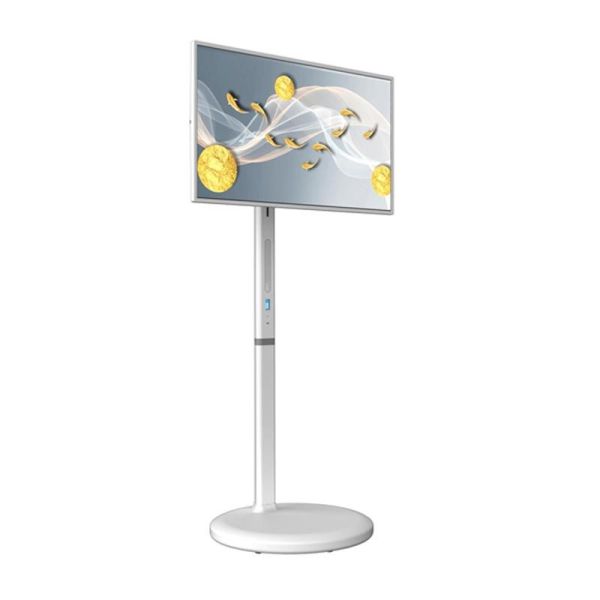
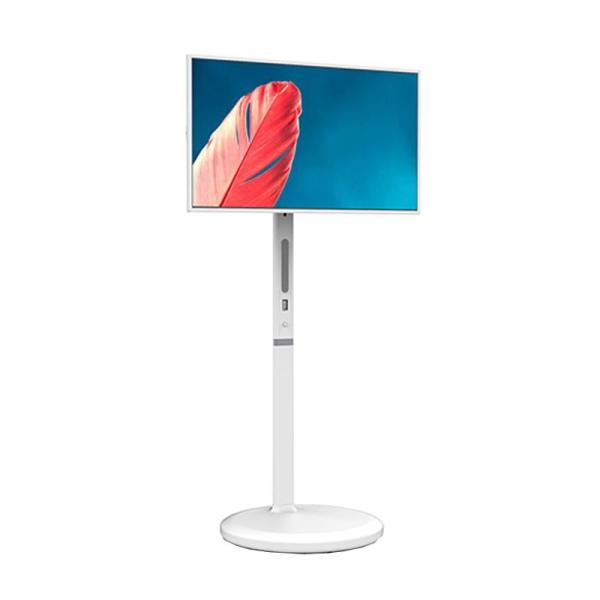
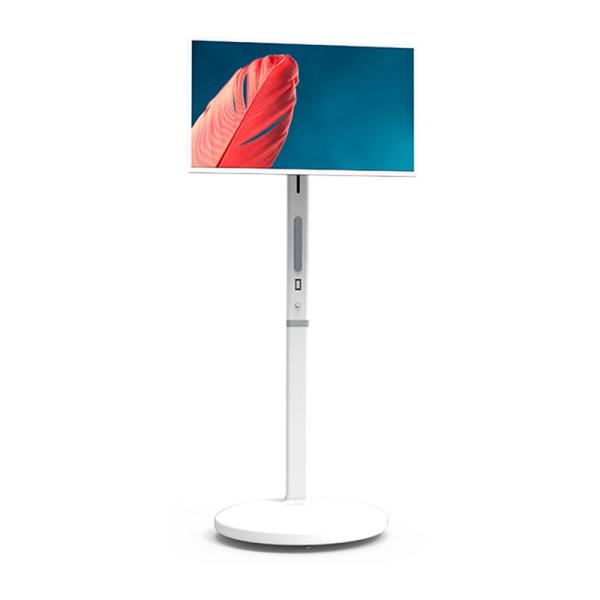
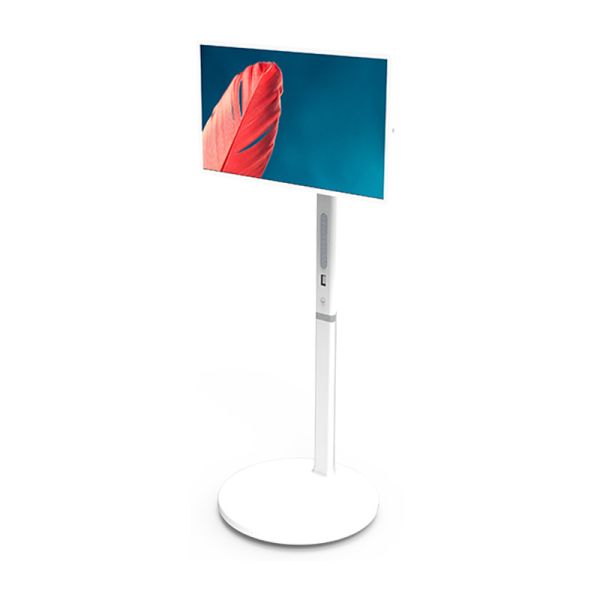
32 Inch 1920X1080 FHD Stand By Me TV LY-H1320
Product Overview
The Stand By Me TV is a unique mobile display product that combines the features of tablet computers with the functionality of traditional TVs and display devices. Its portable, mobile design and compact size make it adaptable to various application scenarios including living rooms, bedrooms, kitchens, balconies, and even outdoor spaces. Running on the Android platform, it offers excellent app compatibility and seamless integration into the Android ecosystem. With screen sizes ranging from 21.5-32 inches, it's ideal for activities such as fitness, watching movies and TV series, viewing short videos, and karaoke.
Product Specifications
| Specifications |
LY-H1320 |
LY-H1270 |
| Display |
32" Diagonal |
27" Diagonal |
| Resolution |
1920×1080 |
1920×1080 |
| Brightness |
300cd |
300cd |
| OS |
Android 14 |
Android 14 |
| RAM |
4G/8G |
4G/8G |
| ROM |
64G/128G |
64G/128G |
| Multimedia |
4K@30fps (H.264, HEVC, VP8) |
| Touchscreen |
Capacitive Touch/INCELL |
| Remote Control |
Bluetooth/Infrared |
| Battery Capacity |
7800mAH |
7800mAH |
| Output Voltage |
14.8V |
14.8V |
| Charging Voltage |
9-20V |
9-20V |
| Total Battery Power |
114w/h |
114w/h |
| Screen Rotation Angle |
90 degrees clockwise |
| Screen Lift Travel |
180MM |
180MM |
| Screen Tilt Angle |
30° (±15°) |
30° (±15°) |
| Maximum Tilt Angle |
18° |
18° |
| Net Weight |
18.5KG |
18.5KG |
| Gross Weight |
21KG |
21KG |
| Package Dimensions |
795×670×200MM |
795×670×200MM |
Product Demonstration
Function Introduction
Installation and Usage Guide
1. After opening the outer box packaging, take out the manual and other accessories, check whether the relevant accessories are complete, and read the manual carefully.
2. Take out the installation tools from the chassis tool box.
3. Open the folding bracket and tighten the fixed hexagon socket screw with a wrench.
4. Install the bracket to the chassis.
5. Place the turntable into the display mounting position and tighten the screws with a medium-sized wrench.
6. Check whether the installation position is tight and whether the moving, lifting and rotating mechanisms can be used smoothly.
7. Turn on the internal battery power switch, turn on the one-touch start button, and start running.
8. Check whether the charging and discharging is normal, the touch screen is smooth, and the sound is clear.