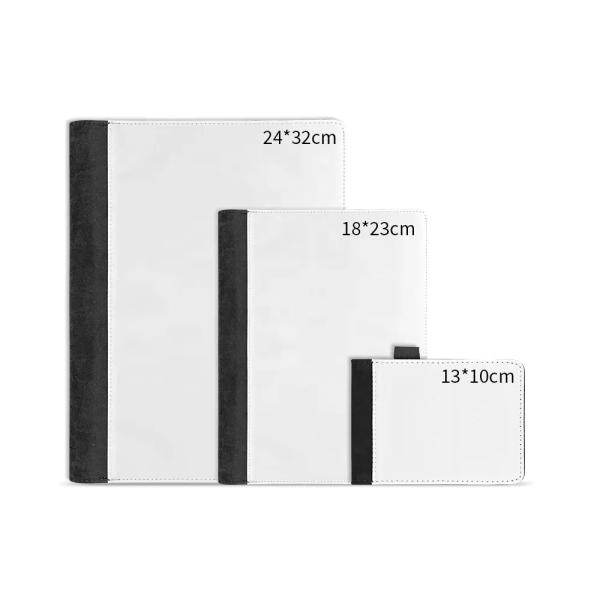
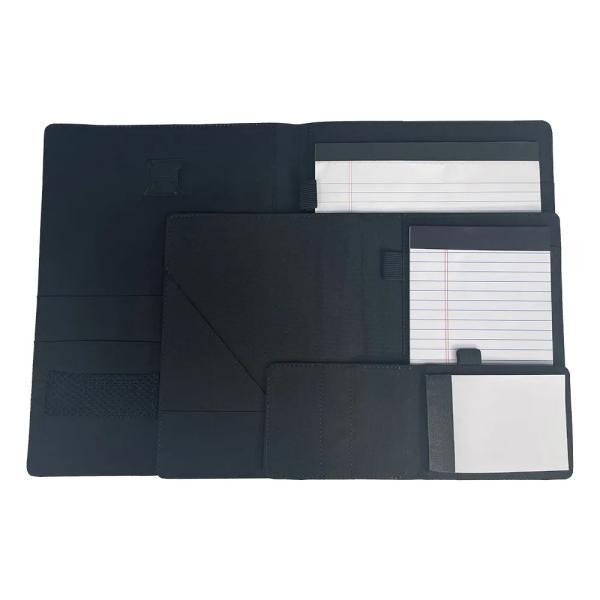
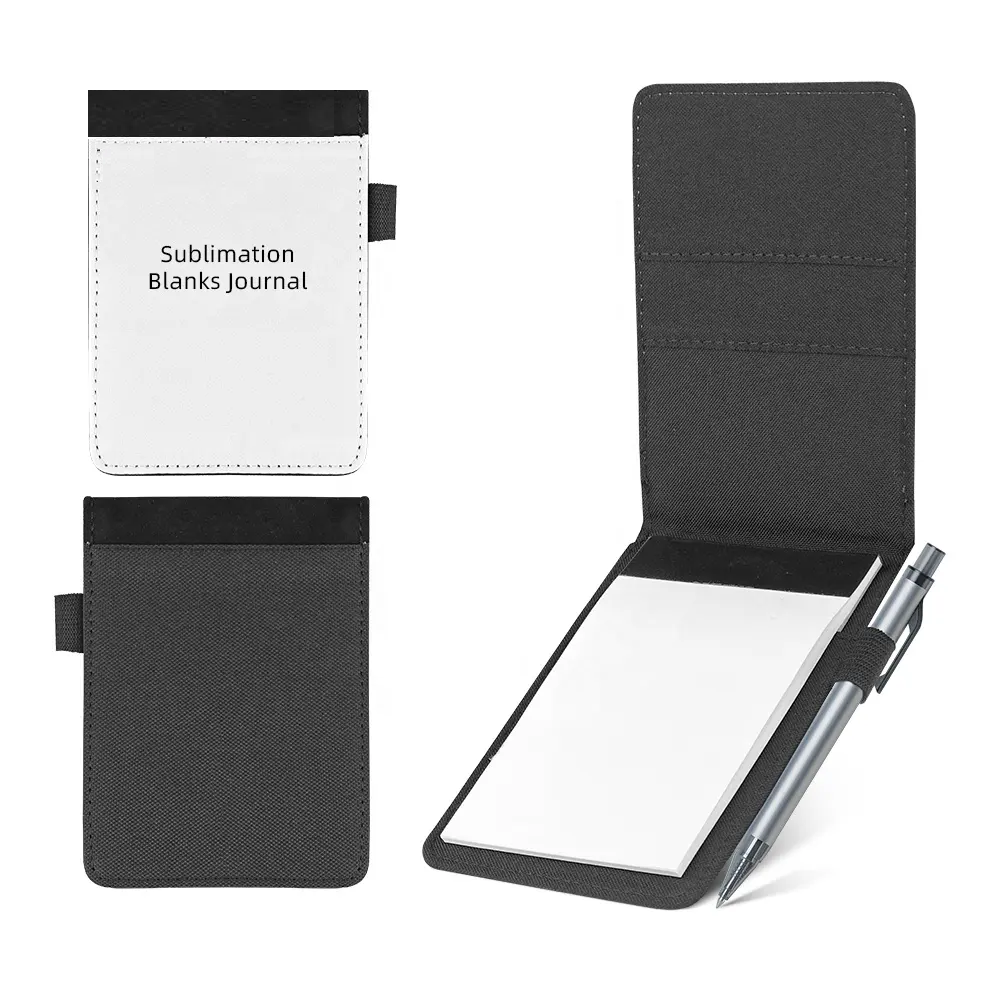
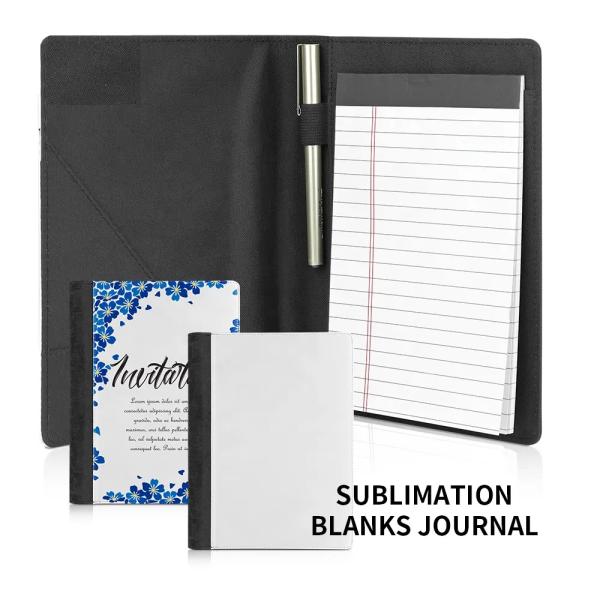
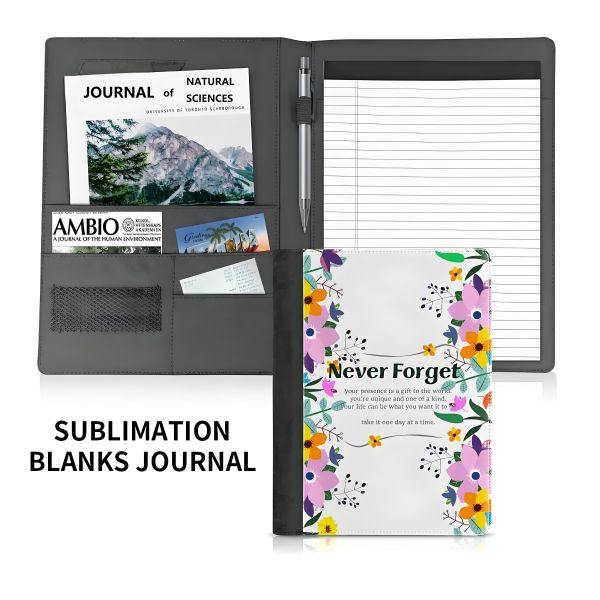
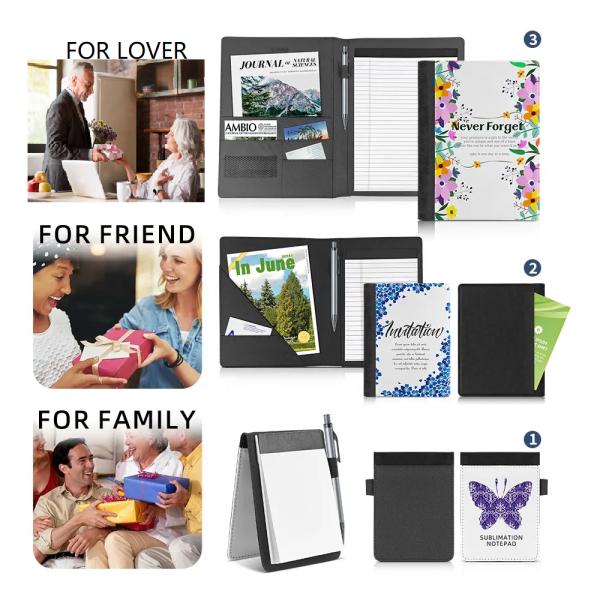
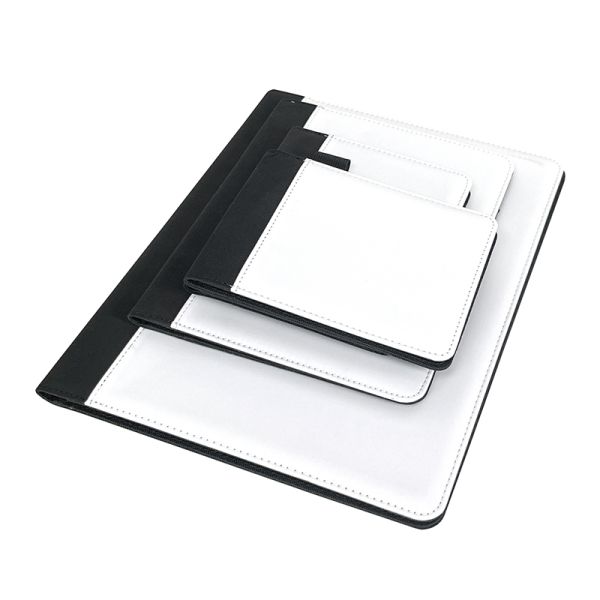
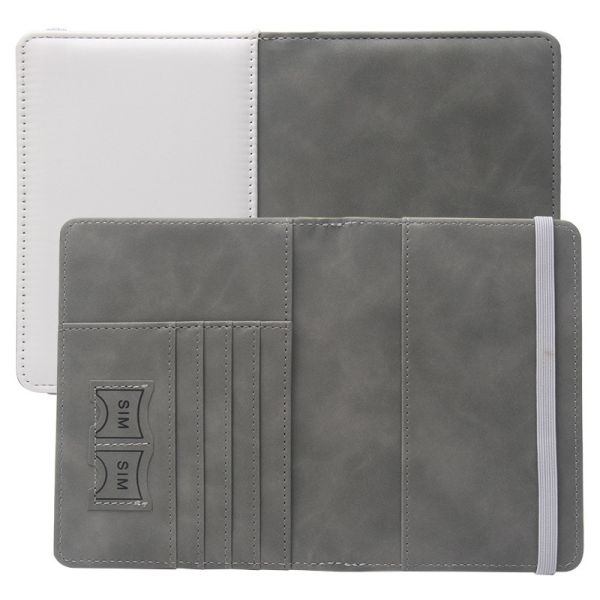
The Sublimation Blank Notebook Journal Portfolio is a customizable writing tool designed for both personal and professional use. Made from high-quality fabric canvas, this notebook is ideal for sublimation printing, allowing you to create personalized designs, logos, or artwork.
Key Features of Sublimation Notebooks
The Sublimation Blank Notebook Journal Portfolio combines functionality with customization, making it an excellent choice for anyone looking to enhance their writing experience while showcasing their personal style or brand.
Function of Sublimation Notebooks
1. Customization:
- The fabric canvas cover allows for sublimation printing, enabling users to create personalized designs, logos, or artwork tailored to their preferences.
2. Versatile Writing Tool:
- Serves multiple purposes, such as journaling, note-taking, or as a professional portfolio, making it suitable for various contexts.
3. Ample Writing Space:
- Provides sufficient blank or lined pages for notes, sketches, and ideas, accommodating various writing styles and needs.
4. Lightweight and Portable:
- Designed for easy transport, making it convenient for students, professionals, and creatives to carry in bags or backpacks.
5. Professional Branding:
- Ideal for businesses to create promotional items or branded merchandise, enhancing marketing efforts and brand visibility.
6. Gift Potential:
- A thoughtful gift option for clients, friends, or colleagues, allowing for personalized designs that reflect the recipient’s interests or needs.
The Sublimation Blank Notebook Journal Portfolio is a multifunctional tool that combines customization with practicality, making it perfect for personal use, professional settings, and creative projects.
Applications of Sublimation Notebooks
1. Personal Journaling:
- Ideal for individuals who want to document their thoughts, experiences, or creative ideas in a personalized way.
2. Professional Note-Taking:
- Suitable for meetings, seminars, or conferences, allowing professionals to take notes while showcasing a branded or customized cover.
3. Creative Projects:
- Great for artists and designers who wish to sketch or brainstorm ideas in a stylish and customizable notebook.
4. Student Use:
- Perfect for students for class notes, assignments, or study guides, with the option to personalize the notebook for school pride.
5. Branding and Promotions:
- Excellent for businesses looking to create branded merchandise, giveaways, or promotional items that stand out.
6. Gifts:
- A thoughtful gift option for friends, family, or colleagues, allowing for personalized designs that reflect the recipient's interests.
7. Event Souvenirs:
- Ideal for conferences, workshops, or special events, where attendees can receive a customized notebook as a memorable keepsake.
8. Travel Logs:
- Useful for travelers to document their journeys, experiences, and memories in a beautifully designed notebook.
The Sublimation Diaries Journal Notepad serves a wide range of applications, making it a versatile tool for personal use, professional settings, and creative projects, while also offering opportunities for customization and branding.
Printing Process of Sublimation Notebooks
-
Design Creation:
- Use graphic design software (like Adobe Illustrator or Photoshop) to create your artwork. Ensure the design fits the dimensions of the notebook cover.
- Save the design in a compatible format (usually PNG or JPEG).
-
Sublimation Printing Setup:
- Use a sublimation printer equipped with sublimation ink.
- Load the printer with sublimation transfer paper, which is specially designed for the sublimation process.
-
Printing the Design:
- Print the design onto the sublimation transfer paper. Make sure to print in reverse (mirror image) to ensure proper alignment when transferring.
-
Preparing the Notebook:
- Ensure the notebook cover is clean and free from dust or debris.
- If necessary, preheat the cover slightly to enhance ink absorption.
-
Heat Transfer Process:
- Place the printed transfer paper onto the notebook cover, aligning it correctly.
- Use a heat press machine, setting the appropriate temperature (typically around 180-200°C or 356-392°F) and pressure for the material.
- Transfer time usually ranges from 45 to 60 seconds, but this may vary based on materials and equipment.
-
Cooling and Finishing:
- Once the heat transfer is complete, carefully remove the transfer paper while it is still warm.
- Allow the notebook to cool down completely before handling it.
- Check the print quality and ensure there are no smudges or imperfections.
Tips for Best Results
- Test Prints: Always perform test prints to calibrate colors and settings.
- Material Compatibility: Ensure the leather used is suitable for sublimation to achieve vibrant results.
- Design Quality: Use high-resolution images to prevent pixelation in the final product.
This process allows for vibrant, durable designs that become part of the notebook cover, ensuring a professional finish.