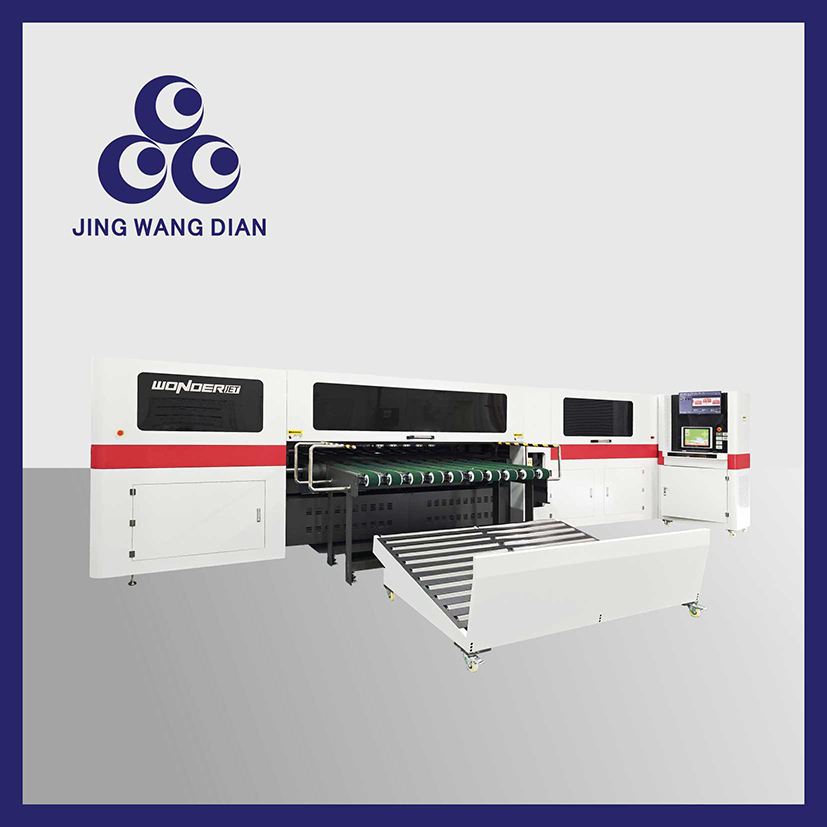
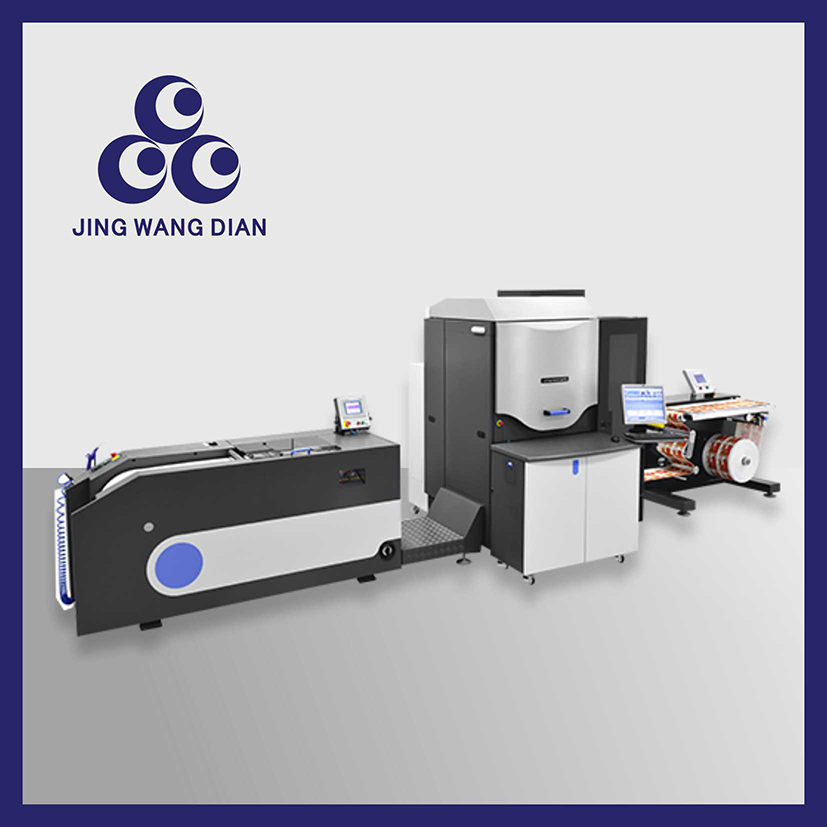
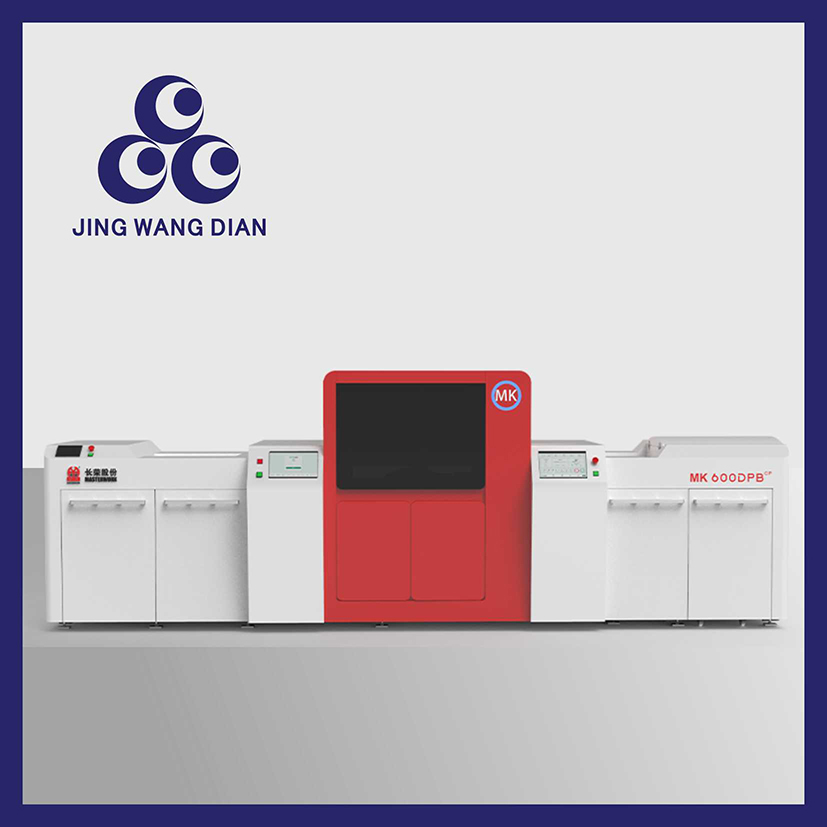
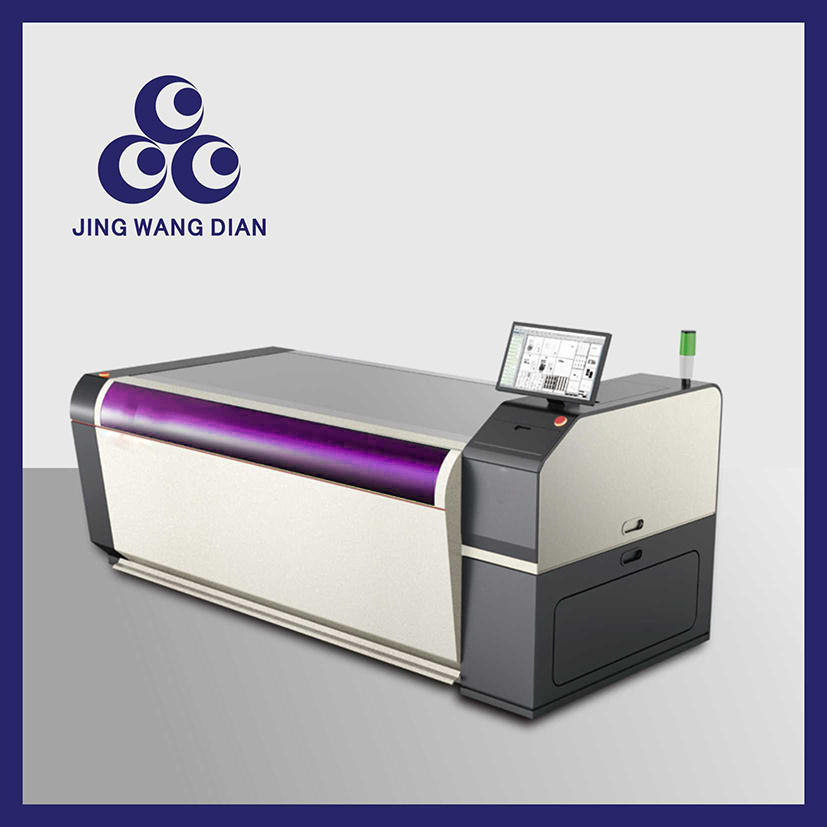
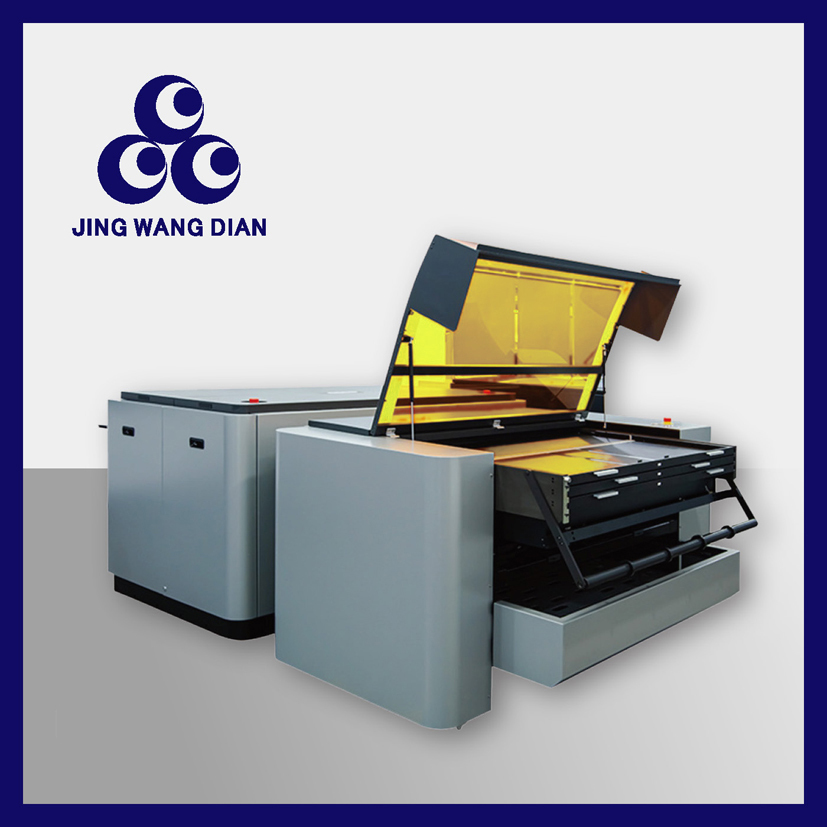
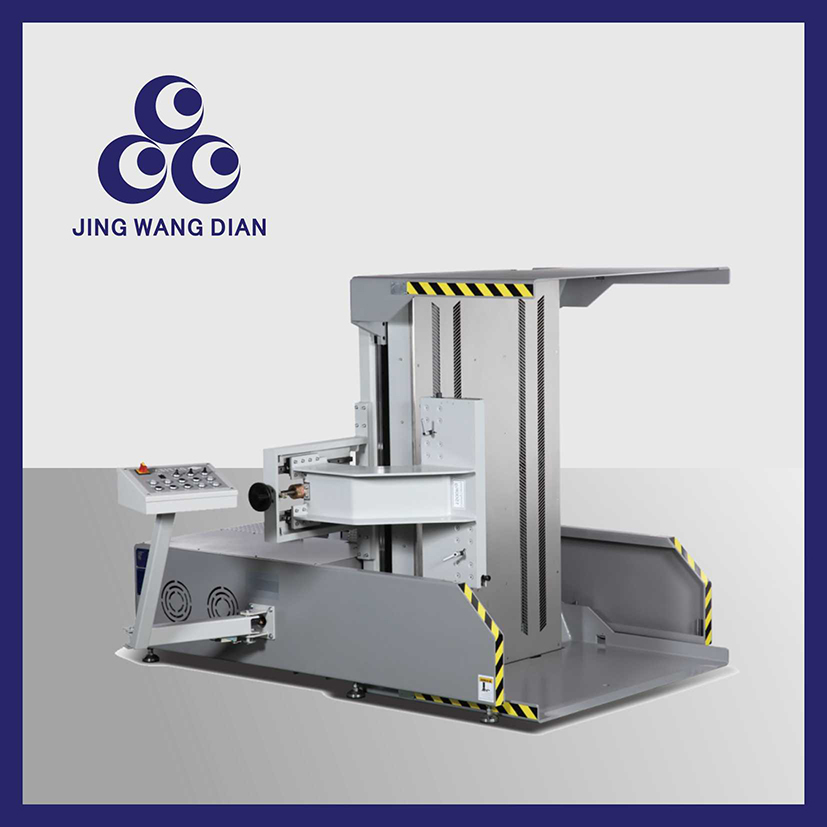
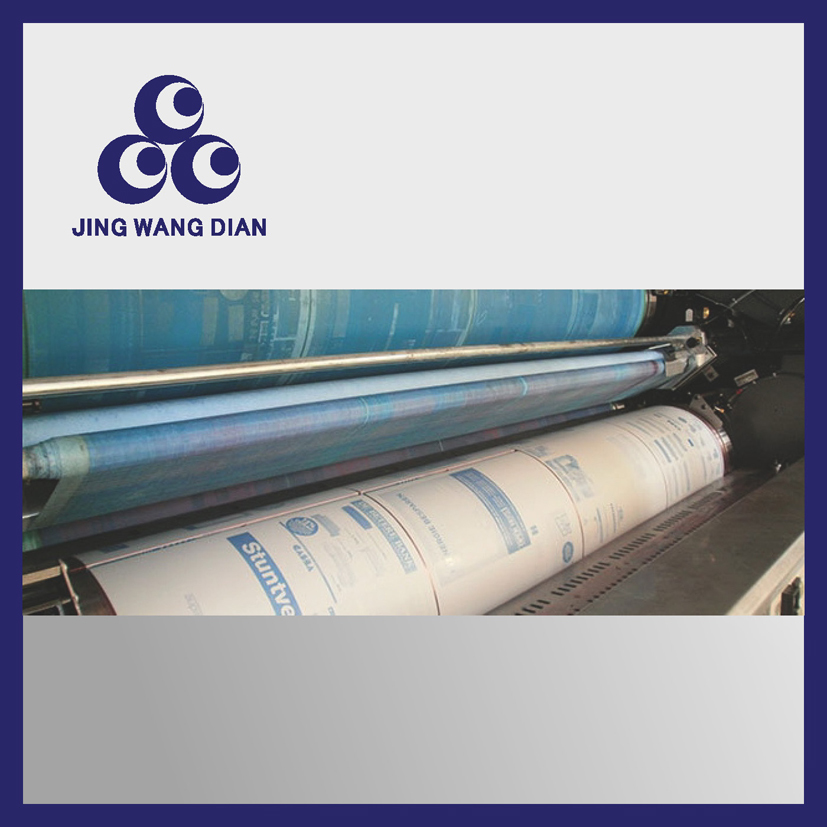
Digital Printing Machine | Official Product Details:Digital machine, digital printing machine, industrial digital machine, color digital printing machine, digital quick printing machine
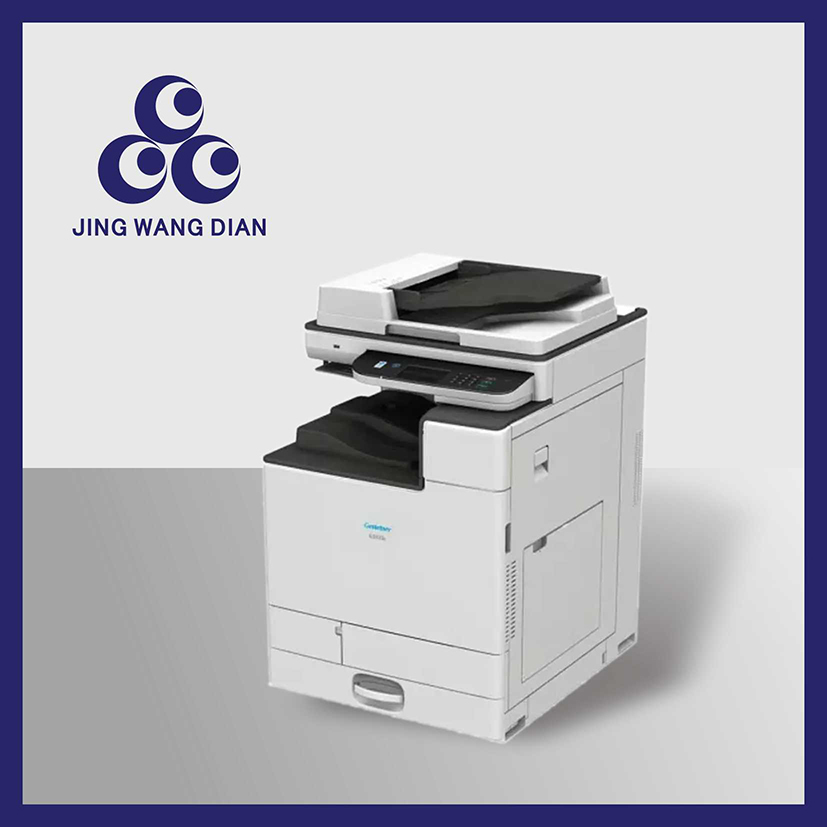
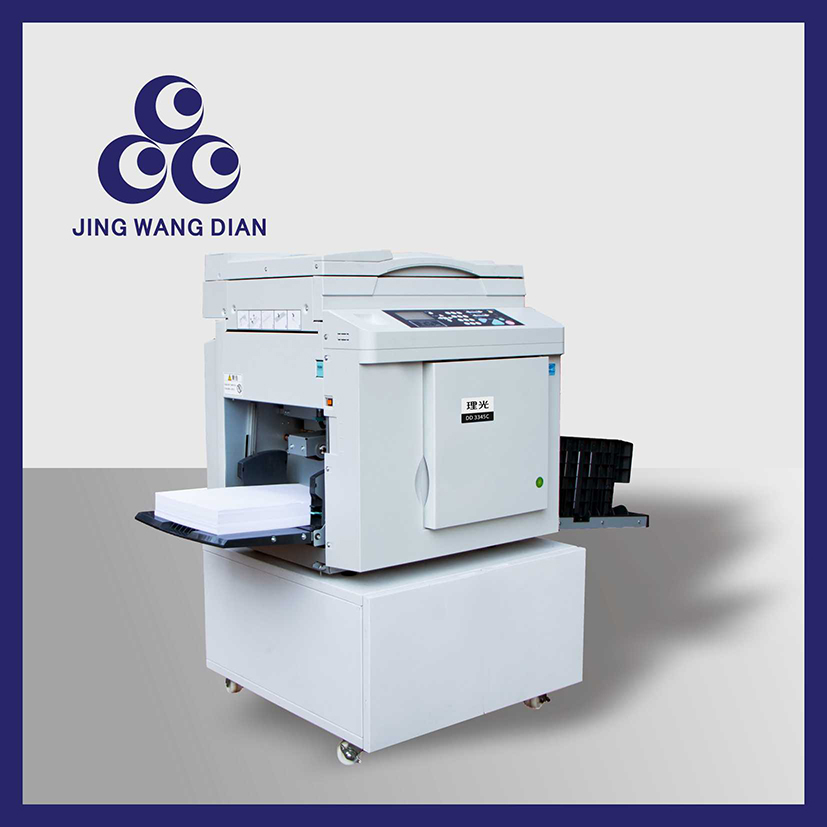
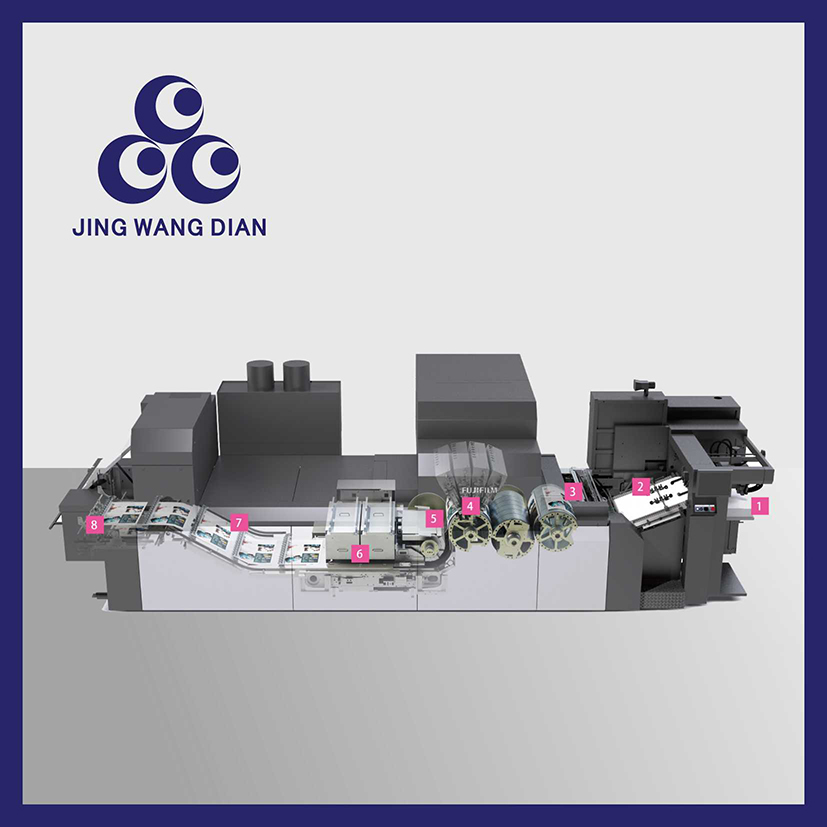
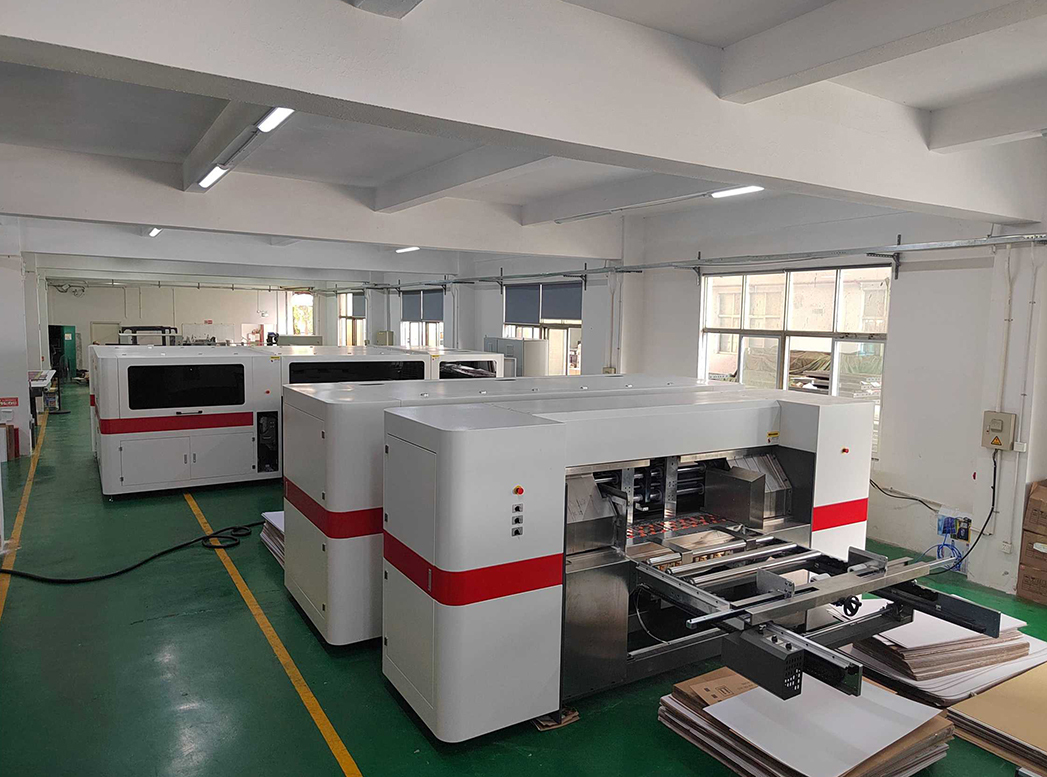
The digital printing machine (referred to as digital machine) is a new generation of plate-free digital printing equipment that subverts the traditional offset and flexo plate making processes, eliminating the need for film output, plate making, plate exposure and development. Relying on high-precision inkjet/electrostatic imaging digital imaging technology, computer files can be directly transmitted to the machine for printing.
The equipment supports printing on various materials including sheet-fed and roll materials, and is compatible with ordinary coated paper, cardboard, special paper, adhesive labels, synthetic paper, laminated substrates, etc. It supports four-color printing, white ink priming, spot color printing, variable data printing, and one-to-one variable QR code/barcode printing. Widely used in graphic quick printing, label packaging, color box proofing, small-batch orders, tender document and album production, and bill tag production; it focuses on small-batch, multi-batch, quick order change and on-demand printing, solving the industry pain points of traditional printing such as high minimum order quantity, time-consuming typesetting and plate making, and high proofing cost. It is a standard digital printing equipment for printing factories, graphic stores and packaging factories.
1. Plate-Free, Ultra-Fast Production:
The plate-free printing process eliminates the complete procedures of plate development, exposure, mounting and ink-water balance adjustment; files can be printed directly after import. Order change can be completed in 1 minute without typesetting and overprinting, making it extremely suitable for proofing, short-run and rush order production.
2. High-Definition Printing, High Imaging Precision:
Equipped with high-precision nozzles/laser imaging, it has high resolution and delicate dots without particles; perfect reproduction of gradients, light colors, fine text and complex patterns; no ink bars, no overprint deviation, no dirty spots on the plate surface, and the printed products have a much higher appearance than ordinary traditional printing.
3. Strong Material Compatibility: Full material adaptation: 70g thin paper ~ 450g thick cardboard, coated paper, offset paper, special textured paper, adhesive sticker, PVC, synthetic paper and some film substrates; supports single-sided/fully automatic double-sided printing.
4. Unique Variable Data Printing Function:
The whole machine is equipped with a data system, which can print variable QR codes, barcodes, serial numbers and personalized variable text in batches; each product has a unique pattern number, suitable for anti-counterfeiting, traceability and bill customization orders.
5. Extremely Simple Operation, Low Threshold:
Full touch screen intelligent industrial control, one-click computer control; no complex ink-water balance adjustment, no need for professional senior operators; ordinary employees can operate independently after simple training, saving the labor cost of high-salary machine operators.
6. Low Cost for Small Orders, No Minimum Order Threshold:
No plate making consumable cost, printing can start from 1 sheet; the production cost of small-batch orders and sample proofing is much lower than that of traditional offset printing machines such as Heidelberg and Komori, maximizing the economic benefits of short-run production.
7. Stable Operation, Easy Maintenance:
The whole machine adopts an integrated structural design with a simple transmission structure and no complex vulnerable components such as rubber rollers and anilox rollers; intelligent alarm for fault points, simple daily maintenance and low downtime failure rate.
8. Energy Saving and Environmental Protection, Strong Workshop Adaptability:
No volatile auxiliary chemicals, no washing waste liquid, no dust pollution; the whole machine has low noise and small footprint, and can be directly placed and put into production in graphic stores and factory workshops.
How to choose:
1. Selection According to Own Production Orders (Primary Standard)
• Graphic Stores (Albums, Tender Documents, Leaflets): Choose small and medium-sized sheet-fed color digital machines with low speed and high cost performance to meet daily scattered orders.
• Label/Packaging Factories (Adhesive Stickers, Color Box Proofing): Choose roll industrial digital machines with white ink configuration to adapt to post-press lamination and die-cutting.
• Factories with Large-Batch Short Orders: Choose high-speed industrial-grade digital machines that support 24-hour continuous mass production.
• Traceability and Anti-Counterfeiting Orders: Must choose special models that support variable data.
2. Selection According to Printing Material and Grammage:
For ordinary printing on thin paper, standard commercial models are sufficient; for thick cardboard, special hard paper and substrates that are easy to curl, choose custom sheet-feeding models for thick paper to prevent paper jamming and smudging.
3. Core Hardware Configuration Screening:
Prioritize nozzle life, imaging system, sheet-feeding transmission system and drying and curing system; for high-frequency production, prefer imported nozzles and high-power drying modules to avoid ink splashing and color smudging during long-term printing.
4. Ink System Selection:
For indoor ordinary printing, use water-based pigment ink; for outdoor packaging products, use UV curing ink; for processes requiring white ink priming, choose special models with built-in white ink channels.
5. Selection of New vs. Used Machines:
For long-term stable mass production, prefer brand-new complete machines; for low budget and transitional production, choose high-quality used digital machines with new appearance and no major repairs; avoid equipment with major repairs, burned nozzles and modified circuits.
6. After-Sales and Supporting Services:
Prioritize merchants that provide on-site installation and commissioning, on-site training, nozzle warranty and remote after-sales service; nozzles of digital machines are core vulnerable parts, so brands with local after-sales outlets are preferred.
How to use:
1. Pre-Startup Preparation
• Check the equipment power supply, network cable, ink level and waste ink tank capacity.
• Clean paper scraps and impurities in the paper infeed and outfeed channels.
• Start self-inspection, the equipment automatically calibrates the nozzles and drying system, and preheats for 5-10 minutes.
2. Standard On-Machine Operation Process
• File Import: Connect the computer to the equipment, upload PDF/print original images, and set parameters such as size, color sequence, double-sided/single-sided and variable data.
• Material Feeding: Place paper/printing substrates flatly and calibrate the paper infeed and outfeed stop gauges.
• Test Proofing: Print 1-2 sample sheets at low speed, check color, size and clarity, and fine-tune color parameters.
• Mass Production: After confirming the sample is correct, start fully automatic mass printing.
• Discharging and Collecting: The equipment automatically dries and discharges the products, collect the finished products in stacks, and directly enter post-press lamination and die-cutting processes.
3. Daily Maintenance (Key to Extend Machine Life)
• Daily: Clean the nozzle surface, paper infeed and outfeed rollers, and waste ink tank; check for residual impurities from paper jams.
• Weekly: Clean ink path pipes, calibrate colors, check drying fans and sheet-feeding sensors.
• Monthly: Dedust the whole machine, fasten transmission parts, upgrade the control system, and check circuits.
• Long-Term Shutdown: Seal the nozzles, empty excess ink paths, and store in a moisture-proof and dust-proof environment.
4. Usage Taboos
• Prohibit the use of inferior compatible ink.
• Prohibit overweight and over-specification plates from being put on the machine.
• Prohibit forced power off and cover opening during production.
• Prohibit long-term operation in high-temperature and humid environments.


Q1: Broken ink, ink splashing, striped color loss in printed patterns
Slight nozzle clogging, air intake in the ink path, insufficient ink level. Solution: Perform automatic nozzle cleaning on the equipment, replenish original ink, empty air bubbles in the ink path, and let the ink stack reset after standing.
Q2: Smudged printed products, undried ink, paper sticking on the back
Too low drying/curing power, too fast printing speed, mismatched ink and material. Solution: Increase the drying temperature, reduce the printing speed, and replace with special ink suitable for the substrate.
Q3: Frequent paper jams, skewed paper feeding, slipping during paper infeed
Dirty and dusty paper-feeding rollers, damp and curled paper, improperly adjusted stop gauge spacing. Solution: Clean the transmission rubber rollers, flatten and dry the paper, and fine-tune the spacing of the paper infeed and outfeed baffles.
Q4: Large color deviation, serious color difference, inconsistent with the sample
Uncalibrated color parameters, ambient light interference, ink precipitation. Solution: Perform ICC color calibration on the equipment, stir the ink, turn off ambient strong light interference, and fine-tune the four-color concentration.
Q5: Garbled variable data printing, unreadable QR codes
Abnormal data system connection, insufficient nozzle printing precision, wrong file format. Solution: Restart the data background, calibrate the printing resolution, and correct the format of the printing source file.
Q6: The machine starts normally but cannot receive printing files from the computer
Network cable/local area network failure, invalid driver program, stuck industrial control system. Solution: Check the circuit and network, reinstall the equipment driver, and restart the industrial control host.
Q7: Nozzles are easily damaged, high maintenance cost
Use of inferior off-brand ink, long-term failure to clean the ink path, excessive dust in the workshop. Solution: Use original consumables throughout, maintain nozzles regularly, and carry out dust-proof operation in the workshop.
Q8: How to choose between new and used machines for better cost performance?
Choose brand-new digital machines for long-term stable large-batch production; choose high-quality used machines without major repairs for graphic stores, short-term transition and small-batch proofing, with low investment and quick return.