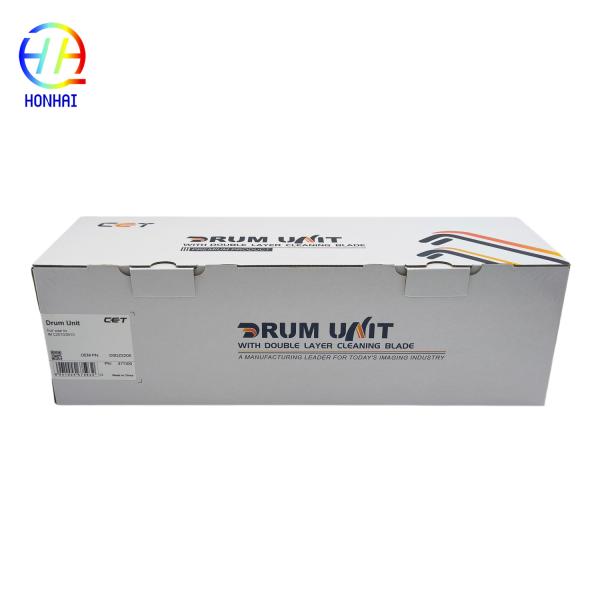
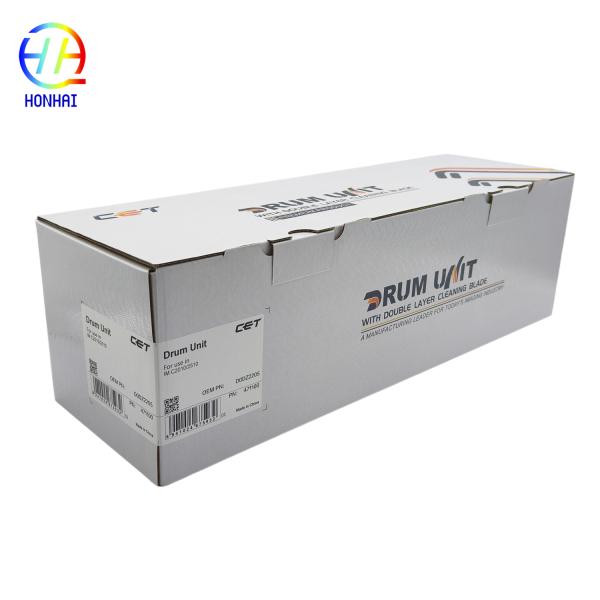
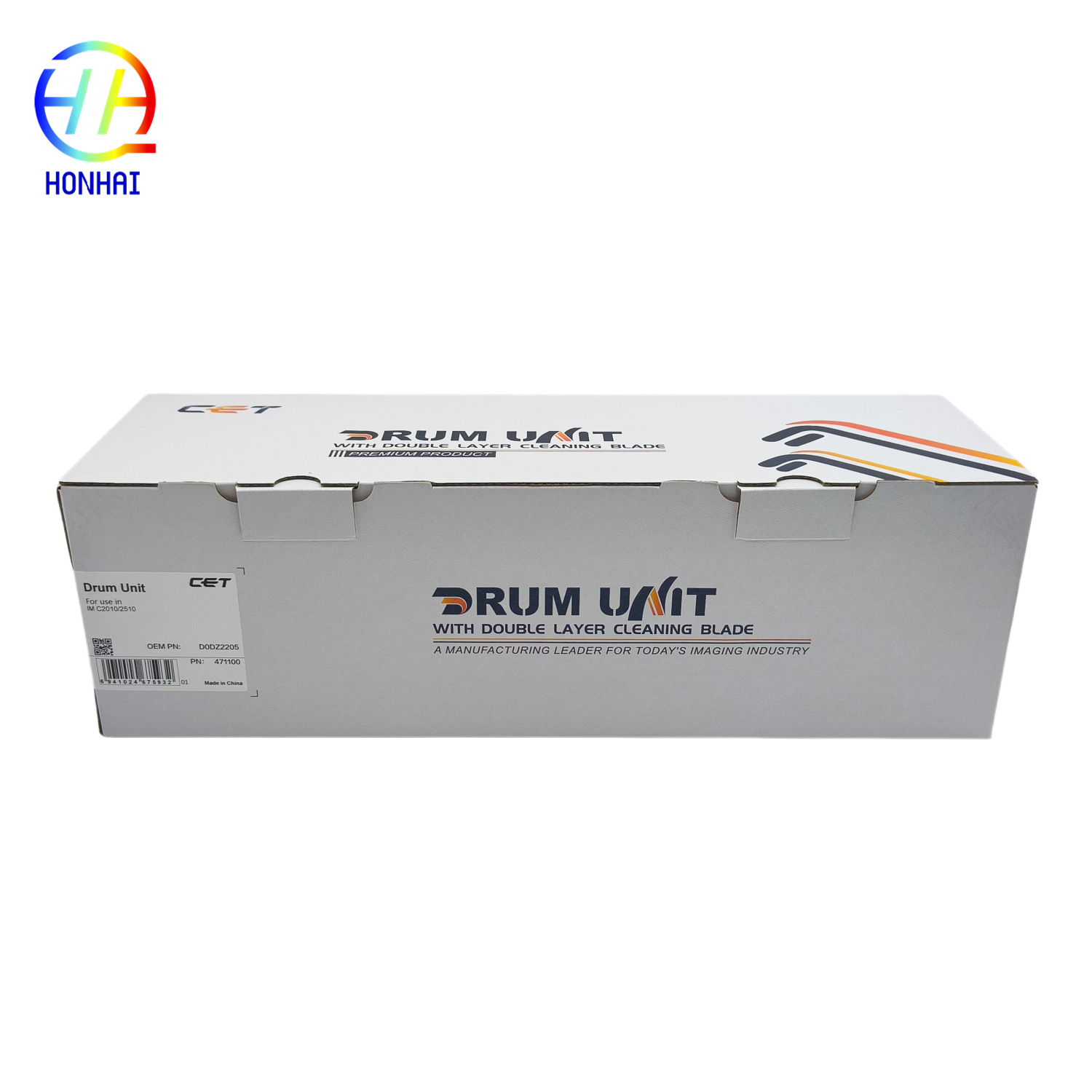
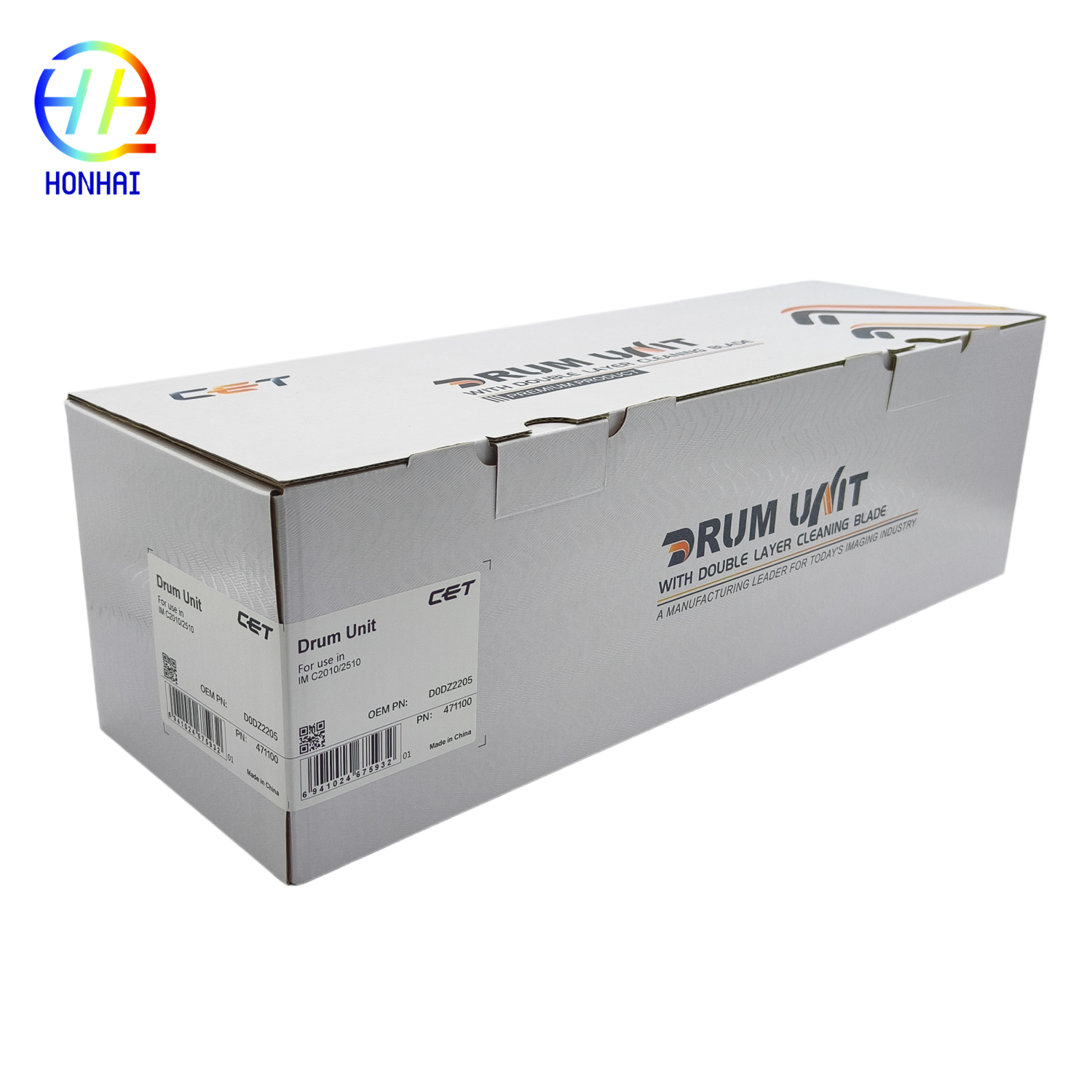
Specifications
Model Number :
D0DZ2205 D0DZ-2205
Brand Name :
Kyocera
MOQ :
10
Packaging Details :
Neutral Packing
Package Contents :
1 x Drum Unit
Payment Terms :
T/T,Western Union
Condition :
Brand New Replacement
Certification :
CE, ISO9001
Place of Origin :
China
Supply Ability :
5000 piece/Month
Design Type :
Drum-Powder Separation
Delivery Time :
3 work days
Page Yield :
Approx. 100,000 pages (based on 5% A4 coverage)
Description
Drum Unit D0DZ2205 D0DZ-2205 for Ricoh IMC2510 IMC2010 MC2000 MC2001 MC2501 Copier parts
Product Overview

The D0DZ2205 Drum Unit is a premium replacement imaging component specifically engineered for Ricoh IMC and MC series color multifunction copiers. Designed to meet strict OEM standards, this high-performance drum assembly ensures precise electrostatic imaging, delivering vibrant colors, crisp text, and smooth gradients. Featuring a durable drum core and precision cleaning blade, it effectively minimizes background fogging and prevents premature wear. Ideal for busy offices and print shops, this reliable drum unit restores your copier's original factory performance, ensuring consistent, professional-grade output while significantly reducing overall operating costs.

Specifications
  • Product Type: Drum Unit / Imaging Drum Assembly
  • Compatible Brand: Ricoh
  • Part Number: D0DZ2205 / D0DZ-2205
  • Compatible Models: Ricoh IM C2510, IM C2010, M C2000, M C2001, M C2501
  • Key Features: OEM-grade drum core, precision cleaning blade, high-yield page output, low background fog, plug-and-play installation
  • Product Category: Copier / Multifunction Printer Spare Parts
Product Images
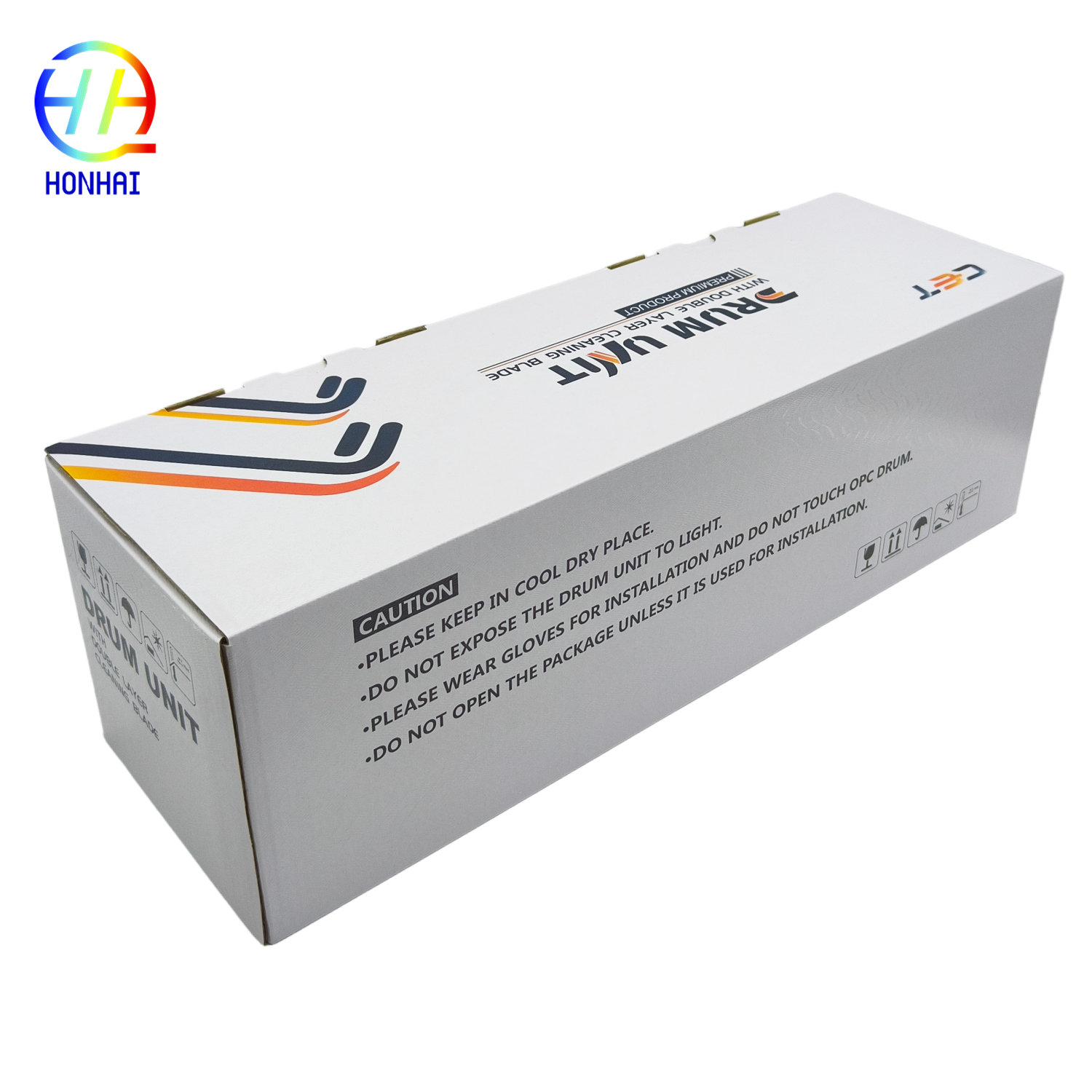
Handling Instructions
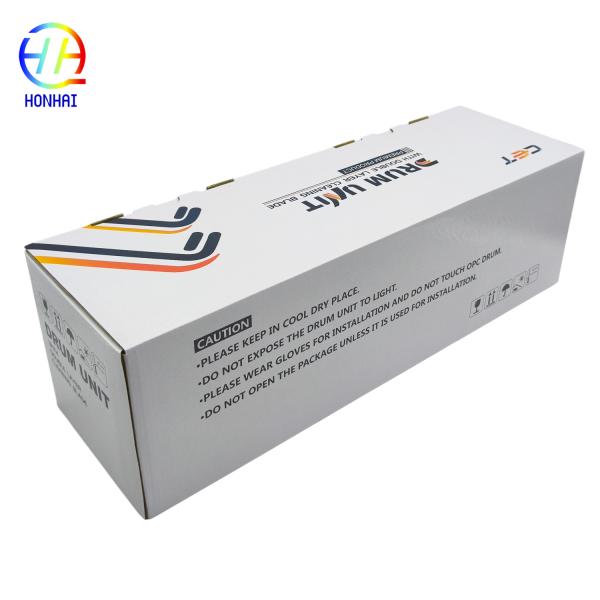
  • Never expose the drum surface (the imaging roller) to direct sunlight or relatively strong room light for more than a few minutes. Otherwise, the photosensitive coating is permanently impaired.
  • Do not touch the roller with your bare fingers. Oils and dirt from the skin will cause print defects. If touched, however, wipe lightly with a soft, dry, lint-free cloth.
  • Store the drum unit in a cool, dry place (below 40° C) and in its original packing until immediately before installation.
Basic Replacement Steps
  1. Turn your printer off and open the front cover.
  2. Remove the toner cartridges.
  3. Locate and release the drum unit lock lever, then gently pull the old drum unit toward you.
  4. Unpack a new 302RV93010 drum unit and gently shake the unit side-to-side to distribute the different drum components evenly.
  5. With the unit still toward you, pull downward on its separator tab, then insert the drum unit in the printer until it snaps into position, and reinstall the toner cartridges.
  6. Close the front cover, turn the printer on, and print a test page to confirm the installation.
Send your message to this supplier
Send Now

D0DZ2205 Drum Unit with Drum-Powder Separation, 100,000 Page Yield, and OEM-grade Drum Core for Ricoh IMC2510 IMC2010 MC2000 MC2001 MC2501

Ask Latest Price
Model Number :
D0DZ2205 D0DZ-2205
Brand Name :
Kyocera
MOQ :
10
Packaging Details :
Neutral Packing
Package Contents :
1 x Drum Unit
Payment Terms :
T/T,Western Union
Contact Supplier
D0DZ2205 Drum Unit with Drum-Powder Separation, 100,000 Page Yield, and OEM-grade Drum Core for Ricoh IMC2510 IMC2010 MC2000 MC2001 MC2501

HONHAI TECHNOLOGY LIMITED

Verified Supplier
3 Years
guangdong, foshan
Since 2007
Business Type :
Manufacturer, Agent, Exporter
Total Annual :
700000-8000000
Employee Number :
90~100
Certification Level :
Verified Supplier
Contact Supplier
Submit Requirement