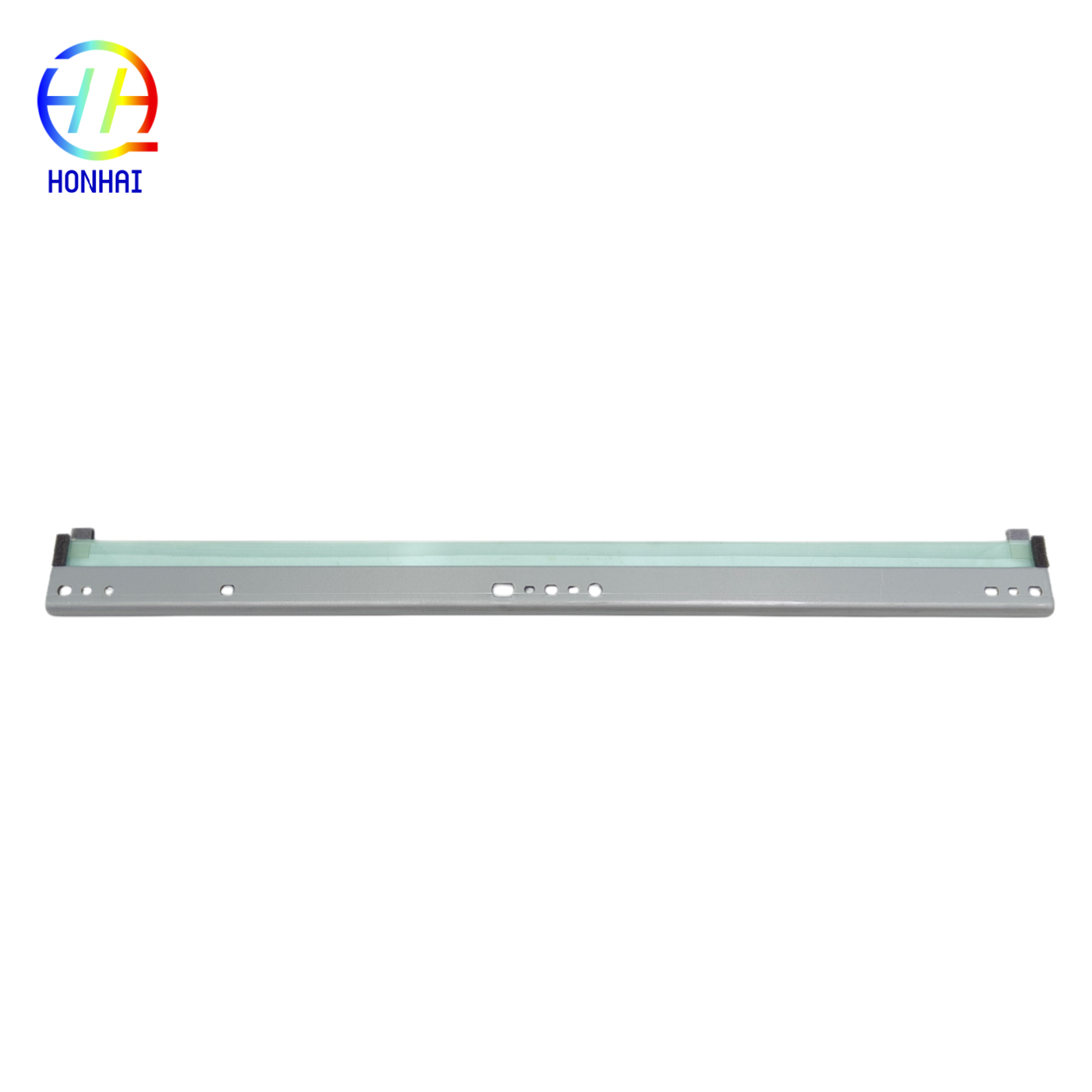
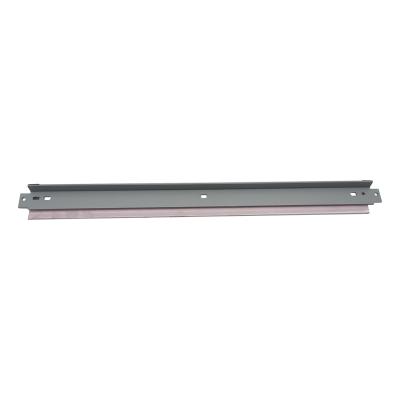
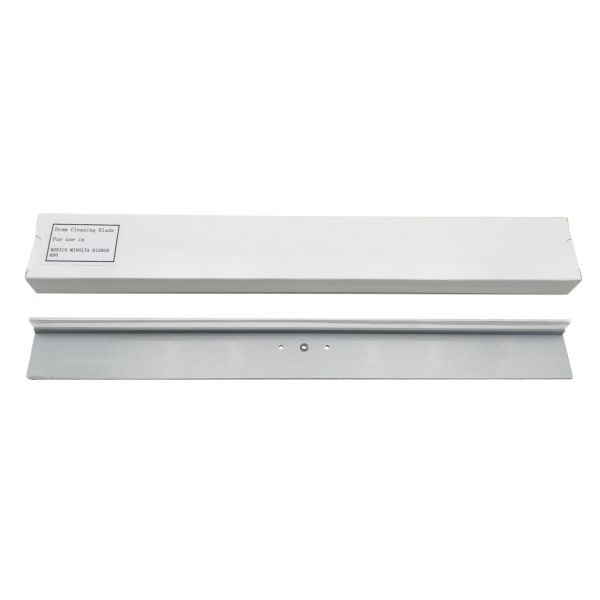
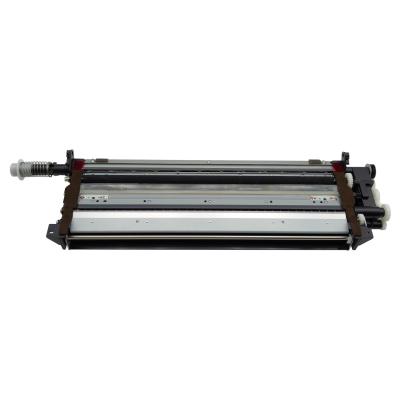
Drum Cleaning Blade Black For Konica Minolta Bizhub C360i 300i 250i
Are you experiencing stubborn background stains, ghosting, or repeat streaks on your prints? These print defects are typically caused by a worn-out or damaged drum cleaning blade that should be scraping residual toner clean from the OPC drum after each print cycle. When the blade fails, residual toner contaminates subsequent pages.
This compatible drum cleaning blade is designed for Konica Minolta bizhub "i" series models C360i, C300i, and C250i. Manufactured from durable polyurethane, it provides maximum contact with the drum surface and effectively removes excess toner for clean, crisp, and sharp print output.
Compatibility List
This cleaning blade is fully compatible with the following Konica Minolta bizhub models:
- Konica Minolta bizhub C360i
- Konica Minolta bizhub C300i
- Konica Minolta bizhub C250i
When to Replace Your Cleaning Blade
If your printouts display a gray background, repeating spots, or faint images from previous pages (ghosting), it is highly recommended to replace the drum cleaning blade immediately.
Installation & Handling Tips
Important Note:
Replacing a cleaning blade requires precision. If you are not comfortable disassembling the drum unit, it is recommended to seek professional assistance or replace the entire drum unit assembly.
Handling Instructions:
- Handle with Care: The cleaning blade has a very sharp and delicate edge. Avoid touching the edge with your fingers, as oils and dirt can affect its wiping performance.
- Inspect the Drum: Before installing the new blade, carefully inspect the OPC drum surface for any deep scratches or damage. A damaged drum can ruin a new cleaning blade very quickly.
- Clean Thoroughly: When replacing the blade, take the opportunity to clean out any residual toner inside the drum unit housing to ensure optimal performance.
Basic Replacement Overview:
- Remove the drum unit (or the specific drum color you are servicing) from your Konica Minolta bizhub printer.
- Carefully disassemble the drum unit casing to access the old cleaning blade (take note of the orientation of the old blade).
- Remove the old blade and thoroughly clean the area of any stuck toner.
- Install the new cleaning blade, ensuring it is seated correctly and evenly along the drum.
- Reassemble the drum unit and reinstall it into the printer.
- Print several test pages to allow the new blade to seat properly and clear any residual toner.