CGDl K2 Key Programmer Professional Multi-functional Smart Locksmith Key Tool Remote Generator Supports 96 Bit ID48

More about CGDI CP8X Chip pleae click here: CP8X Super Chip
CG CGDI K2 Multifunction Remote Programmer
Introduction
Introducing the CGDl K2 Professional Multi-functional Smart Locksmith Key Tool Remote Generator, a cutting-edge device designed for the modern locksmith industry. With its comprehensive feature set and advanced technology, the CGDl K2 revolutionizes the way keys and remotes are programmed and managed. Equipped with WiFi connectivity, this tool supports a wide range of functions, ensuring ultimate versatility and convenience for professionals.This tool is compatible with most car models on the market.
Key Features
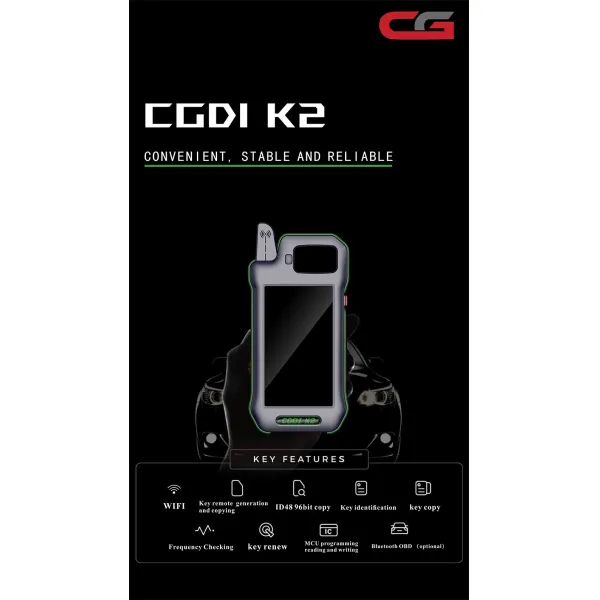
WiFi Connectivity: The CGDl K2 boasts built-in WiFi, enabling seamless remote operation and data transmission. This feature streamlines workflows and allows for easy updates and data sharing.
96Bit ID48 Copy Support: The tool excels in its ability to copy 96Bit ID48 with lightning speed, eliminating the need for tokens. This feature significantly enhances productivity and ensures accurate duplication of keys and remotes.
Lifetime Free Update Online: Stay ahead of the curve with lifetime free online updates. The CGDl K2 is designed to adapt to new technologies and advancements, ensuring your tool remains relevant and functional for years to come.
Multi-Language Support: With multi-language compatibility, the CGDl K2 caters to a global audience. Switch effortlessly between languages to suit your preferences and work environment.

Comprehensive Functionality
Read Frequency: Accurately read and identify various frequencies for precise key and remote programming.
Key Identification: Quickly identify keys and their corresponding specifications for efficient handling.
Key Unlock: Facilitates unlocking mechanisms for a wide range of locks and key systems.
Signal Detection: Detect and analyze signals from keys and remotes for detailed analysis and troubleshooting.
MCU Programming Reading and Writing: Advanced microcontroller unit (MCU) programming capabilities allow for detailed reading and writing of key and remote data.
Generate and Copy Key: Generate new keys and remotes, as well as copy existing ones with ease.
Generate Remote: Create customized remotes for various applications, including vehicle entry systems.
Supports Bluetooth and OBD (Optional): Additional optional features such as Bluetooth and OBD (On-Board Diagnostics) support further expand the tool's capabilities.

Technical Specifications
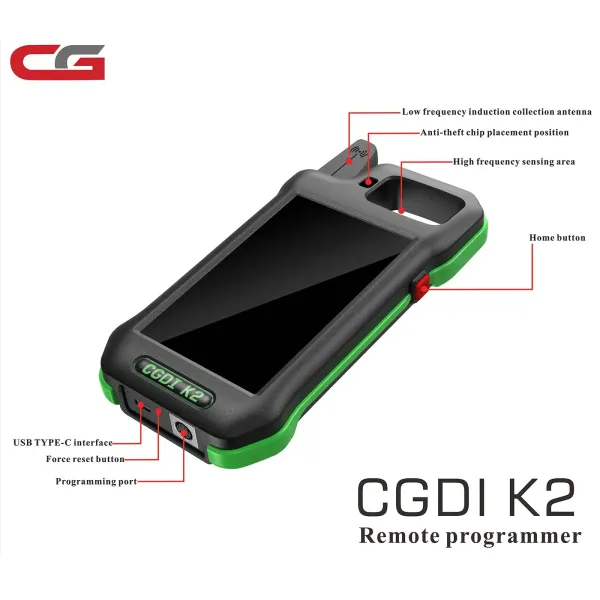
USB Type-C Port: The latest USB standard ensures fast and reliable data transfer and charging.
Android System: Operates on an Android system, providing a familiar and intuitive user interface.
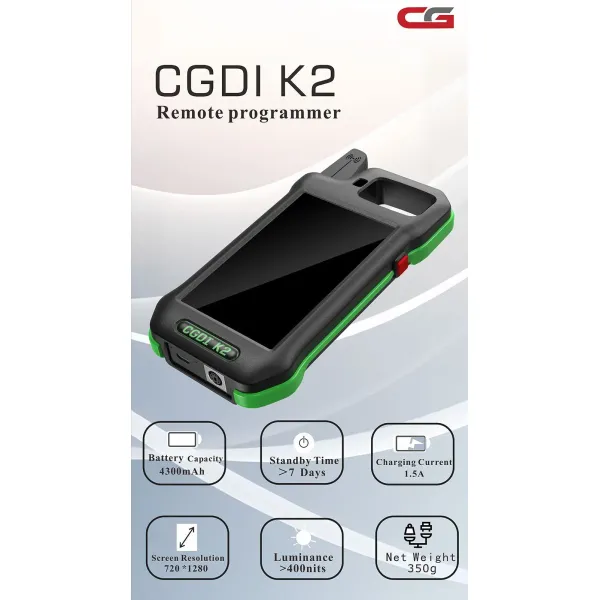
4300mAh Battery: A high-capacity battery ensures extended usage and minimizes downtime between charges.
Standby Time: Over 7 days of standby time, ensuring your tool is always ready when you need it.
Charging Current: 1.5A for quick and efficient charging.
Screen Resolution: 720*1280 for crisp and clear visuals, enhancing the user experience.
Luminance: >400nits for excellent visibility, even in bright environments.
Net Weight: 350g, lightweight and portable for easy transportation and use.
Troubleshooting Tips
Chip Not Detected:Ensure the chip is inserted correctly and is compatible with the K2.
Wrong ID Displayed:Re-check the Chip ID you entered before starting conversion.
Device Freezes or Errors:Restart the CGDI K2 and make sure firmware is updated.
Final Thoughts
TheCGDI K2 Smart Key Toolprovides a fast, reliable way to convert CP8X and other Super Chips. By following these steps carefully, you can complete conversions with confidence. Always verify the Chip ID after the process to ensure success.
How to Convert CP8X Super Chip by CGDI K2 Smart Key Tool?

Conversion Procedure
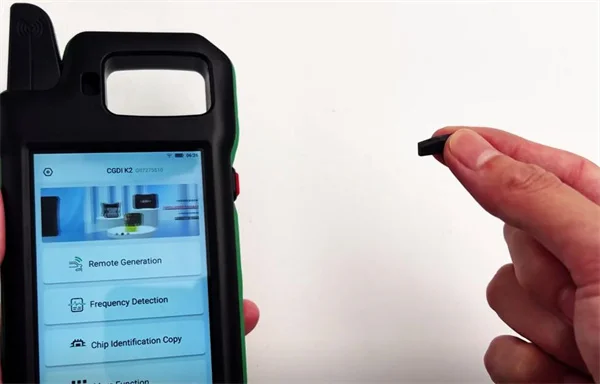
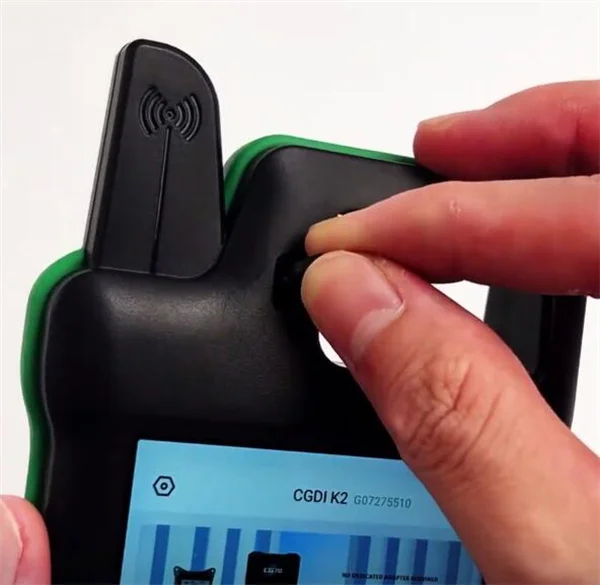
Step 1: Insert the Super Chip
Put the Super Chip into the designated chip slot on theCGDI K2.

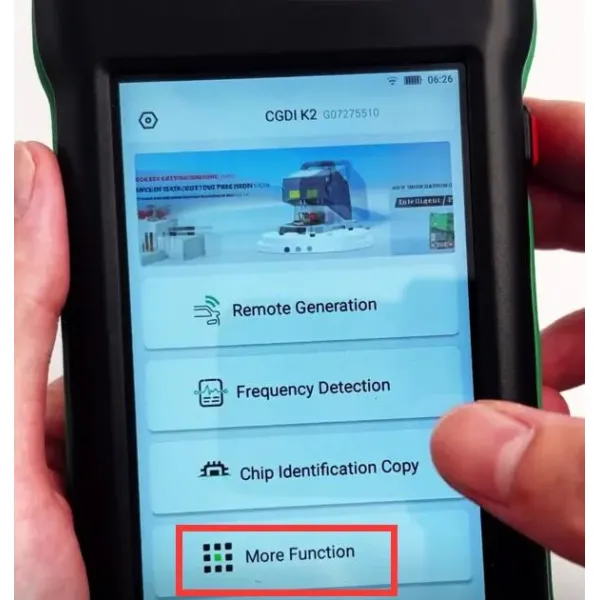
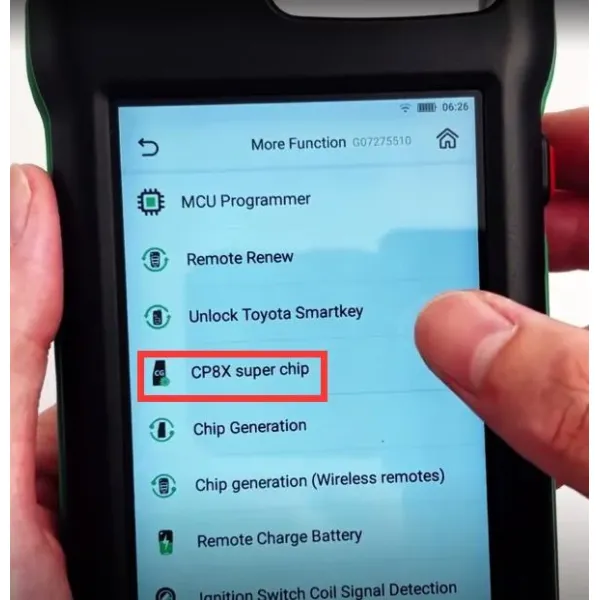
Step 2: Access Chip Conversion Function
Navigate to:
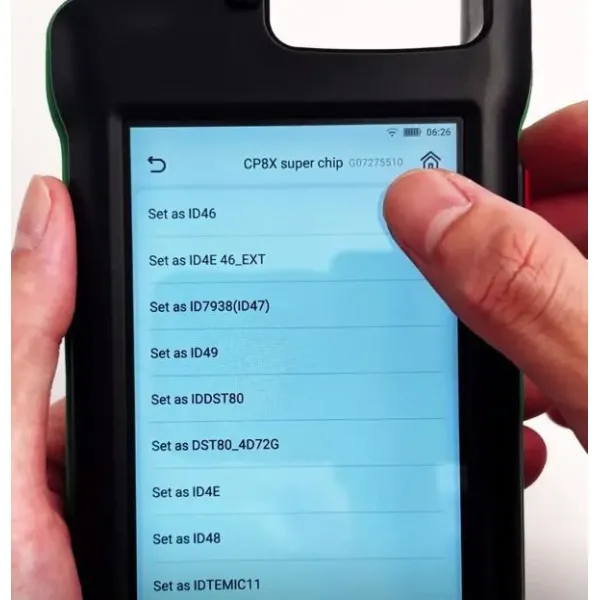
More Function → CP8X Super Chip (or select your target chip type).


Step 3: Select Chip Type & Enter ID
Select the chip type you want from the list:
ID46
ID4E 46_EXT
ID7938(ID47)
ID49
IDDST80
DST80_4D72G
ID4E
ID48
IDTEMIC11
IDTEMIC12
IDMEGAMOS13
ID4A
ID8A(H)
8A(Blank) Chip
ID4C

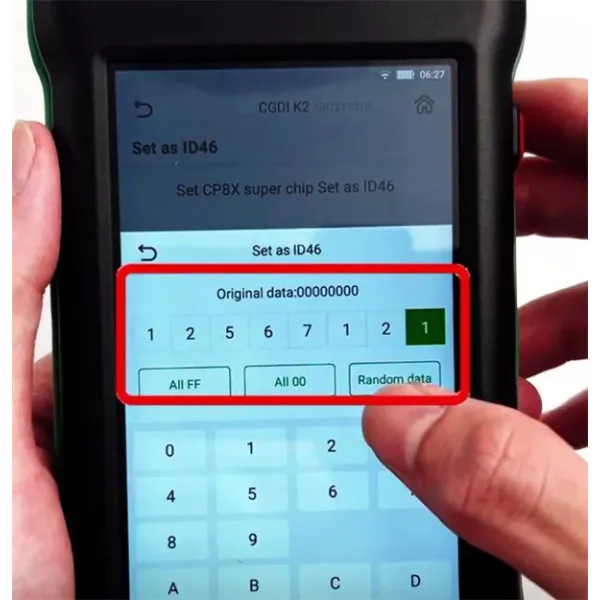
Example: Select "Set as ID46".
Click "Settings" (middle-bottom of the interface).
Enter the Chip ID(e.g.,12567121).

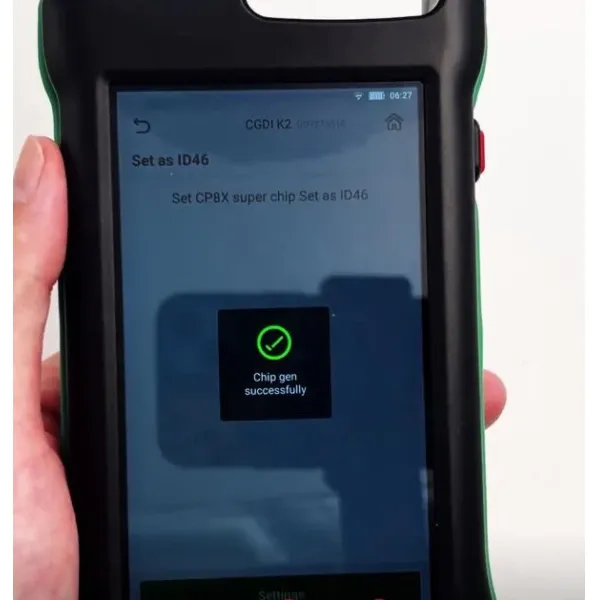
Click "Continue" to start the conversion.
Step 4: Verify Successful Conversion
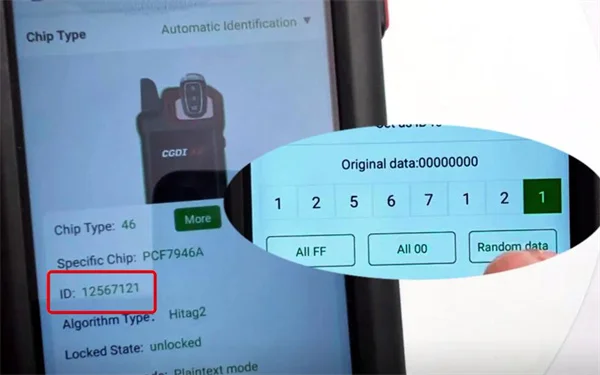
After completion, confirm the Chip ID matches:
Go to: Chip Identification Copy → Chip Identification.
If the displayed ID matches the entered value (e.g.,12567121), the conversion was successful by CGDI K2 key programmer.