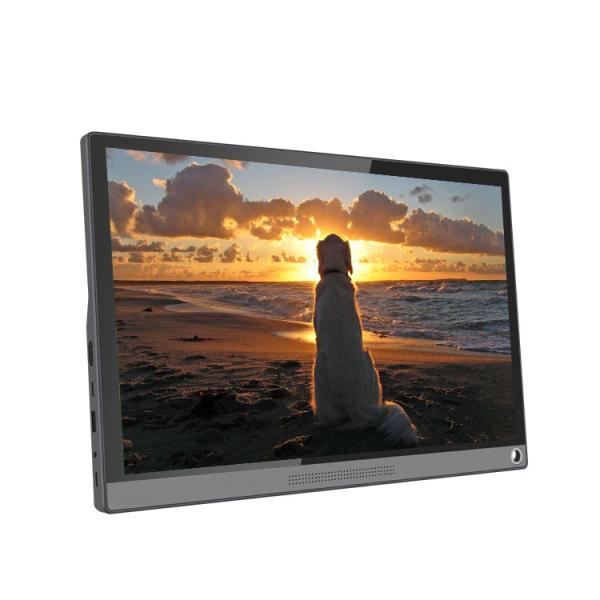
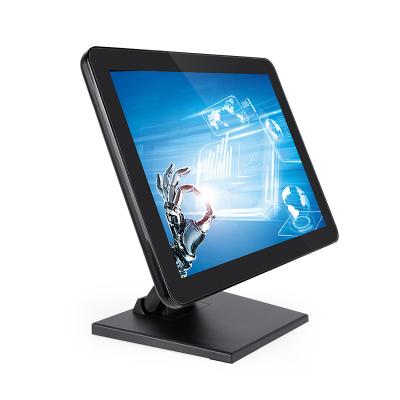
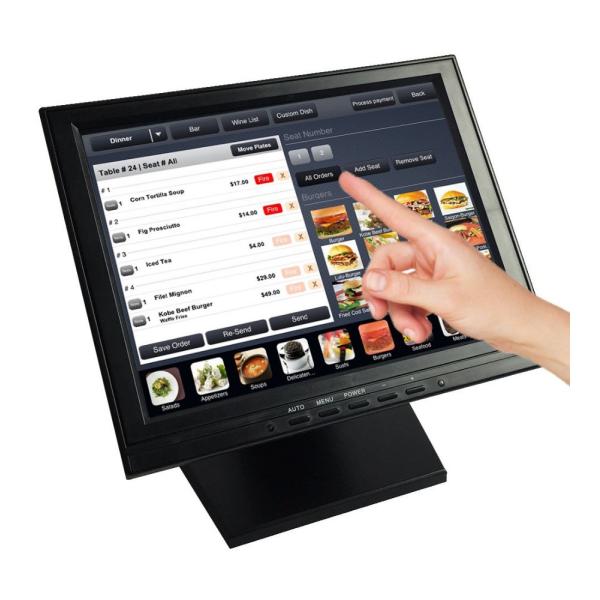
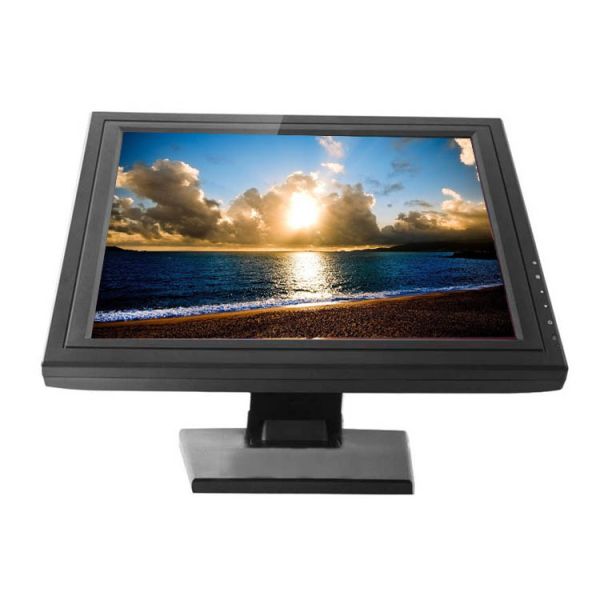
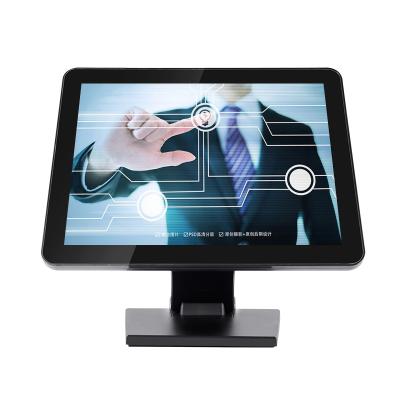
The P215PM 21.5-inch industrial grade touch screen monitor is designed for equipment that requires both visual information and direct touch interaction. It combines a 21.5-inch TFT-LCD panel, 16:9 display ratio, 10-point projected capacitive touch, and a metal case with toughened glass panel for integration into commercial and industrial equipment. The monitor supports VGA, HDMI, and USB connections, with additional interface options available for different system architectures. VESA 75/100 mm mounting, an optional wall bracket, and an optional metal base allow the display to be incorporated into wall-mounted or desktop equipment. With support for Windows, Linux, and macOS, the P215PM can be evaluated for POS systems, ordering terminals, ATM equipment, industrial equipment, information terminals, and other interactive applications.
| Panel size | 21.5 inch TFT-LCD Industrial Grade Touch Screen Monitor | ||||||
|---|---|---|---|---|---|---|---|
| Display ratio | 16:09 | ||||||
| Standard Resolution | 1920*1080/60HZ | ||||||
| Number of Colors | 16.7M | ||||||
| Brightness | 450cd/m2 | ||||||
| Response time | 5ms | ||||||
| View angle | Horizontal:80° | ||||||
| Vertical:70° | |||||||
| Contrase ratio | 1000/1 | ||||||
| Video input format | (analog) RGB | ||||||
| Interface | VGA for video signal | ||||||
| HDMI, AV, TV, USB, BNC, DVI optional | |||||||
| Frequency | HSF:30-80KHZ VSF:56-75HZ | ||||||
| Power supply | External Power Supply: DC 12V | ||||||
| Operation Environment | Workable Temperature:-10 to 60°C Storage temperature:-20 to 70°C | ||||||
| Operate relative humidity:20% to 80%;storage relative humidity:10% to 90% | |||||||
| Touch model | Projected Capacitive touch screen | ||||||
| Optional | (resistive touch,SAW,Infrared touch,etc optional) | ||||||
| Duration | 50000hours | ||||||
| touch validity | >1,000,000 | ||||||
| Mount (optional) | 1) provide wall brackets for wall-mounting, VESA 75mm&100mm | ||||||
| 2) provide stable metal base to support the monitor | |||||||
| OSD control | AUTO,+,POWER,-,MENU | ||||||
| brightness,contrast ratio,auto adjustment,phase position,clock,Languages,function,Install,reset | |||||||
| Touch interface | USB or RS232 optional | ||||||
| Touch response time | 5ms | ||||||
| Warranty | 1 year,provide spare parts | ||||||
| Supporting O.S | Win,Linux,Mac. | ||||||
The 10-point projected capacitive touchscreen allows users to operate compatible applications directly through the display, making the monitor suitable for equipment where touch interaction is part of the operating workflow. The listed 5ms touch response time supports responsive interaction, while touch validity is specified at more than 1,000,000 touches. USB or RS232 can be selected as the touch interface according to the available configuration, and a touch driver is included. This makes the monitor suitable for POS terminals, ordering systems, industrial control interfaces, and information terminals where users need to select menus, enter information, or control software directly from the screen. Alternative touch technologies including resistive, SAW, and infrared are also listed for project-specific evaluation.
The 21.5-inch TFT-LCD panel uses a 16:9 display ratio, 16.7M colors, 1000:1 contrast ratio, and a listed 5ms response time to support information display and interactive interface applications. The specification also lists 80° horizontal and 70° vertical viewing angles, allowing users to view the screen from different positions around a terminal or workstation. The source contains different resolution values in separate sections, so the applicable resolution should be confirmed according to the final configuration before production. From an equipment design perspective, the available screen area can accommodate operating menus, ordering interfaces, POS information, industrial controls, and other software interfaces where users need to read information and respond through touch.
The P215PM provides VGA, HDMI, and USB as its primary listed interfaces, allowing system integrators to connect the monitor with different host devices and equipment architectures. Additional interfaces including AV, TV, BNC, and DVI are listed as optional configurations, providing further flexibility where a project requires alternative video connectivity. USB can also serve as the touch communication interface, depending on the selected configuration. This approach allows manufacturers to evaluate the display against an existing system instead of redesigning the entire equipment structure around a fixed connection method. For POS, ATM, industrial, ordering, and other interactive equipment, interface selection can therefore be considered together with the host system, software environment, and final enclosure design.
The monitor uses a metal case with a toughened glass front panel, providing a structured physical design for integration into commercial and industrial equipment. Rather than being limited to conventional desktop monitor use, this construction can be incorporated into equipment where the display forms part of a larger terminal or control interface. The black enclosure also provides a neutral appearance for different equipment designs and branded products. Combined with the touchscreen, the front glass surface provides a continuous user interface for applications where operators or customers interact directly with the display. For equipment manufacturers and system integrators, the construction can be evaluated together with the mounting method, enclosure dimensions, touch configuration, and surrounding mechanical structure during product development.
The P215PM supports VESA 75 mm and 100 mm mounting, with an optional wall bracket and optional stable metal base. This gives manufacturers and integrators different ways to incorporate the same monitor into the physical structure of finished equipment. Wall mounting can be considered for fixed information or control points, while the metal base supports desktop deployment for suitable POS, ordering, office, or commercial equipment. The source also identifies desktop, indoor, and wall mounting among the product application contexts. Mounting selection can therefore be matched to the terminal layout, operator position, available installation space, and equipment structure without changing the basic display platform.
The P215PM is listed for compatibility with Windows, Linux, and macOS, allowing system integrators to evaluate the touch monitor across different software environments. This is useful when the display is connected to an existing POS application, ordering system, industrial interface, or information management platform rather than being developed as an isolated display solution. The included touch driver supports integration of the touch function with the host system. Actual compatibility should still be evaluated according to the selected touch interface, operating system version, host hardware, and application software. For equipment manufacturers managing different terminal architectures, multi-platform support provides greater flexibility when selecting the operating environment during system integration and product development.
The monitor is specified for an operating temperature range of -10°C to 60°C, with a storage temperature range of -20°C to 70°C. The listed operating relative humidity is 20%–80%, while storage relative humidity is 10%–90%. These values provide defined environmental conditions for manufacturers and system integrators to consider during equipment design and application evaluation. The monitor uses an external DC 12V power supply, providing a defined power input for integration with the overall equipment architecture. These specifications can be reviewed alongside the installation location, host equipment, enclosure design, and expected operating conditions when determining whether the display is suitable for a specific commercial or industrial deployment.
The source identifies applications including POS, ATM, industrial, ordering, desktop, indoor, wall mounting, and car. In these applications, the monitor can function as the visual and interactive interface between users and the underlying equipment or software. For a POS system, it can present transaction information and support touch-based operation. For ordering equipment, the screen can combine menu presentation with direct selection. In industrial equipment, it can provide an operator-facing interface for compatible control software. The same display platform can therefore be evaluated across different terminal designs while the surrounding enclosure, software, mounting structure, and interface configuration are adapted to each project.