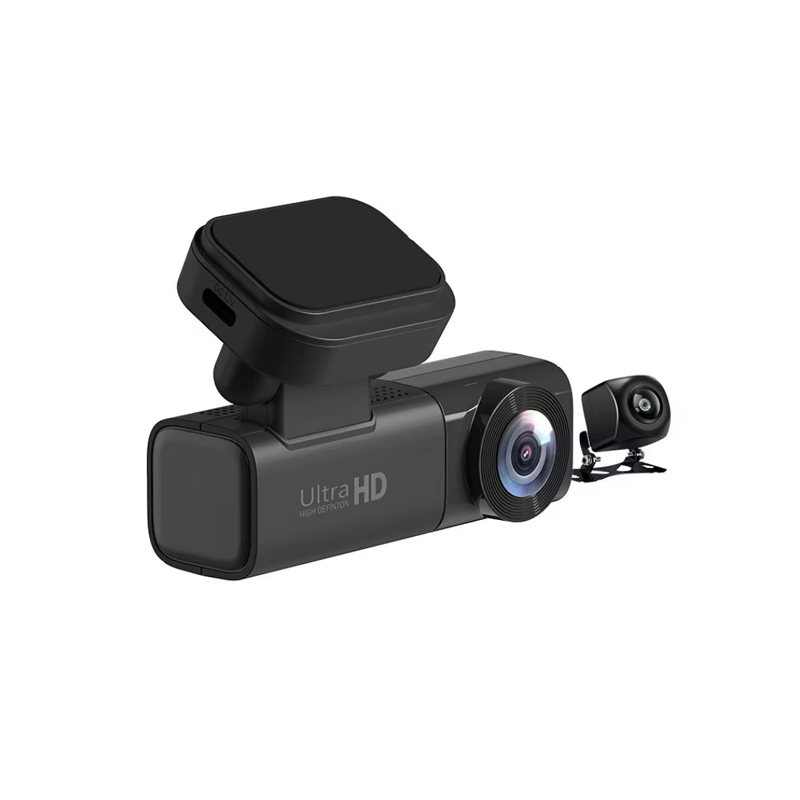
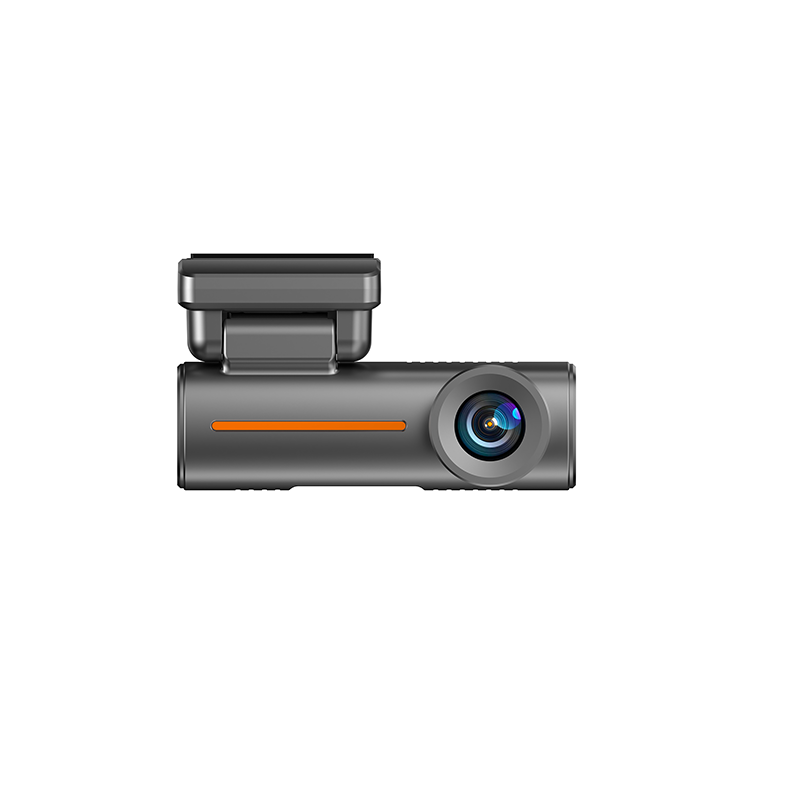
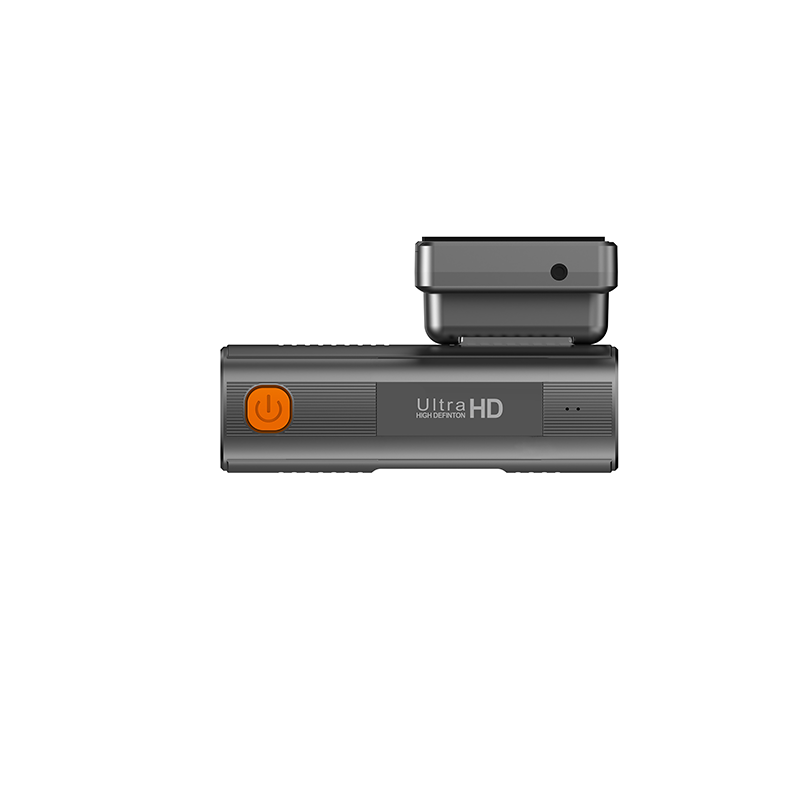
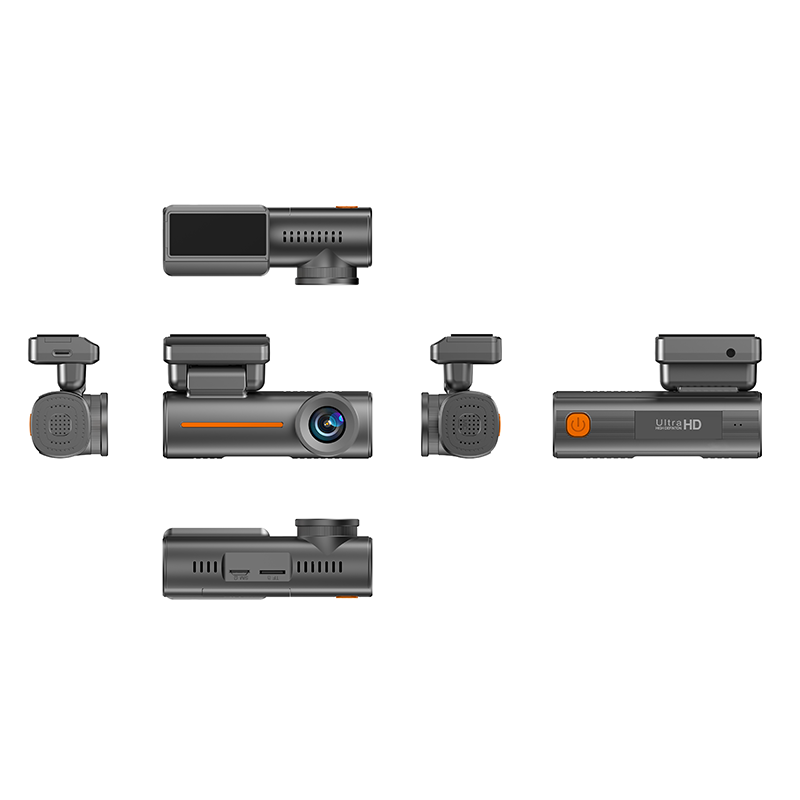
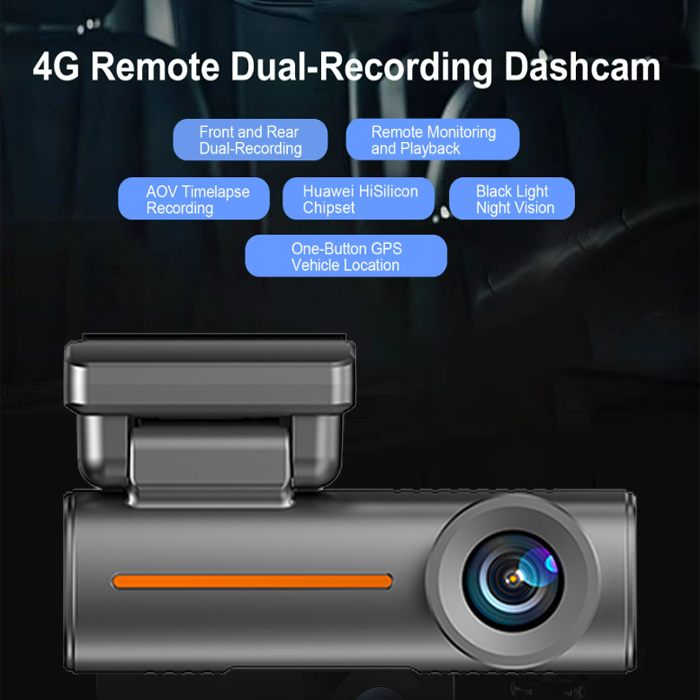
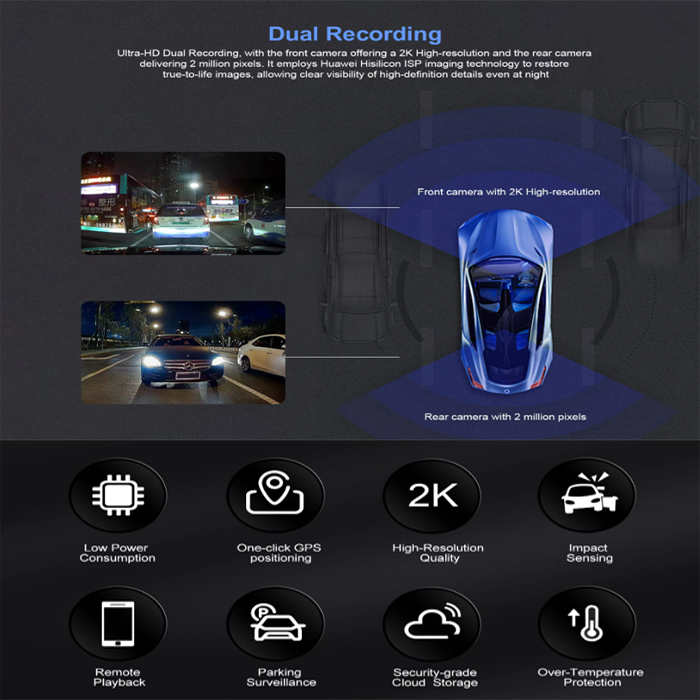
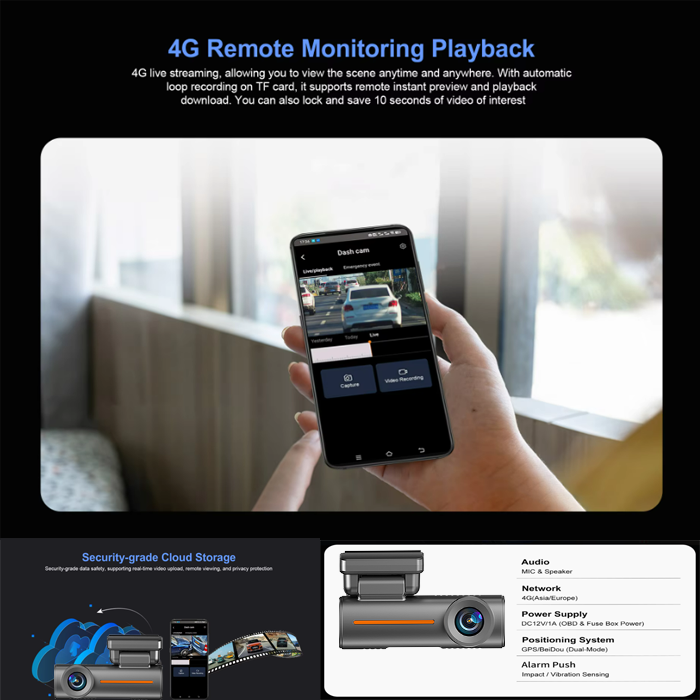
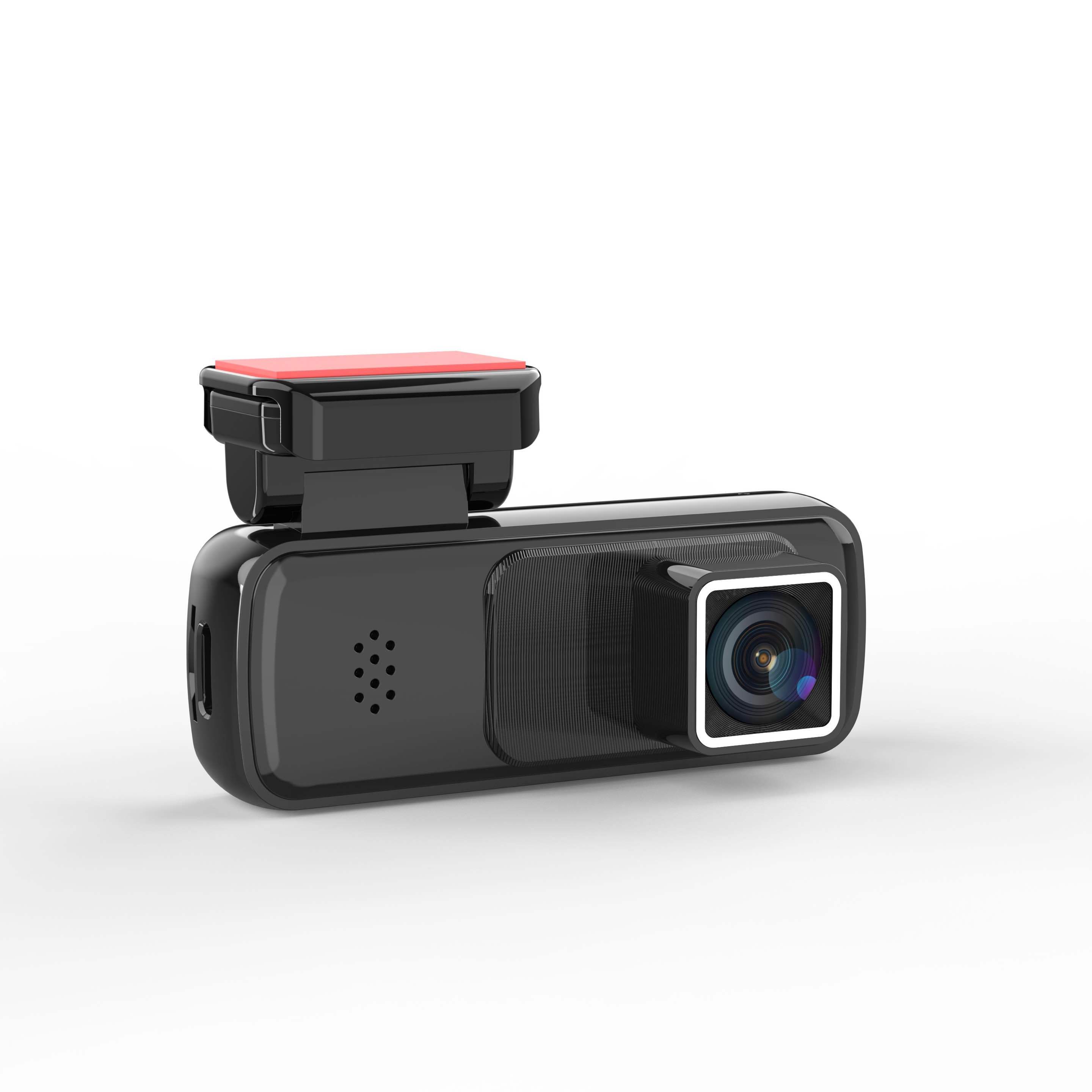
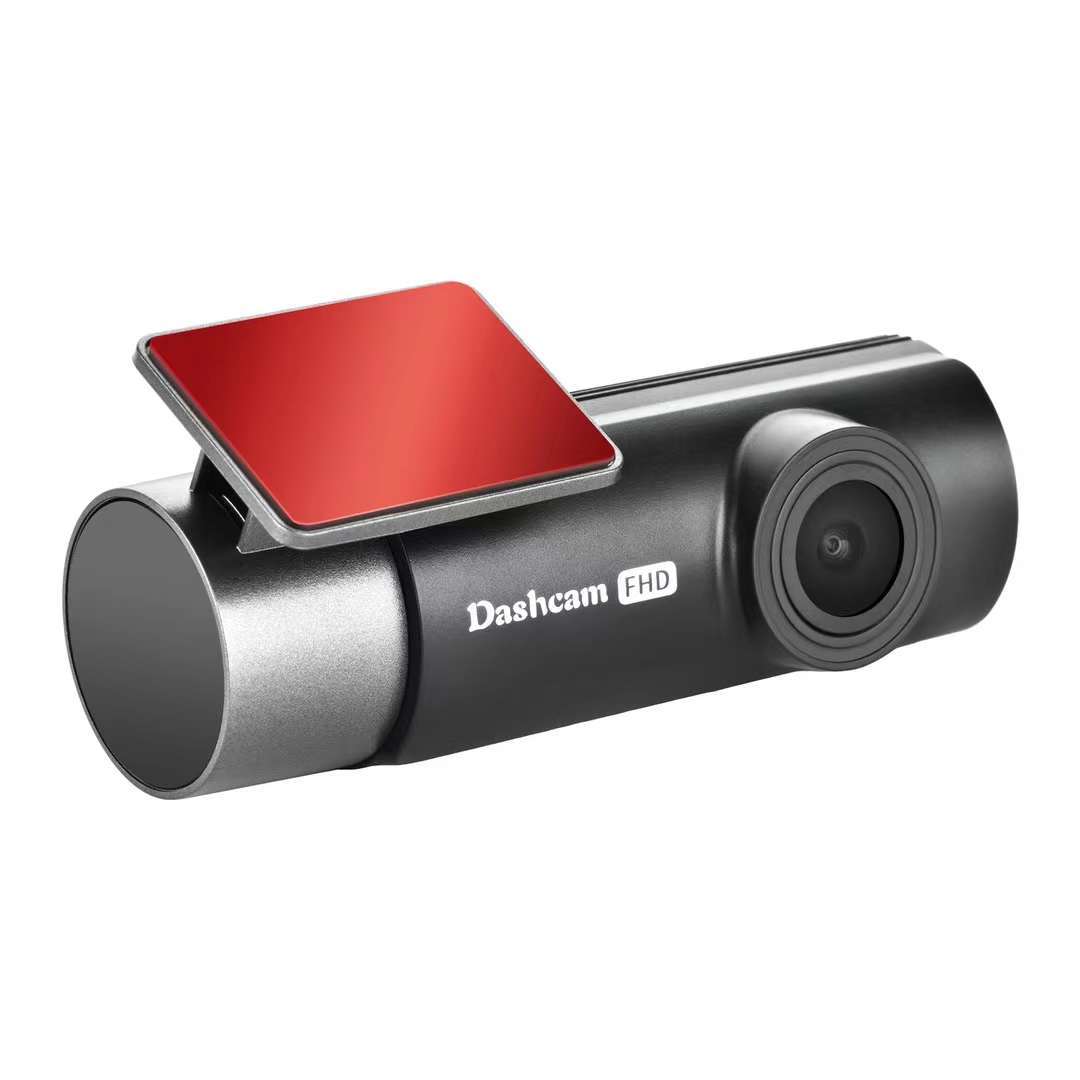
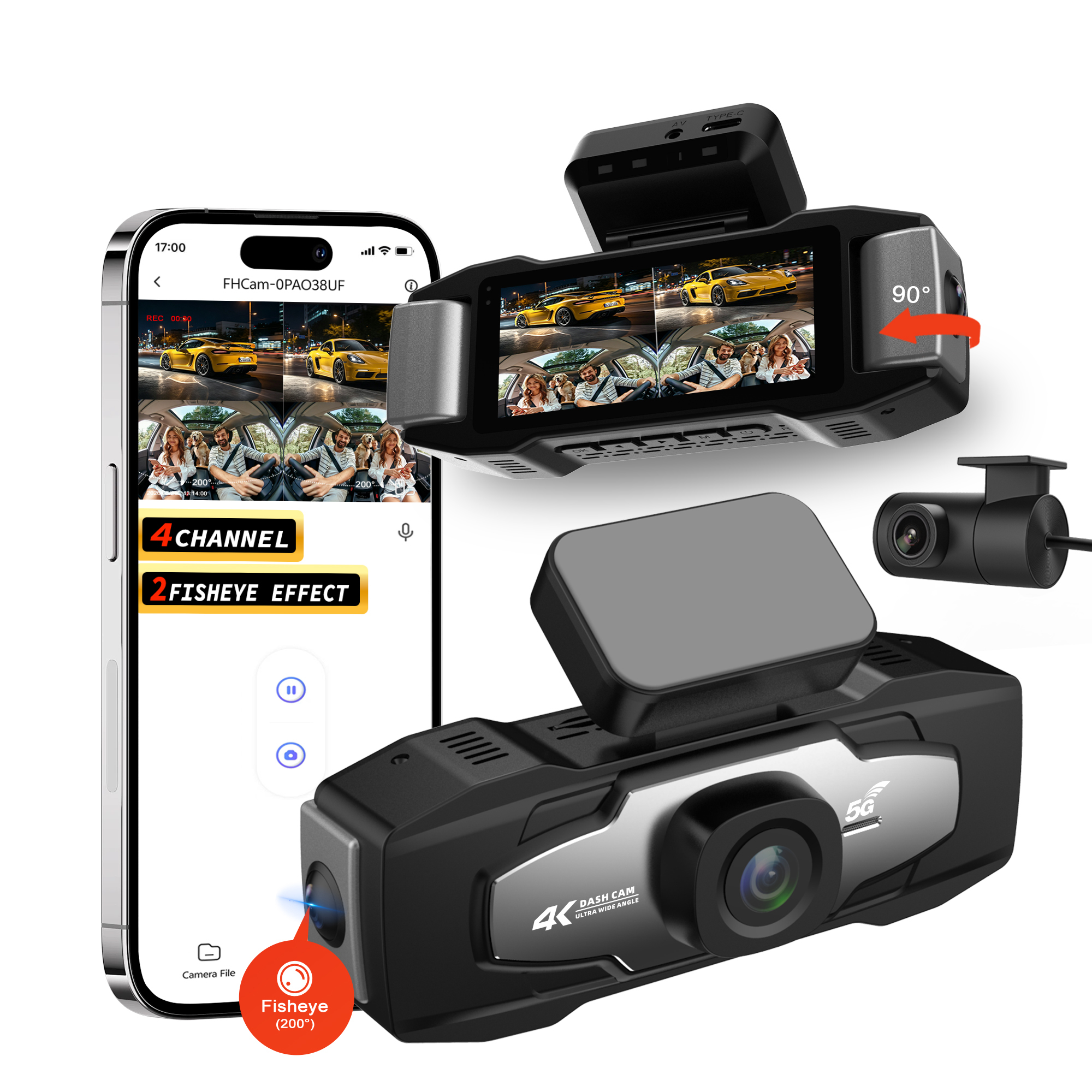
A 4G dual-lens hidden dash cam engineered for rental car fleets, offering app-only control, remote live viewing, and cloud-based fleet management. With 2K front recording, a 1080P rear camera, GPS/Beidou positioning, and intelligent parking monitoring, it delivers dependable surveillance and operational visibility for multi-vehicle operations.
| System | Operating System: Linux |
| Online Users | 4 users watching online simultaneously |
| APP | Overseas: HotKam |
| Processor | Hisilicon CV610 Cortex-A7, 1T computing power |
| Memory | 1Gbit |
| Image Sensor | 4MP 1/3 16:9 CMOS sensor |
| Viewing Angle | Diagonal D 125° |
| Collision Sensing | G-sensor three-axis accelerometer, collision gravity sensor |
| Video Compression | H.264 / MJPEG / JPEG |
| Front Camera | Main stream: 2560×1440P/30fps; Preview sub-stream: 1280×720P/25fps; 2G4P D125° 17 heads |
| Rear Camera | Main stream: 1920×1080P/25fps; Preview sub-stream: 1280×720P/25fps; AHD/2.5mm AV headphone jack; extension cable 5.5 meters long |
| Audio Input | Built-in -38dB microphone |
| Sampling Frequency / Bit Width | 16KHz / 16bit |
| Audio Compression / Bit Rate | G711A |
| Collision Alarm | When the vehicle is hit or vibrated, an alarm event is pushed to the cloud and the mobile APP receives the collision message |
| Human Detection | Human detection algorithm, parking sentry mode |
| 4G Network (Asia Pacific / European Version) | FDD: B1/B3/B5/B8 TDD: B34/B38/B39/B40/B41 External SIM card slot: Nano 12.3mm × 8.8mm × 0.7mm |
| Positioning | GPS: Beidou/GPS dual-mode; one-click car search, electronic fence, track playback; domestic Amap; overseas Google Maps |
| Reset Button | Long press to restore factory settings |
| Power Button | Long press to turn off / short press to lock the video of interest (10 seconds) |
| Storage | Supports T-Flash card (up to 256GB) |
| Cloud Storage | 1 day of free recurring cloud storage |
| Driving Mode | Vehicle start detection driving mode, high frame rate 30FPS image quality, driving sensitivity setting |
| Parking Monitoring | Vehicle parking monitoring with multiple selectable modes: sleep collision recording, intelligent full-time recording, time-lapse recording |
| Alarm Detection | Collision alarm |
| Power Supply | DC12V ±5% @ Type-C interface |
| Working Environment | Working temperature: -10~70℃; working humidity <90% |
The APP delivers a smooth experience, allowing you to quickly open live broadcasts and play back videos.
The mounting bracket is adjustable, allowing you to set the device angle according to your vehicle model. You can fine-tune the angle while previewing the real-time image via the dedicated mobile app.
The dash cam requires a stable power supply to boot up. Please verify that the power connection is secure (use the original car charger included in the package).
Check whether the power cable connector is loose at the dash cam port.
If the issue persists, contact our after-sales support team for assistance.
Disconnect the power supply, restart the device, and check whether the function is restored.
Try replacing the SD card with a new one, or format the existing card (compatible with CLASS 10 U1 SD cards, 8GB–256GB capacity).
If the problem remains unresolved, contact customer service immediately.
1. Check that the dash cam is powered on and its Wi-Fi function is enabled (the Wi-Fi indicator light is on).
2. Ensure the mobile phone is close to the dash cam to receive the Wi-Fi signal.
3. Verify that the mobile phone has connected to the correct Wi-Fi name of the dash cam.
4. If the connection fails repeatedly, restart both the dash cam and the mobile phone, then try again.
This dash cam model does not have a built-in lithium battery. It cannot power on without being connected to a car charger. Please connect the device to the vehicle's lighter port via the included car charger to activate it.