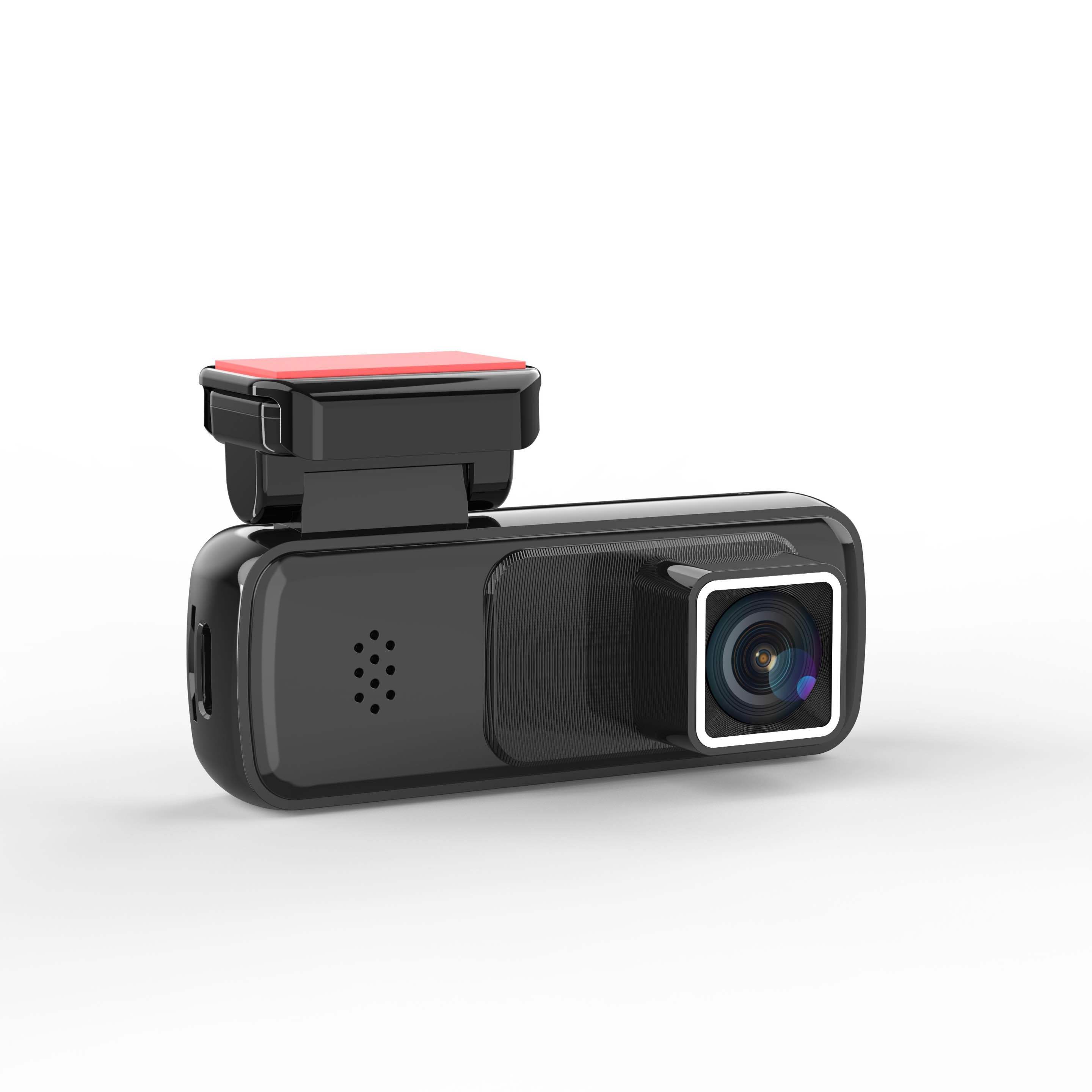
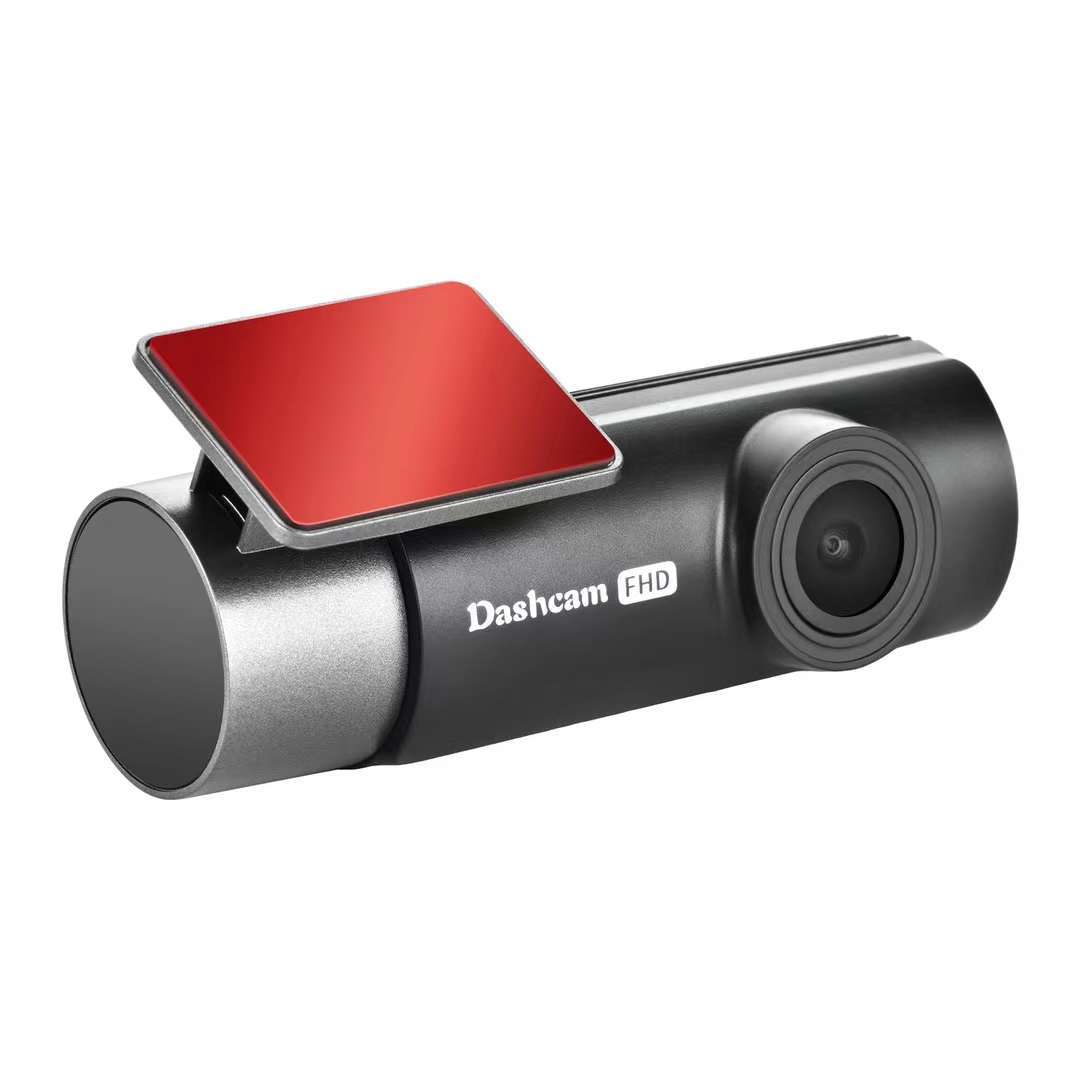
Dual Channel Dash Cam for Uber Lyft Drivers 4K UHD Front Rear Recording
Professional Dash Camera Solution
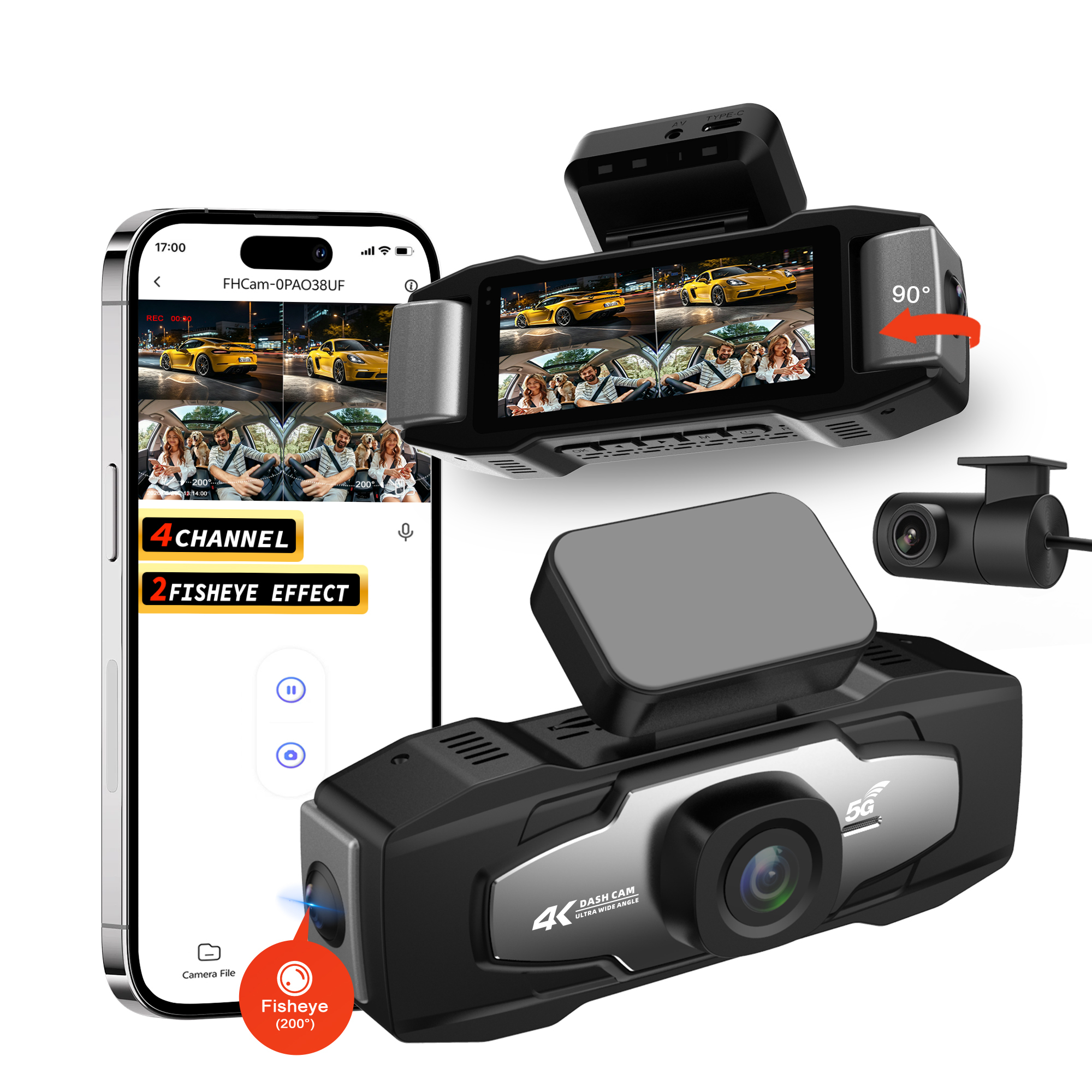
Advanced dual-channel recording system designed specifically for rideshare drivers, providing comprehensive road monitoring with 4K UHD front and 1080P rear camera capabilities.
Key Features
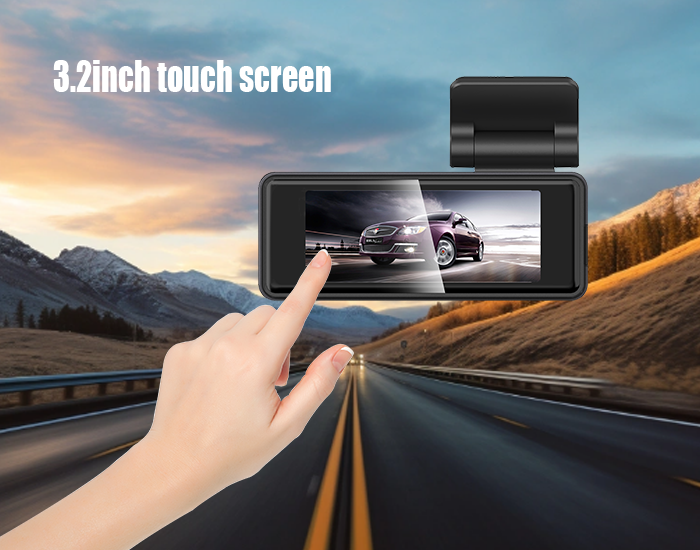
- 3.2 Inch Responsive IPS Touch Screen with Anti-glare Display
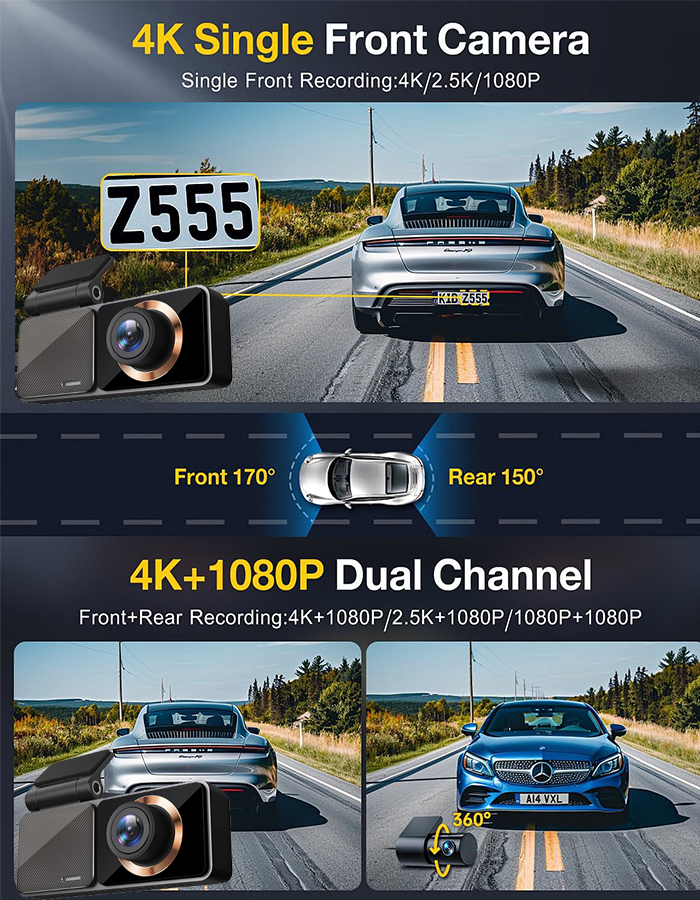
- 4K Front + 1080P Rear Dual Lens for Full Road Monitoring
- Built-in WiFi for One-click Phone Connection & Video Download
- Integrated GPS for Real-time Speed & Driving Track Logging
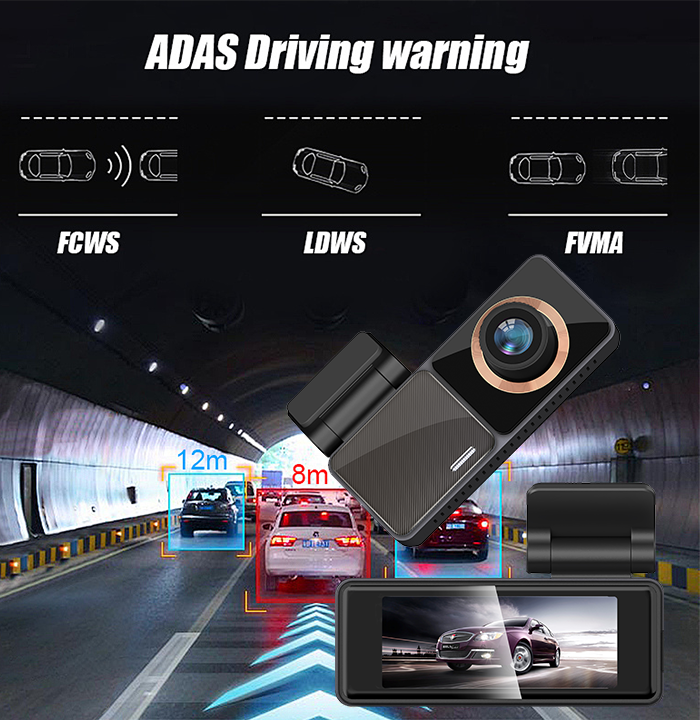
- ADAS Smart Driving Alert to Reduce Traffic Accident Risks
- User-friendly Touch Control with Zero Learning Cost
Main Features
Dual Channel Synchronous Recording
Dual-lens full-range monitoring eliminates driving blind spots. The ultra HD 4K front camera captures tiny road details, distant license plates, and traffic signs sharply day and night, while the 1080P rear camera records rear road conditions steadily. Dual cameras record simultaneously without frame drop or image compression, saving credible accident evidence to avoid traffic dispute losses.
Built-in WiFi | Wireless Connection & Quick Sharing
Integrated stable WiFi module pairs with your mobile phone within seconds. Preview real-time road footage, playback historical videos, download original 4K videos and share driving moments to social media wirelessly. Compatible with iOS & Android dedicated APP, no extra driver installation required.
Accurate Built-in GPS, Driving Track Sync Recording
High-sensitivity GPS receiver synchronously records driving route, real-time vehicle speed, location and driving time during video recording. All navigation data overlays on playback screen, perfect for travel tracking, accident responsibility verification and daily driving data recording.
ADAS Smart Driving Assistance System
Upgraded ADAS intelligent driving auxiliary system is the core safety highlight of this car dashcam. It provides real-time intelligent driving alerts to prevent traffic risks:
- LDWS Lane Departure Warning: Alarm when vehicle drifts out of driving lane accidentally
- FCWS Forward Collision Warning: Remind drivers of potential front vehicle collision risks
- Vehicle Start Reminder: Alert when front car drives off to avoid slow reaction
Technical Specifications
| View Angle |
Front: 150° view angle, F1.6 Rear: 125° view angle, F2.2 |
| Video Resolution |
Front: 4K (3840×2160) 30fps / 2K (2560×1440) 30fps Rear: 1080P (1920×1080) 30fps |
| Screen |
3.2 Inch |
| Video Format |
TS |
| Photo Format |
MJPG |
| Battery |
No battery + RTS battery |
| Car Charger |
Input: 12-24V Output: 5V |
| Micro SD |
Up to 256GB TF card (not included) |
| Bracket |
3M bracket |
| Language |
Multi-Language |
| Microphone |
Built-in |
| Speaker |
Built-in |
| Interface |
Type-C / TF card slot |
| WiFi |
Yes, 2.4G WiFi |
| APP |
Viidure |
| GPS |
Option, external |
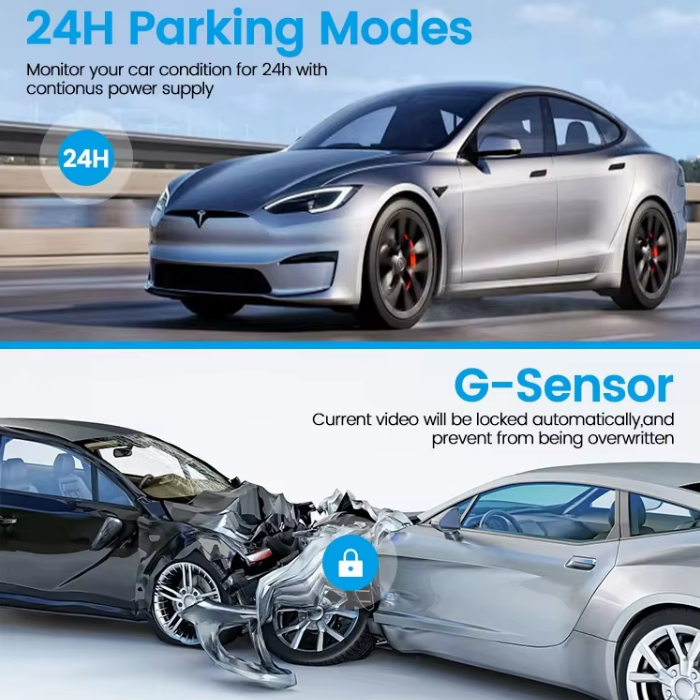
| Parking Mode/Motion Detection |
Support, need work with hardwire kit |
| G-sensor (Impact Detection) |
Support |
| Loop Recording (Continuous Recording) |
Support |
Frequently Asked Questions
Q1: Can the camera lens angle be adjusted?
The mounting bracket is adjustable, allowing you to adjust the device angle according to your vehicle model. You can fine-tune the angle while previewing the real-time image via the dedicated mobile app.
Q2: Why won't the dashcam power on?
The dashcam requires a stable power supply to boot up. Please verify that the power connection is secure (use the original car charger included in the package). Check if the power cable connector is loose at the dashcam port. If the issue persists, contact our after-sales support team for assistance.
Q3: What should I do if the device freezes and stops recording?
Disconnect the power supply, restart the device, and check if the function is restored. Try replacing the SD card with a new one, or format the existing card (compatible with CLASS 10 U1 SD cards, 8GB-256GB capacity). If the problem remains unresolved, contact customer service immediately.
Q4: Why can't the mobile phone connect to the dashcam's Wi-Fi?
1. Check if the dashcam is powered on and its Wi-Fi function is enabled (the Wi-Fi indicator light is on).
2. Ensure the mobile phone is close to the dashcam to get the Wi-Fi signal.
3. Verify that the mobile phone has connected to the correct Wi-Fi name of the dashcam.
4. If the connection fails repeatedly, restart both the dashcam and the mobile phone, then try again.
Q5: Built-in battery inquiry
This dashcam model does not have a built-in lithium battery. It cannot power on without being connected to a car charger. Please connect the device to the vehicle's lighter port via the included car charger to activate it.