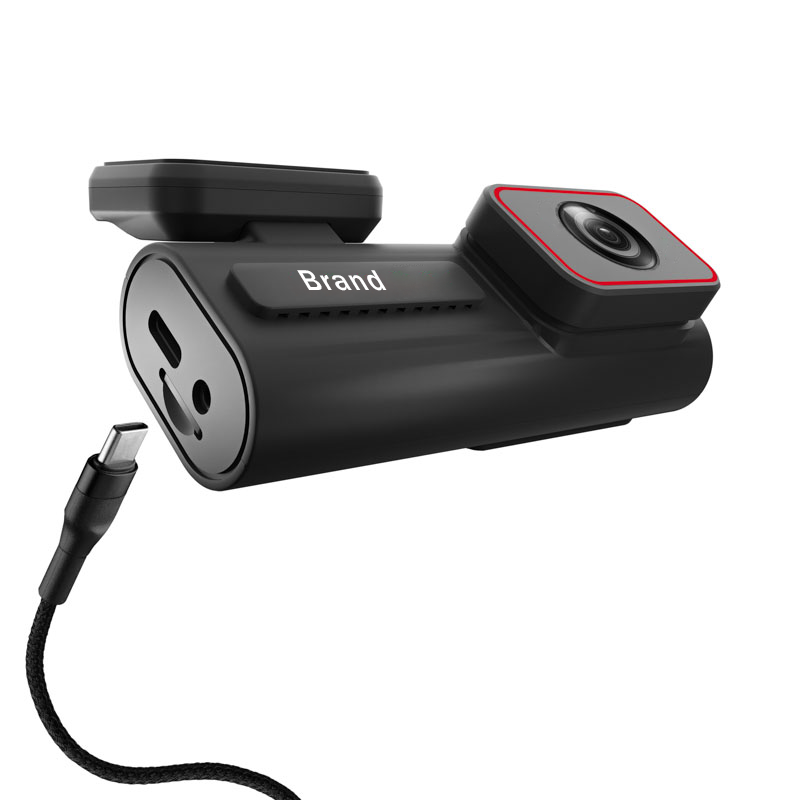

Real 4K Dual Lens Dash Cam With WIFI GPS Parking Mode Loop Recording And G Sensor
Frequently Asked Questions
What is the resolution of the front and rear cameras?
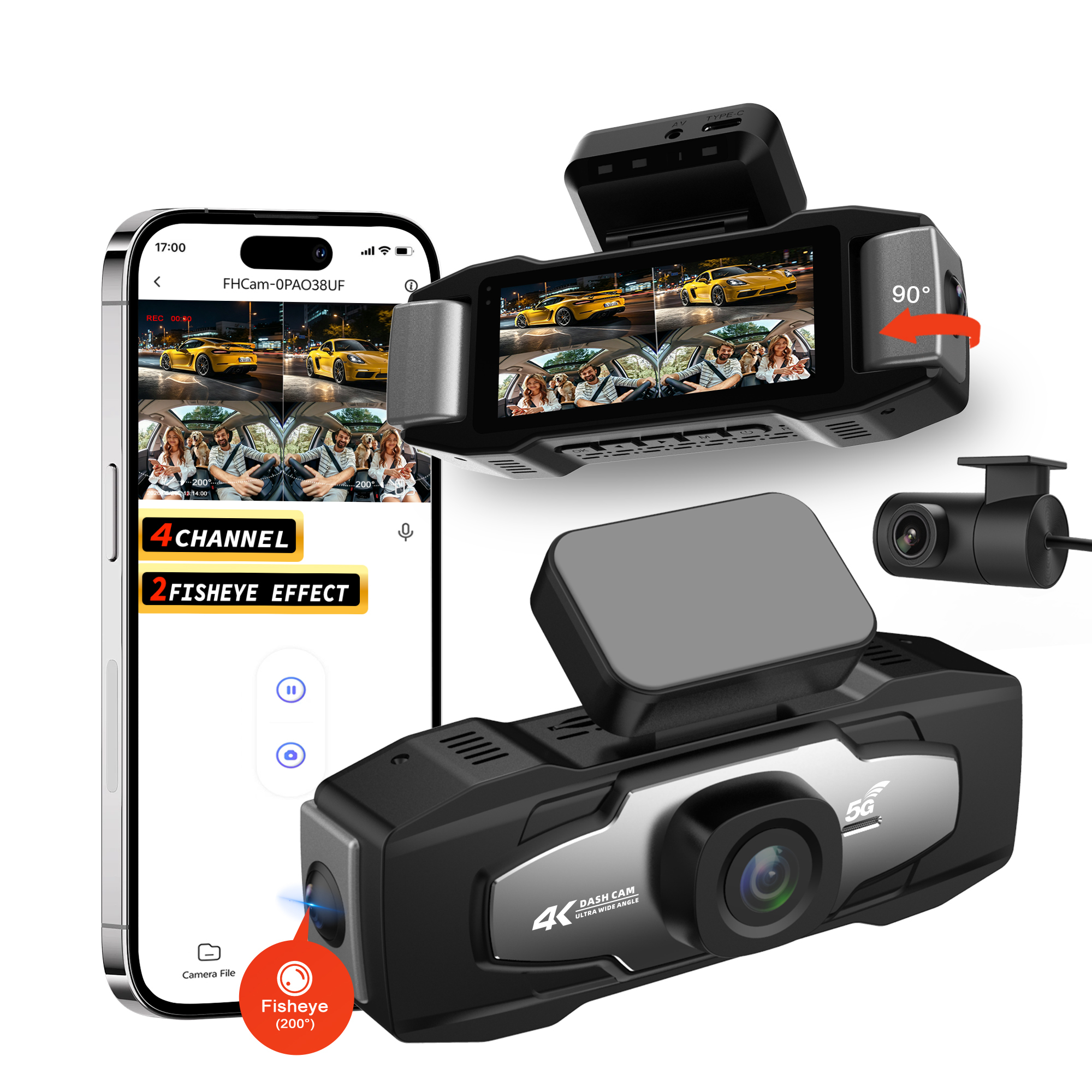
The front camera records in 4K UHD (3840*2160) resolution, while the rear camera records in 1080P Full HD (1920*1080) resolution. This dual-resolution setup ensures high-quality footage for both front and rear coverage.
How do I connect the dash cam to my smartphone via WiFi?
First, download the dedicated app (compatible with iOS and Android) from the App Store or Google Play. Turn on the dash cam's WiFi function, then open your phone's WiFi settings and connect to the dash cam's network. Once connected, you can access the dash cam's footage, adjust settings, and download files through the app.
Does the GPS module work without a cellular connection?
Yes, the GPS module works independently of a cellular connection. It uses satellite signals to track your location, speed, and route, and embeds this data directly into your video footage. You can review the GPS data later via the app or compatible software.
What size memory card does the dash cam support?
The dash cam supports microSD cards with a capacity of up to 512GB (Class 10 or higher recommended). For optimal performance, we suggest using a high-quality microSD card to ensure smooth loop recording and reliable data storage.
Can I install the dash cam myself, or do I need professional help?
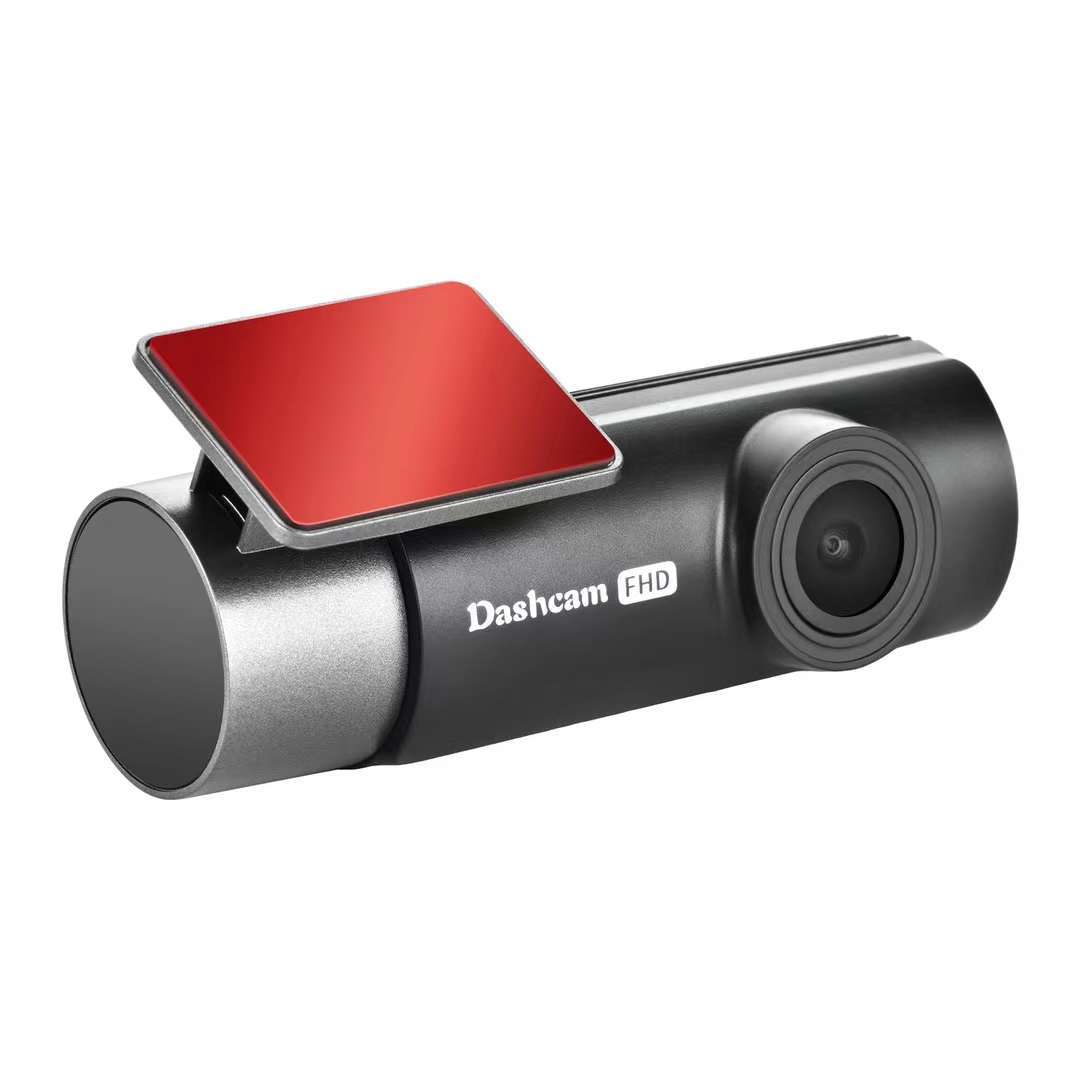
The dash cam is designed for easy DIY installation. It comes with a suction cup or adhesive mount for attaching to the windshield, and a plug-and-play power cable that connects to your car's USB port. No complex wiring or professional tools are required—most users can complete the installation in a few minutes.
Does the dash cam work in extreme temperatures?
Yes, the dash cam is built with a heat-resistant body and can operate in a wide range of temperatures (typically -20°C to 60°C / -4°F to 140°F). It is designed to withstand the heat inside a parked car in summer and cold temperatures in winter, ensuring reliable performance year-round.
How do I lock important footage to prevent it from being overwritten?
There are two ways to lock footage: 1) The built-in G-sensor automatically locks the current video when it detects a collision or sudden impact. 2) You can manually lock videos via the dedicated app or the physical buttons on the dash cam. Locked videos are stored in a separate folder and will not be overwritten by loop recording.