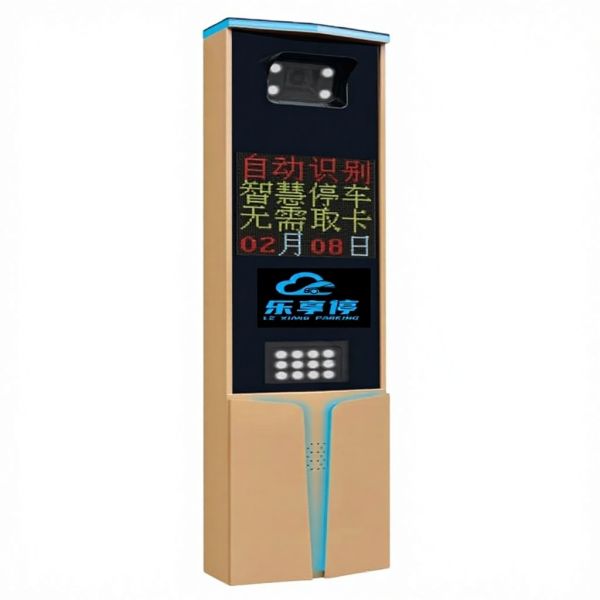
License Plate Recognition Cameras LPR Supporting Cloud Based Data Management and Real Time Vehicle Tracking Capabilities
Product Overview
Model: PS02-4HP
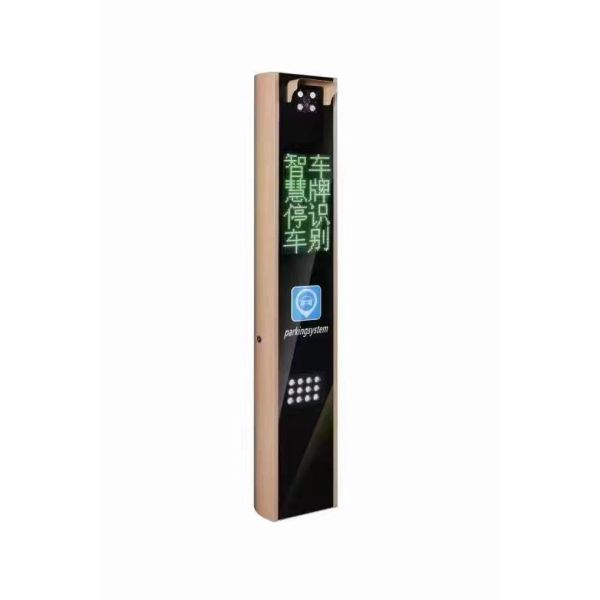
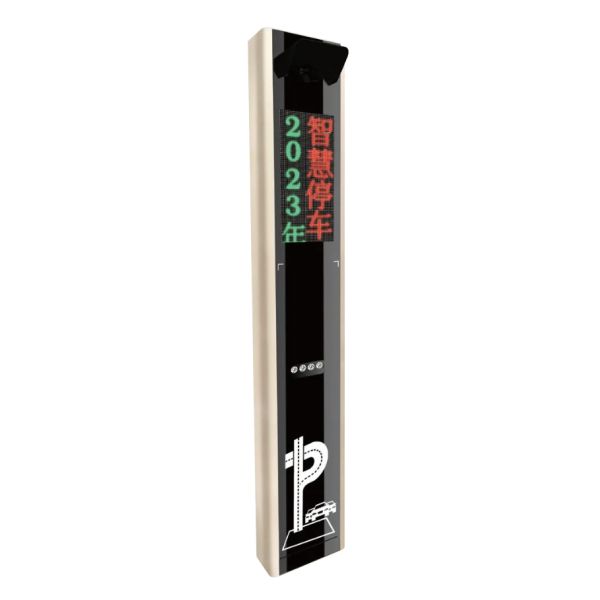
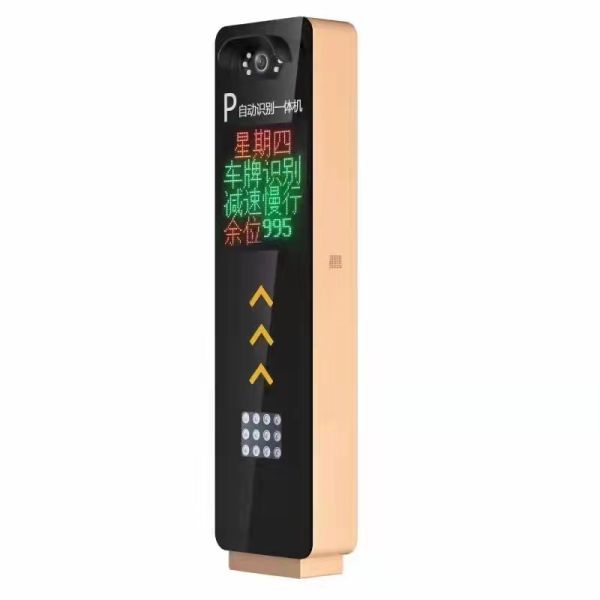
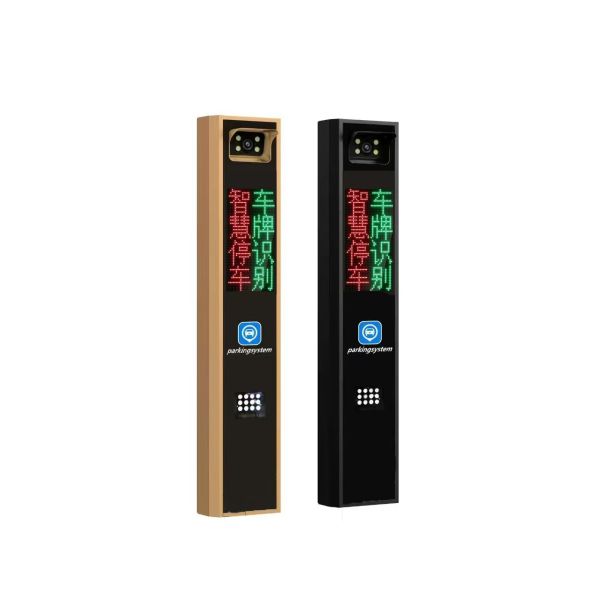
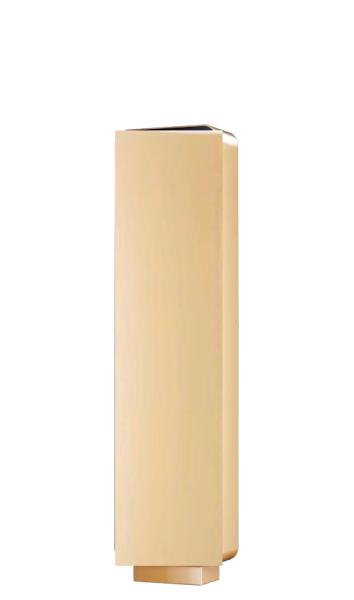
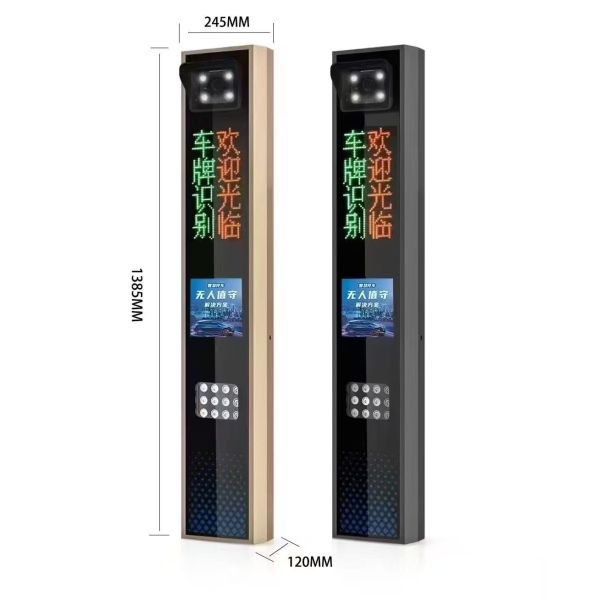
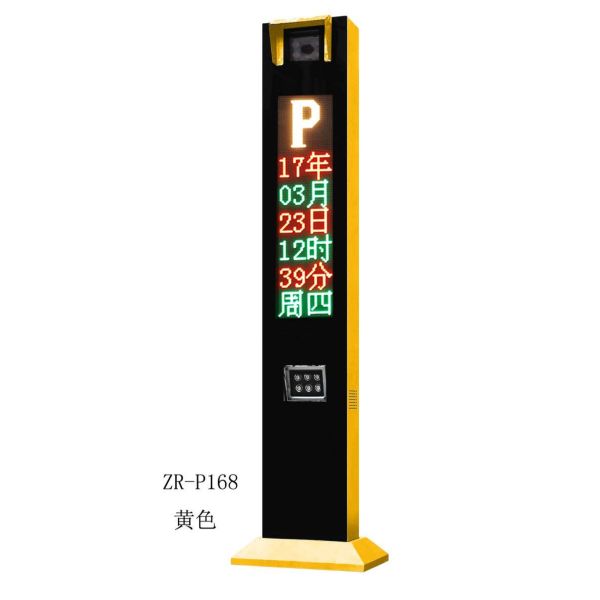
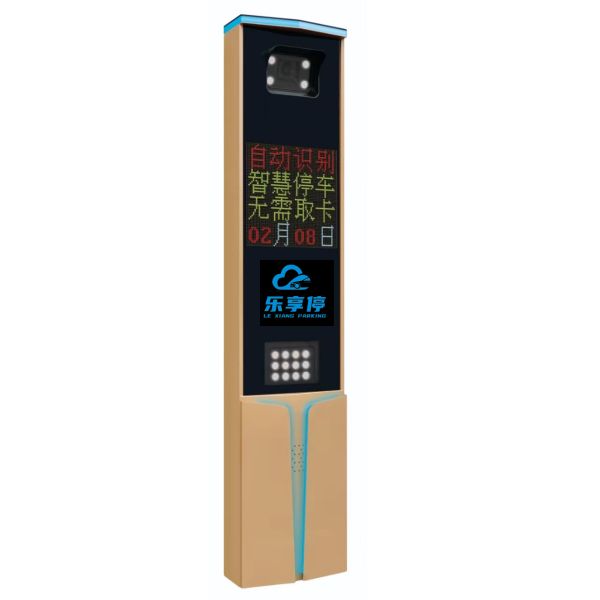
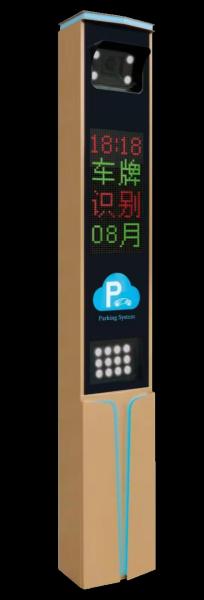
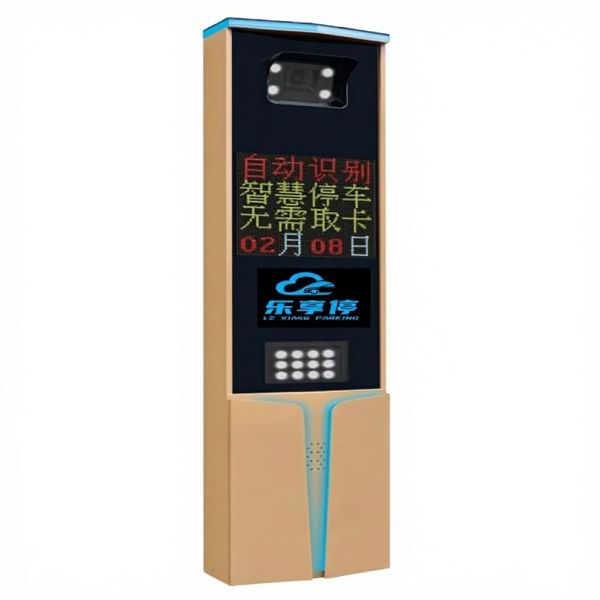
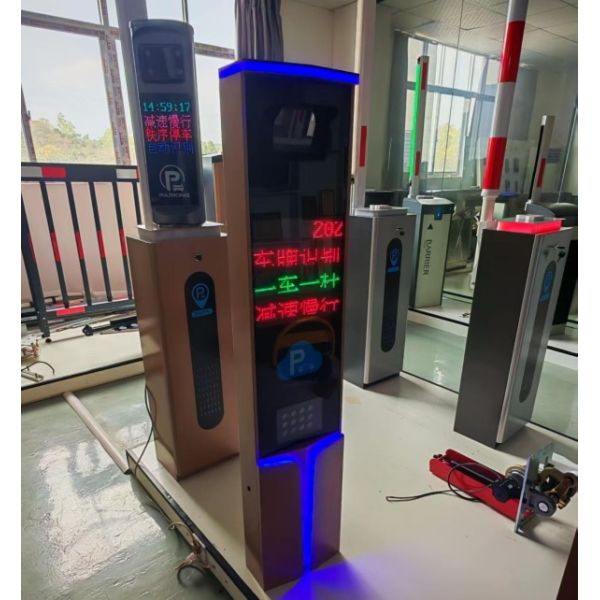
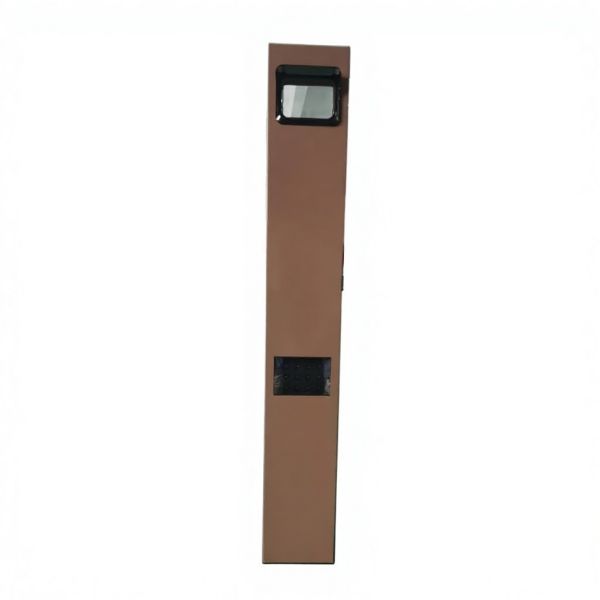
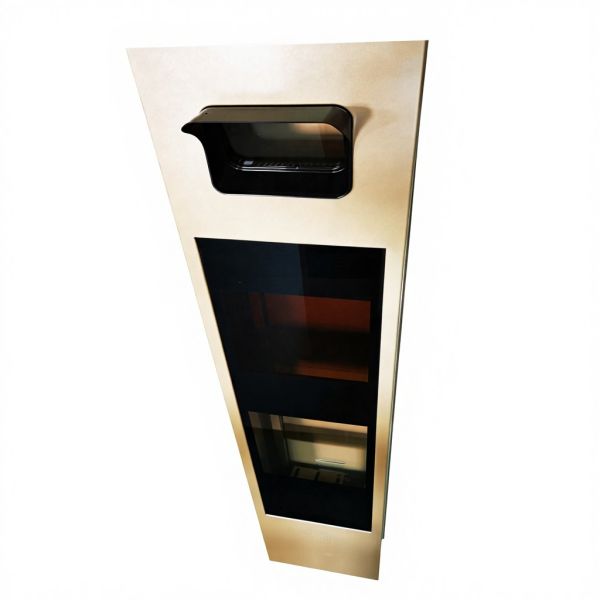
The PS02 features a gold-colored housing with a single-module vertical-screen display design, utilizing a dual-color LED module. It includes an advertising/QR code window and is equipped as standard with 12 built-in 220V supplemental lighting units. It runs a custom V.20 firmware, with a built-in Z004C5 5-megapixel camera by default. Standard license plate recognition software is included. The exclusive design showcases strong aesthetic lines with a novel display mode.
Key Feature Highlights
Single-module vertical screen display
Clean minimalist design
LED light strip
Technical Specifications
| Parameter |
Value |
| Character Library |
Chinese National Standard Level-2, max 16,384 Chinese characters |
| Voice Output |
Human voice synthesis; expandable TTS (arbitrary text-to-speech) |
| Data Communication |
RS-485 transparent transmission |
| Text Display |
4 Chinese characters per line, 2-row vertical layout (max 20 scrolling characters) |
| Display Modes |
Scroll left, Scroll right, Static display |
| Unit Dimensions |
1390 mm * 205 mm * 175 mm (H * L * W) |
| Display Screen Size |
160 mm * 320 mm |
| Installation Angle |
Fine angle adjustment |
| LED Viewing Angle |
±35° * ±20° |
| LED Luminous Decay |
≤ 5% / 10,000 hours (25°C, 20mA) |
| Average Lifespan |
≥ 50,000 hours |
| Input Voltage |
AC 200–240 V, 50 Hz |
| Operating Voltage |
DC 12 V / 5 A |
| Storage Temperature |
-20°C to +65°C |
| Operating Temperature |
-20°C to +65°C |
| Protection Rating |
IP65 |
| MTBF |
30,000 hours |
Product Functions
| Function |
Status |
| Numeric Display |
Supported |
| Text Display |
Supported |
| QR Code Display |
Supported |
| Voice Announcement |
Human voice by default |
| Monochrome / Dual-color Display Module |
Supported |
| Full-color Display Module |
Not Supported |
| TTS Universal Voice |
Supported (E6 only; E6-3 / F6 boards not supported) |
| Supplemental Lighting Power Interface |
Supported |
| Open Protocol Integration |
Supported |
| Zongting Cloud Compatible |
Supported |
Electrical Diagram
Figure 1: Internal Component Electrical Wiring Diagram
Installation Cable Schedule (One Entry / One Exit)
| Cable Type |
Specification |
Qty |
Connection |
| Network Cable |
CAT5E / CAT6 |
2 |
LPR Camera ↔ Switch |
| Gate Open/Close Signal Wire |
0.5mm² 2-core |
4 |
LPR Camera ↔ Barrier Gate |
| RS-485 Communication Wire |
0.5mm² 2-core |
2 |
LPR Camera ↔ Display Mainboard |
| 220V Power Cable |
1mm² 3-core |
2 |
LPR Display Screen ↔ External Power |
| 220V Power Cable |
1mm² 3-core |
2 |
Barrier Gate ↔ External Power |
| Ground Sensor Signal Wire |
0.5mm² 2-core |
2 |
Vehicle Detector ↔ Barrier Gate Mainboard |
| Ground Sensor Loop Wire |
Standard loop wire |
2 |
Inductive Loop ↔ Vehicle Detector |
Installation Procedure
- Step 1: Pre-lay conduit and prepare concrete bases or safety islands.
- Step 2: Pre-lay cables according to equipment electrical connections.
- Step 3: Install expansion bolts to secure the equipment.
- Step 4: Connect and secure external electrical wiring.
- Step 5: Inspect high-voltage wiring, then power on for testing.
- Step 6: Configure other functional settings and bring the system online.
- Step 7: Observe operating results and fine-tune as needed.
Fault Diagnosis
| Fault Symptom |
Solution |
| Online — no display |
Check channel screen communication mode; verify RS-485 wiring between mainboard and camera. |
| Online — no voice announcement |
If display is normal: check volume setting for the channel. If display is also blank: check communication mode and RS-485 wiring. |
| Offline — no display |
Check the offline protocol settings on the camera. |
| Offline — no voice announcement |
If display is normal: speaker or mainboard issue — power-cycle to diagnose. If display is also blank: check offline settings. |
| Online: double voice announcement |
Multiple clients may be monitoring the same view simultaneously; or check whether real-time whitelist is enabled in camera settings. |
| Online exit: announcement only, no display |
Screen does not support QR code display being enabled alone. Fix: uncheck "Display exit self-payment QR code" in LPR software parameters. |
| Missing characters on display module |
Swap the display mainboard or display module for testing. |
| Middle row not displayed |
Press the Function + Settings buttons on the display mainboard; adjust color type to Monochrome / Dual-color. |
| Voice noise / static |
Replace the speaker or display mainboard for testing. |
| QR code not displayed |
In LPR software parameters, check "Display exit self-payment QR code" and enter the QR code URL in the exit channel (dual-color module required). |
| Black screen |
Check display power supply and mainboard firmware version; contact technical support. |
| Fogging / condensation |
Check the louver vents on the enclosure door, or replace the camera housing. |
| Ghost image on display |
Hold Function + Settings buttons simultaneously to enter QR scanning mode. |
| Red screen |
Swap the mainboard for testing to determine whether the issue is with the mainboard or display module. |
Safety Notices
- High-voltage installation — only qualified personnel may disassemble or assemble this equipment.
- The glass components are fragile — prevent dropping.
- After installation, carefully inspect power cables and signal cables to avoid damage upon energizing.
- When requesting warranty service for the mainboard, inform the service center of the display screen type.
- Horizontal camera angle adjustment should be within ±15°; direct recognition distance is ≥ 3 m. Evaluate based on the specific project environment.
- Advertising text must not exceed 30 Chinese characters and must not include special symbols.